An 86-inch infrared interactive whiteboard is a large-format display with an infrared touch system. IR touch uses a grid of infrared emitters and receivers around the display area to detect fingers, pens or other objects. When a user writes or touches the board, the interruption in the infrared grid is converted into a touch coordinate. This technology is widely used in education because it supports multi-user writing, works with bare fingers or styluses, and is generally cost-effective compared with some alternative touch technologies.
The 86-inch size has become a practical middle ground for international procurement. It offers enough screen area for a standard classroom, a university seminar room or a corporate training room, but it remains easier to transport, install and service than a very large 98- or 102-inch model. For many projects, an 86-inch IR interactive whiteboard delivers the best balance of visibility, installation cost, shipping efficiency and classroom impact.
Why 86 inches is the practical middle ground
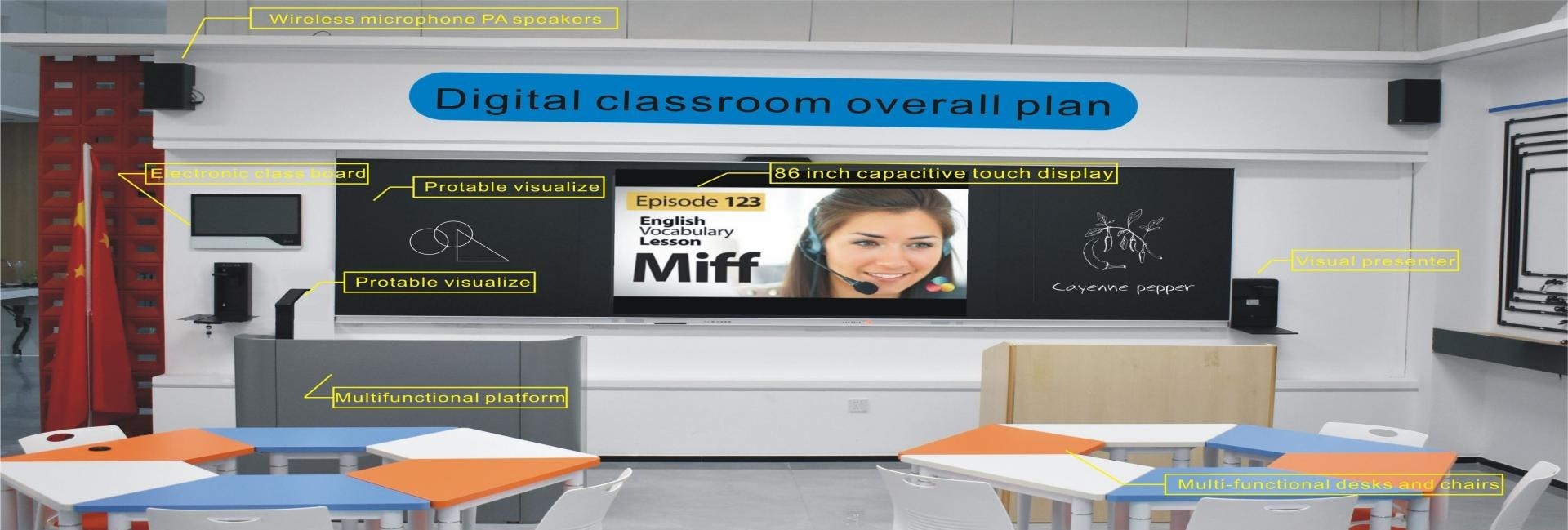
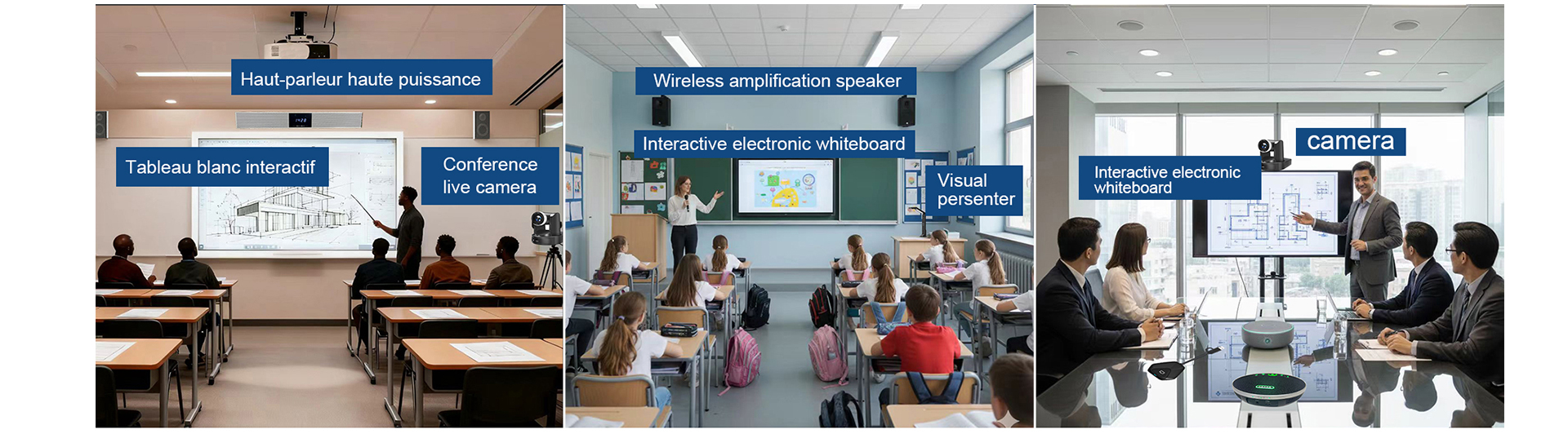
The right screen size depends on room depth, ceiling height, mounting position and seating layout. In many standard classrooms, an 86-inch board allows students in the back rows to read text and view diagrams clearly when the display is mounted at the correct height. In corporate meeting rooms, it provides enough space for presentations and annotation without dominating the wall. Buyers should confirm sightlines, glare from windows and the position of lighting fixtures before finalizing the installation plan.
Specifications that change the real buying decision
Two 86-inch infrared interactive whiteboards can look similar in a catalog but perform very differently in daily use. Procurement teams should compare the details that affect teaching continuity, maintenance and total cost of ownership.
- Resolution and brightness: confirm 4K capability when available and check brightness for bright classrooms.
- Glass treatment: anti-glare glass helps in rooms with windows, skylights or strong overhead lighting.
- Touch performance: review simultaneous touch points, writing latency, palm rejection and pen support.
- System configuration: clarify built-in Android specifications, optional Windows OPS requirements and third-party software compatibility.
- Connectivity: check HDMI, USB, USB-C, RJ45, audio ports and wireless casting support against the intended room design.
- Installation: confirm VESA pattern, wall-mount brackets, cable management and local service access.
- After-sales: request spare-part lists, firmware update policy and basic troubleshooting documentation for the local team.
RFQ checklist for procurement teams
A clear RFQ reduces back-and-forth and helps suppliers quote comparable configurations. Include the following information when requesting an 86-inch infrared interactive whiteboard:
Project & Market Requirements
- Target country and tender requirements
- Estimated quantity and annual demand
- Room size, mounting height and installation method
- Language and packaging requirements
Technical Requirements
- Panel size, resolution and brightness
- IR touch points and glass treatment
- Android version and OPS computer requirements
- Ports, wireless casting and audio integration
Commercial Requirements
- Logo, packaging and buyer-label needs
- Sample approval process
- Payment terms and delivery terms
- Warranty and spare-part expectations
Evidence Requirements
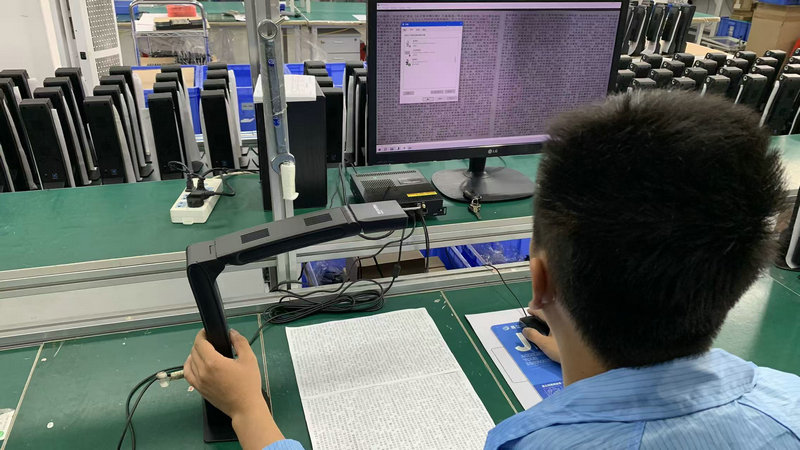
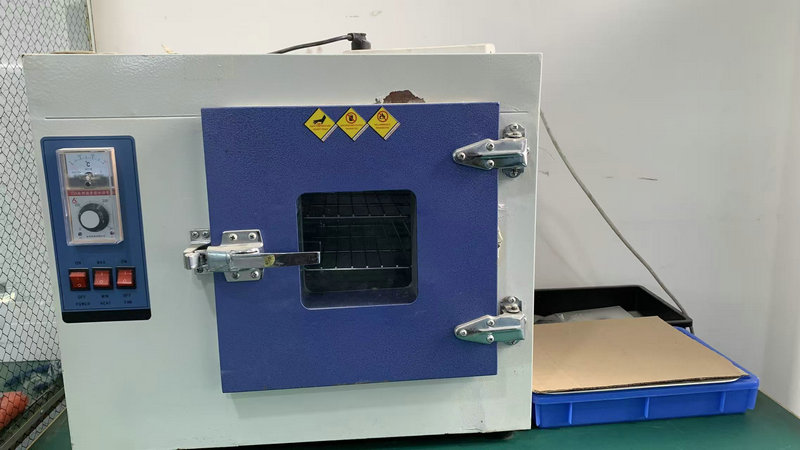
- Factory verification documents
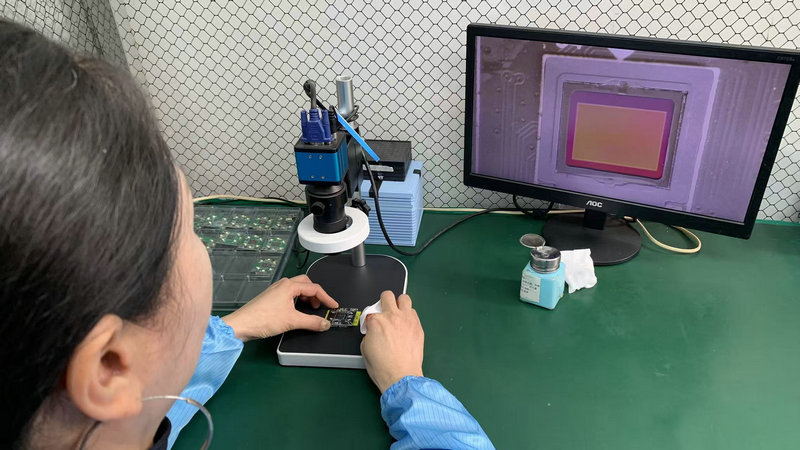
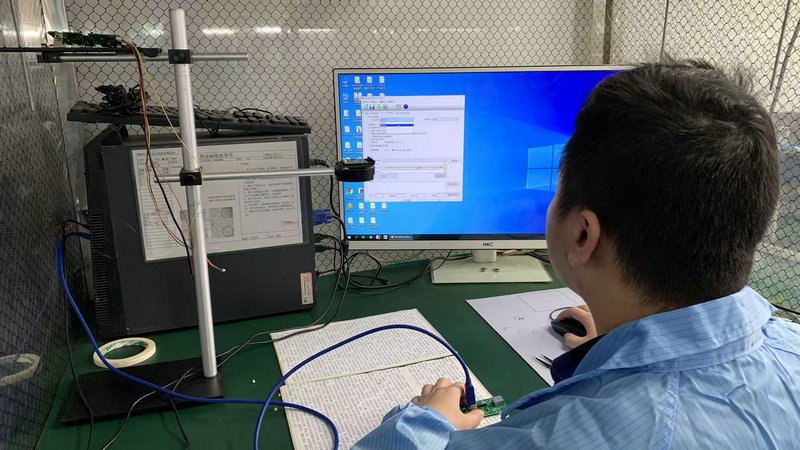
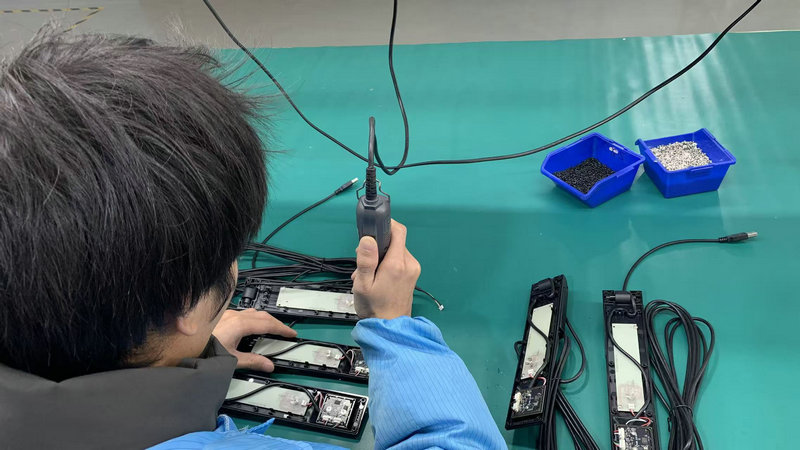
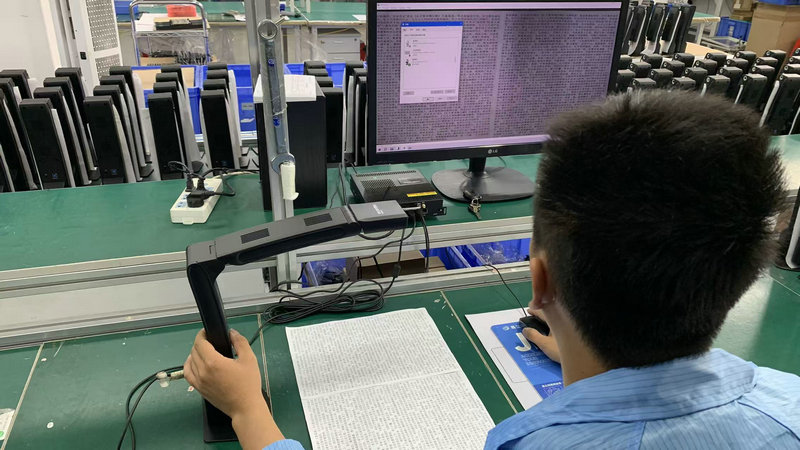
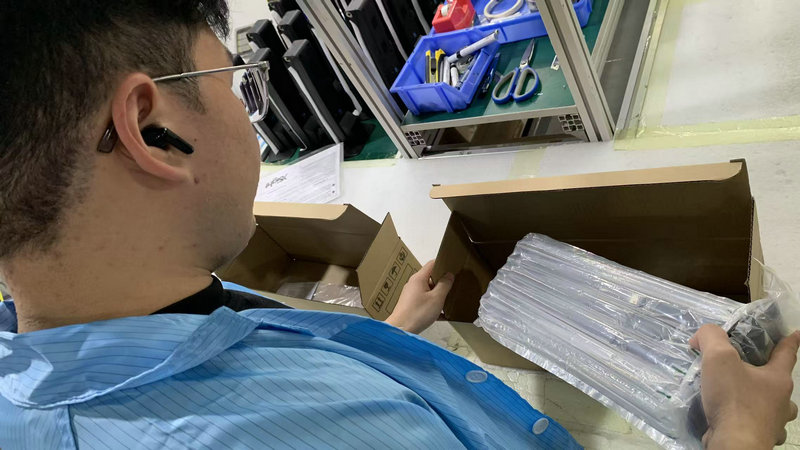
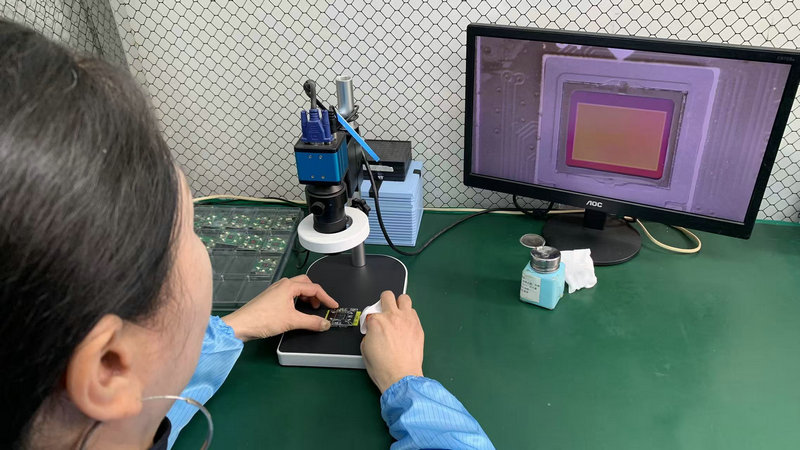
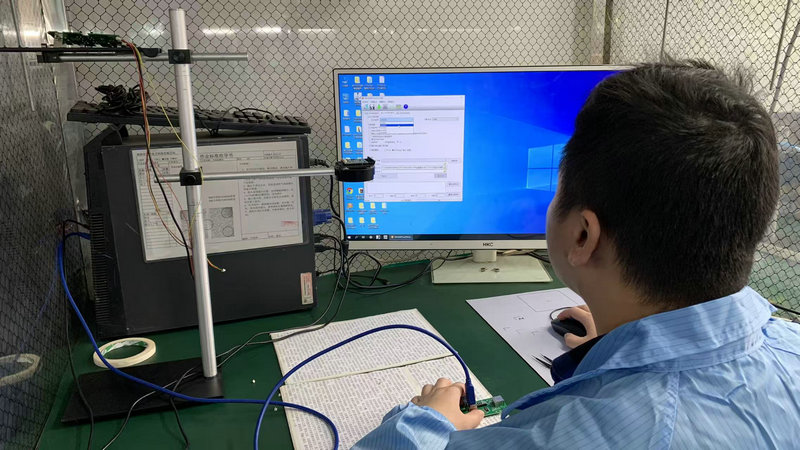
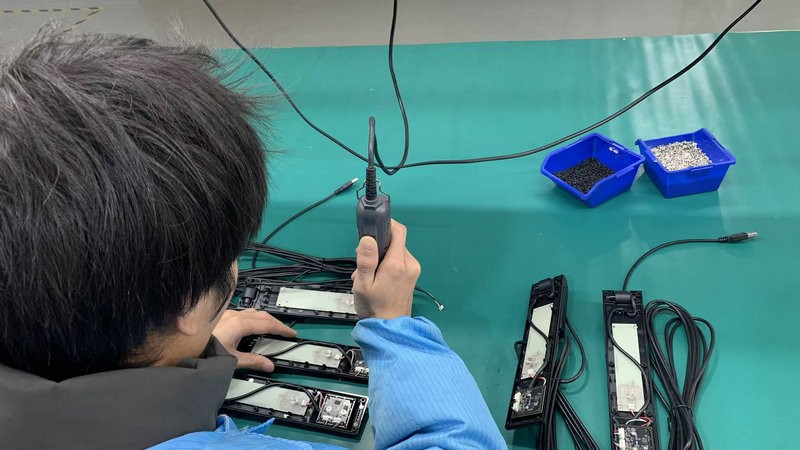
- Quality control process and inspection records
- Product photographs and test reports
- Reference projects or buyer feedback where available
The more precise your RFQ, the easier it is to compare quotations. For an 86 inch infrared interactive whiteboard, small specification differences can affect shipping weight, installation time, software compatibility and spare-part planning. Request written confirmation of every critical item instead of relying on catalog labels alone.