Education document capture and semantic buyer guide
USB Book Paper Scanner for Education
Product selection, procurement trends, product development insight and OEM manufacturing support for schools, universities, libraries, distributors and education tender suppliers worldwide.
Why the USB Book Paper Scanner for Education Is Becoming Core Classroom Infrastructure
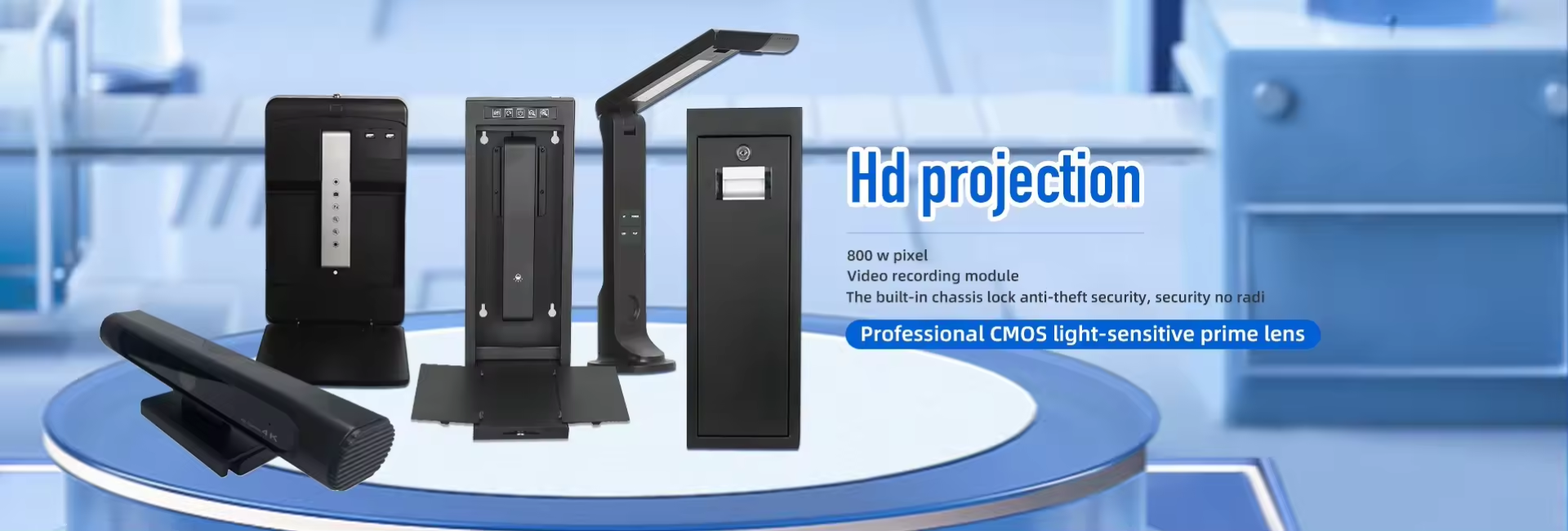
A USB book paper scanner for education is more than a camera on a stand. It is a purpose-built visual capture workflow that turns open textbooks, worksheets, exam papers, lab notes and archive pages into clear live video or digital files. The best education scanners combine a stable overhead arm, autofocus optics, LED fill lighting, glare control and a plug-and-play USB UVC output that can be used with classroom displays, computers and common video-conferencing applications.
Global procurement teams are no longer asking only for megapixels. They ask whether the device can be used with an interactive whiteboard, whether OCR works in local languages, whether teachers can set it up in minutes, whether software runs without an internet connection, and whether the supplier can provide OEM branding, firmware consistency, documentation and spare parts across a multi-year tender. These are the questions behind this buyer guide.
For K-12 classrooms, the scanner supports live demonstration of a single textbook so every student sees the same page. For libraries and archives, it helps digitize fragile bound material without pressing the spine flat. For hybrid learning, it gives remote students a clear view of printed material that a webcam alone cannot capture. For distributors and integrators, it creates an opportunity to pair a document camera with interactive displays, conferencing cameras and audio systems from one accountable manufacturing partner.
Match the USB Book Paper Scanner to the Education Workflow
There is no single scanner configuration for every school. The best buying decision starts with the capture area, viewing distance, document type, software requirement and tender evaluation method.
A4 Classroom Visualizer
Recommended for daily teaching: 8–13MP sensor, A4 capture, autofocus, LED fill light, UVC output and simple annotation workflow for interactive displays. This is the most common choice for K-12 and after-school training rooms.
Confirm classroom specification
A3 Book and Archive Scanner
Best for libraries, examination boards and digitization projects: 16MP capture, A3 working area, page-curve correction software, OCR export and controlled lighting to reduce reflections from glossy paper.
Request archive workflow details
Hybrid-Learning Document Camera
For blended classrooms and distance education: 13MP detail, wide field of view, USB-C or USB-A connection and stable long-session performance. Pair with classroom audio when remote students need both page detail and teacher voice.
Review hybrid classroom options
Exam and Administration Scanner
For exam paper digitization, student records and office documents: 13–16MP resolution, A3 coverage, PDF and JPEG output, fast page turnaround and optional foot-pedal or software-triggered capture.
Ask about secure local capture
Portable Book Scanner
For travelling trainers, mobile libraries and fieldwork: a folding-arm design, low-glare LED illumination, 8–13MP capture and a protective carrying case. It should be tested for setup time, cable strain and durability.
Discuss portable configurations
4K Lecture Hall Visualizer
When the image is projected onto 75-inch or larger interactive displays, 4K output and high-quality optics preserve small labels, diagrams and handwriting. This configuration is often requested for universities and training centers.
Request 4K specification
Education Scanner Selection Matrix
Education Workflow
Recommended Configuration
Buyer Note
K-12 Live Teaching
8–13MP, A4, autofocus, UVC, LED fill light
Prioritize setup speed, glare control and compatibility with the classroom display.
University Lecture Capture
13–16MP, 4K output, wide capture area
Check viewing distance, lens sharpness across the page and focus stability.
Library and Archive
16MP, A3, page-curve correction, OCR, PDF export
Test with real bindings, thin paper, old print, stamps and handwritten notes.
Exam Paper Digitization
13–16MP, A3, fast still capture, local storage option
Define file naming, page separation, privacy rules and backup procedure.
Ask for accessible setup, clear indicators and teacher-friendly control software.
Information gain for buyers: evaluate the entire capture chain, not only the sensor. Lens quality, lighting, focus behavior, UVC compatibility, software stability, packaging protection and spare-part availability determine the real classroom experience.
Future Procurement Trends
2025–2028 Procurement Trends for Education Document Scanners
Search demand for USB book paper scanners for education increasingly reflects real procurement intent: compatibility, total cost of ownership, privacy, OCR languages, long-term support and evidence of quality.
Driver-Free USB-C and UVC
Buyers increasingly expect plug-and-play operation across Windows, macOS and managed classroom devices. Tender teams now ask for tested compatibility evidence rather than a generic USB claim.
Specifications Move from Hardware to Workflow
Procurement specifications are shifting from megapixels alone to page-curve correction, OCR languages, PDF export, annotation, file naming and integration with existing classroom software.
Hybrid Classroom and Library Convergence
One buyer group may need live teaching capture, while another needs archive digitization. Suppliers that can offer multiple configurations under one quality system reduce sourcing risk and administration.
AI-Assisted OCR and Local Processing
Education buyers are asking for OCR, auto-crop and page-boundary detection, but many also need local processing for privacy. Validate which functions work offline and where scanned data is stored.
Lifecycle Support and Spare Parts
Multi-year education projects require firmware discipline, stable product revisions, spare parts and clear warranty terms. A low unit price can become expensive if the supplier cannot support year-two and year-three demand.
Sustainability and Total Cost of Ownership
Packaging volume, recycled content, product durability and repairability are appearing in more public tenders. Buyers should request compliance declarations for the destination market and compare the true delivered cost.
Capture area: A4 or A3, maximum book thickness and page-gutter handling.
Optics: sensor resolution, lens quality, autofocus speed and focus stability.
Lighting: brightness control, glare reduction and eye-comfort for classroom use.
Output: UVC video, still capture, PDF/JPEG, OCR languages and PDF/A for archives.
Compatibility: tested operating systems, interactive displays and video applications.
Privacy: local processing option, data-storage location and network requirements.
Mounting: desk stand, wall mount, cable length and installation safety.
Service: warranty terms, spare parts, firmware updates and DOA procedure.
Packaging: export protection, buyer labeling and country-specific carton marks.
Compliance: request the latest CE, FCC, RoHS or other required declarations.
Product Development Trends
How USB Book Paper Scanners for Education Are Evolving
The next generation of education scanners is being shaped by image quality, AI-assisted workflow, device convergence, secure connectivity and long-life serviceability.
From Megapixels to Meaningful Image Quality
The market has moved beyond a simple megapixel race. A 13MP or 16MP sensor matters only when paired with good optics, even lighting and stable focus. For education buyers, the practical test is whether small print, diagrams, formulas and handwriting remain clear on a 75-inch display or in an OCR-generated PDF.
Higher-resolution sensors with better low-light behavior13MP is becoming the mainstream expectation for detail, while 16MP supports A3 archiving and OCR. 4K output is increasingly requested for large interactive displays.
AI-assisted page detection and OCRAuto-crop, page-boundary detection, book-curve correction and OCR help reduce teacher workload, but every language and document type must be validated with real samples.
Convergence of scanner, visualizer and webcamSchools want one device that can show a textbook live, capture a still page, record a lesson and work as a document camera for hybrid learning.
USB-C, UVC and lower installation frictionPlug-and-play deployment reduces support calls. For managed school networks, offline operation and local software options are increasingly important.
Security, firmware and update disciplineProcurement teams should ask how firmware is updated, whether updates are signed, and what happens if internet access is restricted.
Serviceability and sustainable designModular LED modules, replaceable arms, protected cables and lower packaging volume improve lifecycle value for schools and tenders.
Future-Focused Questions for the RFQ
Live teaching
Can the device output UVC video and still capture without a special driver?
Offline school network
Which functions work without internet access, and where are scanned files stored?
OCR and archive
Which OCR languages, PDF export types and page-curve correction options are validated?
Hybrid learning
Can the same unit be used as a visualizer, document camera and conferencing camera?
Long-term tender
Is there a documented firmware policy and spare-parts commitment for the project cycle?
Environmental rules
Are product and packaging declarations available for the destination market?
Serviceability
Can LED modules, cables and mechanical parts be replaced without replacing the entire unit?
Buying insight: a future-proof scanner is one that can be tested, serviced and updated in the actual education environment, not merely one with the highest specification sheet.
Manufacturer Advantages
A Verified Manufacturing Partner for Education Technology Buyers
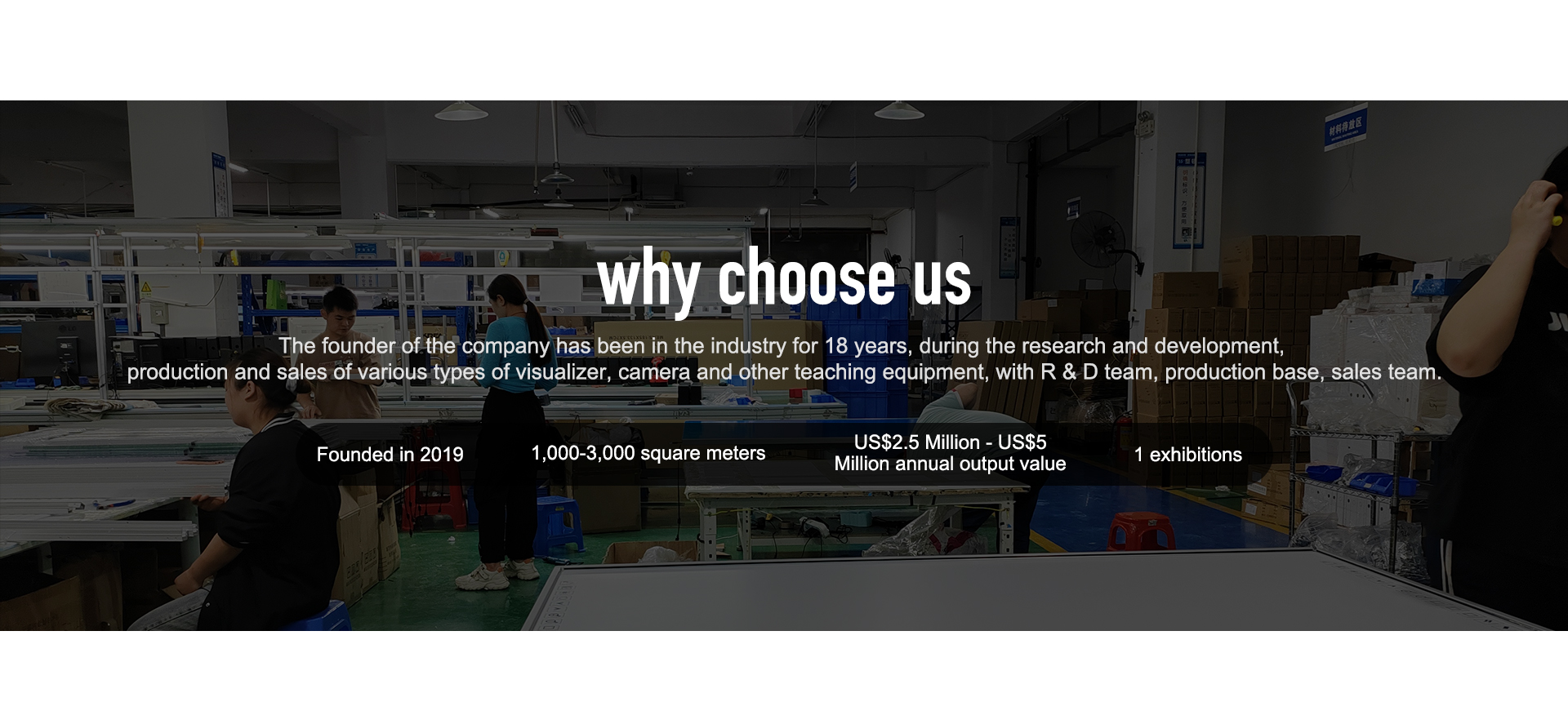
Shenzhen Kawelo Electronic Technology Co., Ltd. is not a trading-only intermediary. The company focuses on research, development, production, sales and service of high-definition imaging and high-fidelity audio products for education and enterprise. Founded in 2019, it operates from the Guangdong high-tech manufacturing cluster and serves distributors, system integrators, tender suppliers and private-label brands.
Its technical scope covers chip-level solutions, embedded software, visual imaging and sensing algorithms. That in-house capability supports faster customization, stable firmware, coherent product families and long-term spare-part planning for education projects. The product ecosystem includes document cameras and scanners, interactive whiteboards, conference cameras, USB webcams and wireless multimedia audio systems.
For education buyers, the practical advantage is one accountable partner for a complete classroom visual and audio solution. Instead of matching unrelated products from several suppliers, integrators can source a document camera, interactive display and audio system from a manufacturer that understands how the devices are used together.
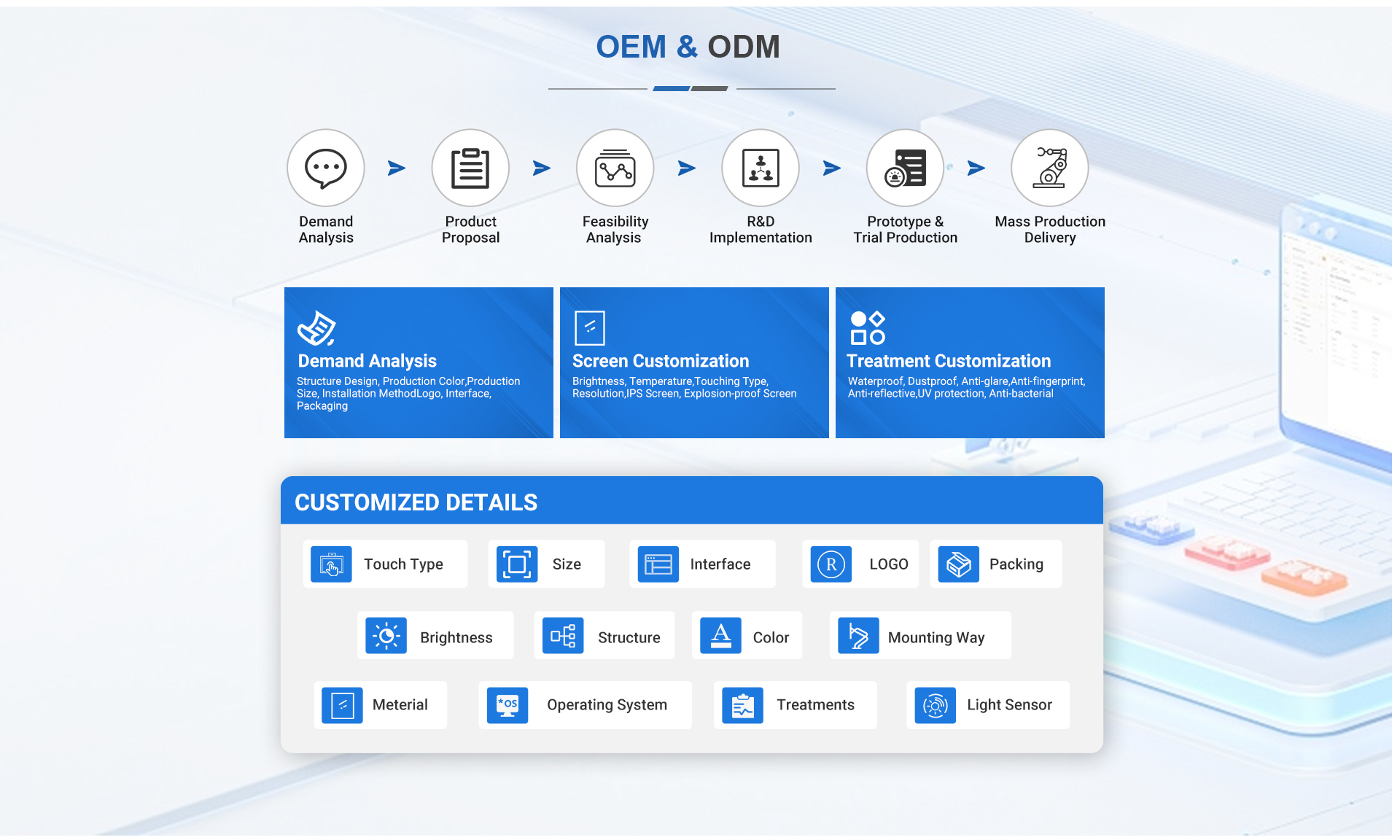
3-in-1OEM service, design service and buyer-label production under one roof
Engineering and Quality
From Chip-Level Design to Finished Education Scanner
Shenzhen Kawelo Electronic Technology Co., Ltd. applies chip solutions, proprietary software and visual imaging algorithms to high-definition image and audio capture. Owning core technology supports faster customization, consistent firmware and long-term product support for education buyers.
In-House R&D
Imaging, audio and software engineers tune optics, sensors and firmware for classroom and archive workflows.
Own Production Base
Automated screwing, firmware burning and aging equipment support consistent batch quality.
Flexible Customization
Logo, packaging and graphic customization, plus design service for differentiated education product lines.
Export-Ready Support
English-speaking sales support, T/T payment in USD or HKD and FOB shipment for international buyers.
Quality Control
Documented Manufacturing and Inspection Process
Education projects require repeatable quality from the first sample to repeat orders. Each production stage can be organized around material control, firmware consistency, assembly discipline, inspection and aging tests.
Raw Material
Incoming components and housings checked against specification.
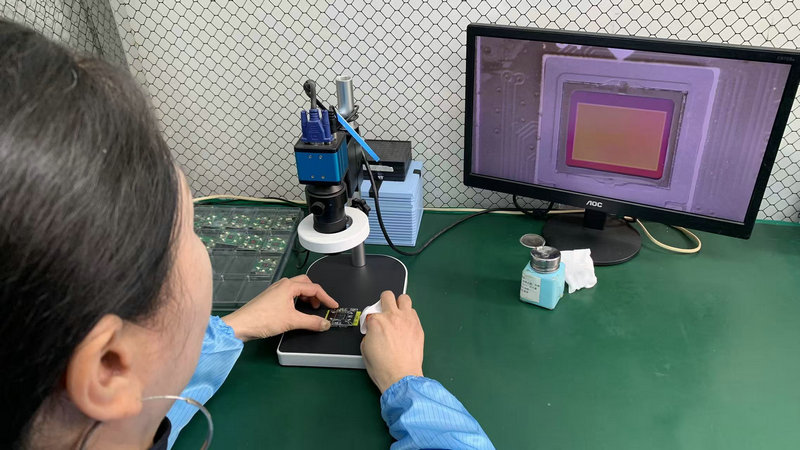
Cleaning
Lenses and boards cleaned to prevent dust spots in captured images.
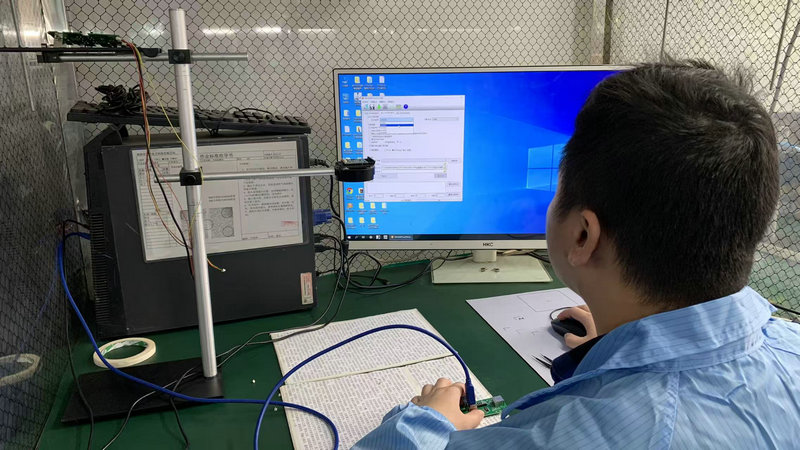
Firmware Burning
Verified firmware programmed onto each main board.
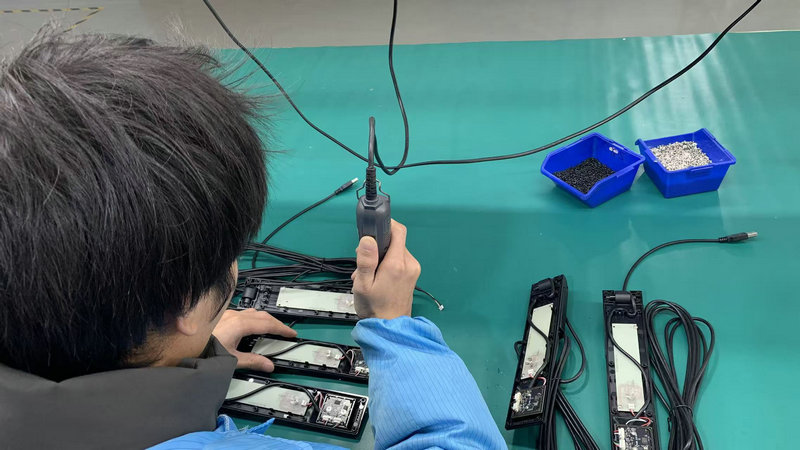
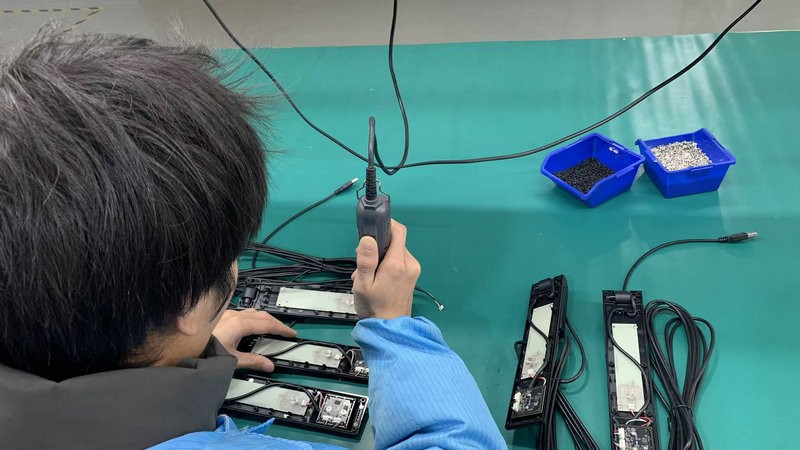
Assembly
Trained operators assemble optics, electronics and housings.
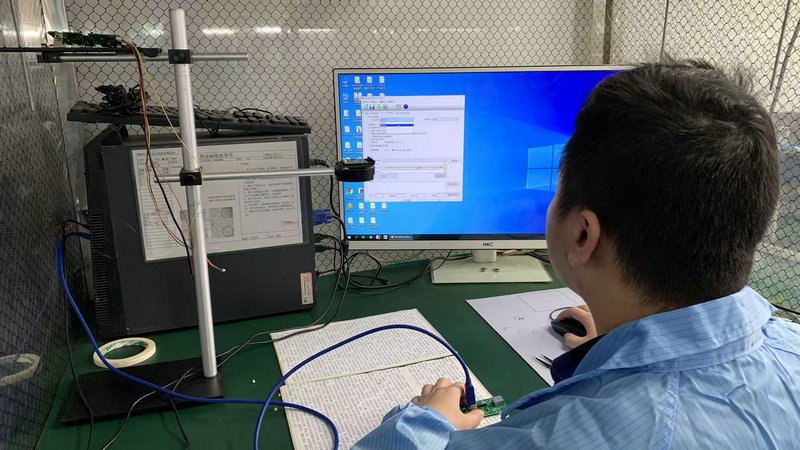
In-Process QC
Functional checks on image, focus, audio and connectivity.
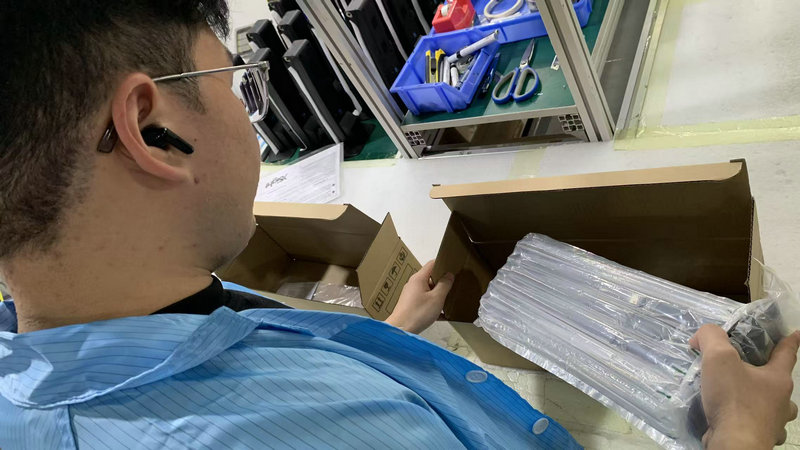
Packing
Protective export packaging with buyer-label options available.
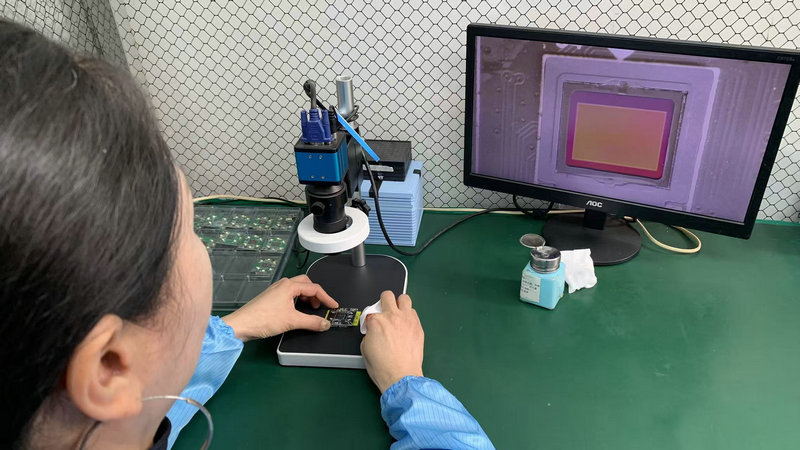
Microscope Inspection
Magnified inspection of solder joints and sensor surfaces.
Batch Programming
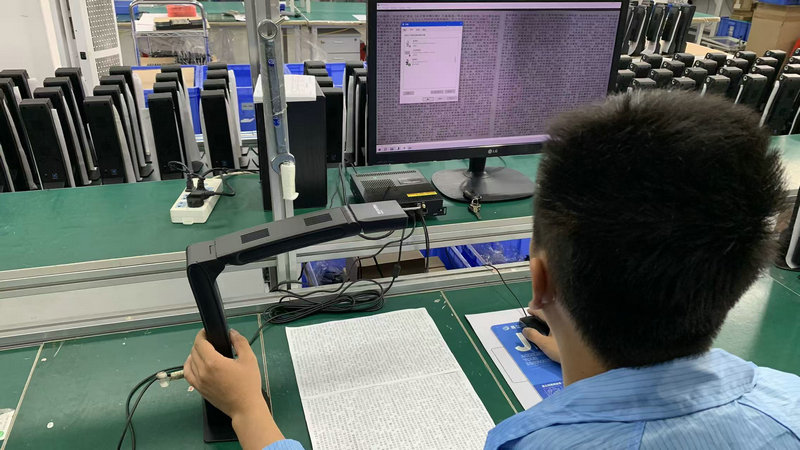
Dedicated workstations for traceable, high-volume flashing.
Automatic Screwing
Torque-controlled automation for consistent build quality.
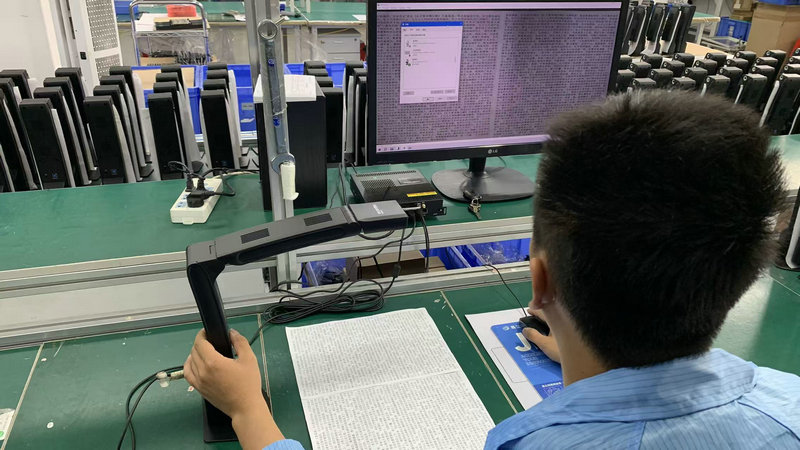
Final QC Check
Outgoing inspection against the approved sample before shipment.
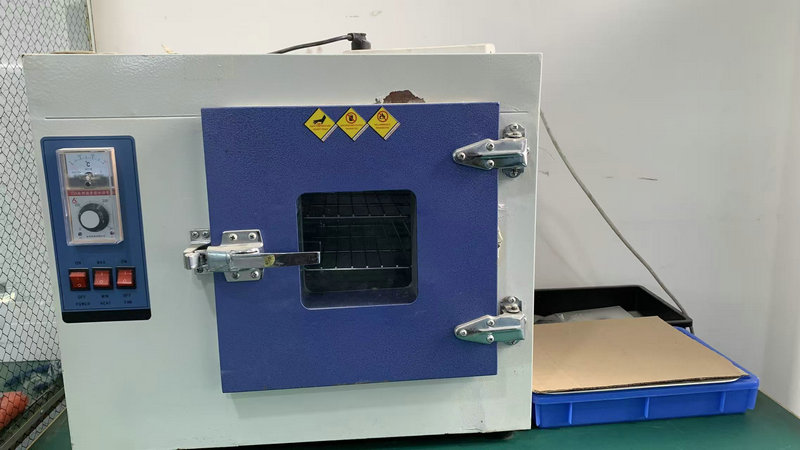
Oven Aging Test
Burn-in under heat to screen out early-life failures.
Buyer FAQ
Common Questions About USB Book Paper Scanners for Education
These answers address the real buying questions from importers, distributors, procurement officers, IT managers and education tender suppliers.
What is a USB book paper scanner for education?
It is an overhead USB camera and software workflow designed to capture open books, worksheets, exam papers, maps and archive pages as live video or digital files. Education models commonly combine A4 or A3 capture, LED fill lighting, autofocus, UVC video output and OCR software. Teachers can use it to show a textbook to the whole class, while administrators can use it to create searchable PDFs from paper records.
How is it different from a flatbed scanner or a document camera?
A flatbed scanner can produce very high-quality images of loose pages, but it is slower for bound books and awkward for live classroom demonstration. A basic document camera is excellent for live display but may lack OCR, page-curve correction or archive export. A USB book paper scanner for education combines live visualizer functions with scanning-oriented software. For heavy archive work, the best specification may include both an overhead scanner for bound books and a flatbed scanner for flat sheets.
Which resolution should a school choose: 8MP, 13MP or 16MP?
Around 8MP suits routine A4 classroom display where the main purpose is showing a page clearly. 13MP provides more detail for small print, diagrams and hybrid lessons. 16MP is recommended for A3 documents, library archiving and OCR workflows where small characters and notes must remain legible. If the image is shown on a 75-inch or larger interactive display, request a 4K-capable configuration and evaluate lens sharpness, focus stability and glare control, not only the sensor number.
Can it scan bound books without damaging the spine?
Overhead capture helps avoid the need to press a book flat. For fragile books, request adjustable height, glare-controlled lighting, gentle page-hold accessories and page-curve correction software. Always test with the actual textbook, magazine or archive binding used in the project. A scanner that performs well on flat office paper may still need different lighting and software settings for old, thin or glossy pages.
Will the scanner work with Zoom, Microsoft Teams, Google Meet and interactive whiteboards?
A UVC-compliant USB scanner can usually appear as a camera in video-conferencing software and classroom systems. However, procurement teams should ask the supplier for a tested compatibility matrix covering the operating systems, video applications, interactive display brands, annotation software and network restrictions used in the school. OCR, page capture and PDF export may be handled by separate software, so test the complete workflow rather than only the live video feed.
What software and operating-system details should be required?
Require a written list of supported Windows and macOS versions, tested video applications, OCR languages, PDF/JPEG export options, auto-crop, page separation and batch file naming. For archives, ask whether PDF/A is available. For privacy-sensitive schools, ask whether scan processing can remain local, whether cloud access is optional, and where files are stored. The RFQ should also define who provides software updates and how long the software is expected to be supported.
What should be included in a tender specification for education scanners?
A strong specification should cover capture area, sensor resolution, output resolution, autofocus, lighting control, UVC support, tested operating systems, OCR languages, PDF export, privacy requirements, mounting method, cable length, warranty, spare parts, packaging and sample evaluation. Avoid writing the specification around only one model number. Instead, define the required teaching or archive outcome and describe how the sample will be tested.
How should a buyer evaluate a sample scanner before ordering?
Test the scanner with the actual documents the school uses: a thick textbook, thin paper, a glossy magazine, a handwritten worksheet, a color diagram and a low-light classroom page. Measure setup time, focus speed, video delay, glare, image sharpness at the corners, OCR accuracy and export time for a 20-page batch. Repeat the test on the classroom computer and interactive display that will run the lesson. This practical test reveals more than a specification sheet.
What OEM options are available from Shenzhen Kawelo Electronic Technology Co., Ltd.?
Shenzhen Kawelo Electronic Technology Co., Ltd. offers OEM service, design service and buyer-label production. Depending on order volume and technical requirements, customization can include logo, product label, packaging, graphics and user-manual branding. The company also produces related products such as interactive whiteboards, conference cameras and audio systems, which supports one-stop sourcing for classroom and meeting-room projects.
What are the payment, delivery and support terms?
Shenzhen Kawelo Electronic Technology Co., Ltd. accepts T/T payment in USD or HKD and ships on FOB terms. Sample requirements, MOQ, production schedule, packaging and documentation are confirmed according to the selected configuration and project volume. Email info@kawelotech.com with your capture area, target market, expected quantity and tender requirements, and the export team can prepare a project-specific response.
Need a Reliable USB Book Paper Scanner for Education?
Share your classroom, library or tender requirements with Shenzhen Kawelo Electronic Technology Co., Ltd. Tell us the capture area, resolution target, OCR languages, operating systems, packaging needs and estimated quantity. The export team can recommend a suitable configuration and provide product documentation for your evaluation.