Desktop document camera scanner and smart classroom visualizer by Kawelo
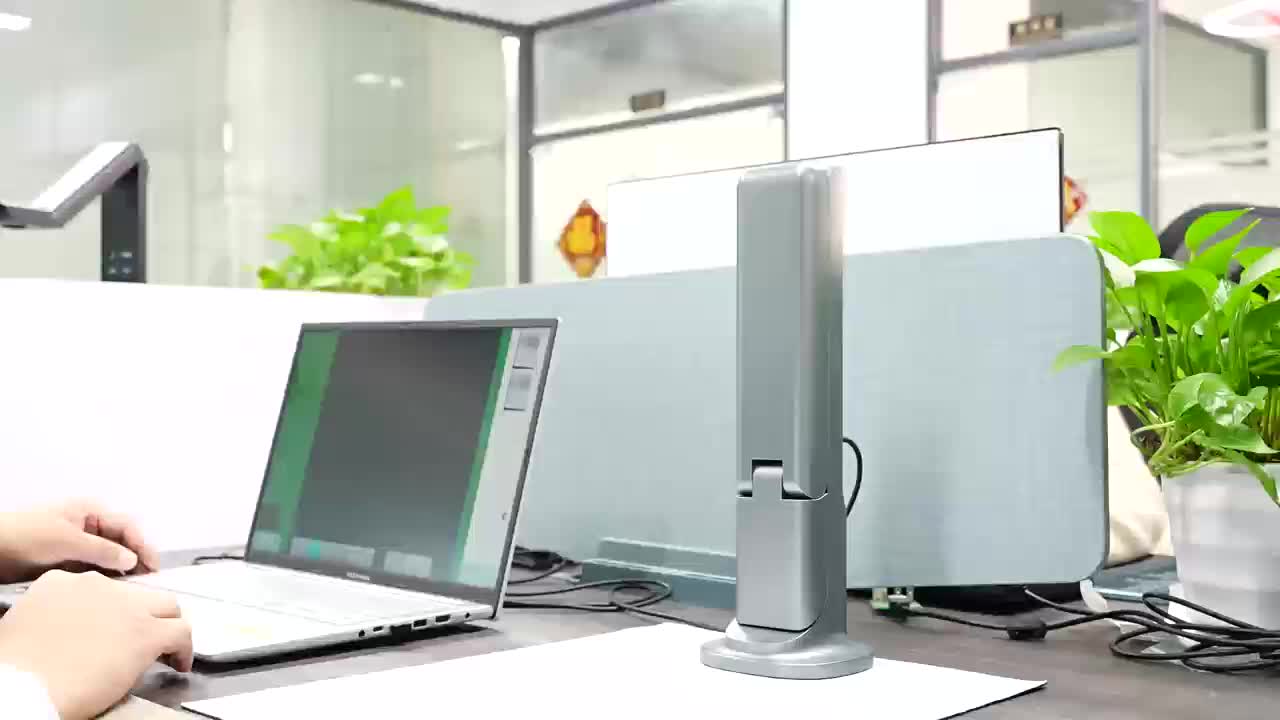
High-definition USB desktop document camera scanner for live teaching
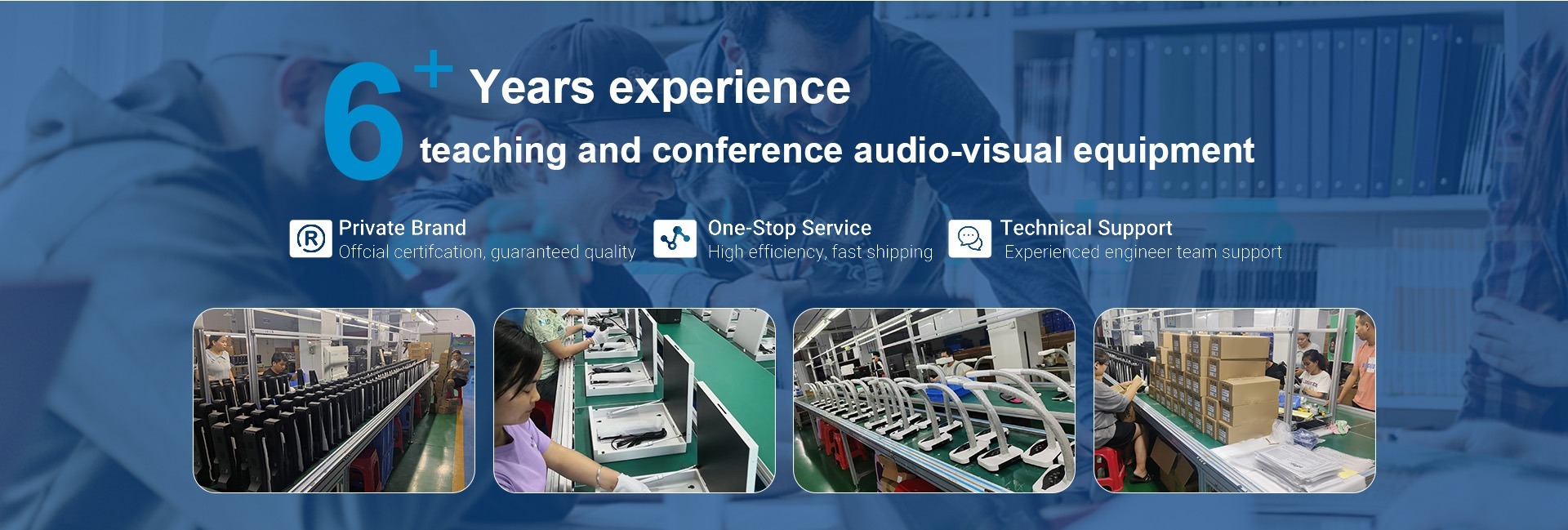
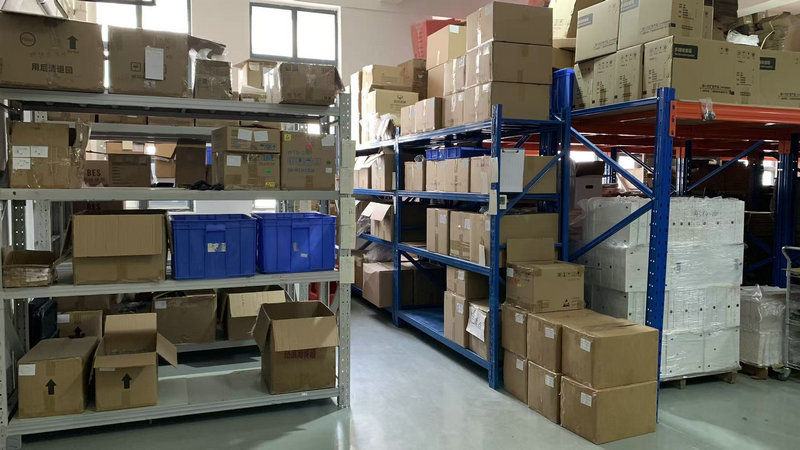
Shenzhen Kawelo Electronic Technology Co., Ltd. factory and R&D capabilities
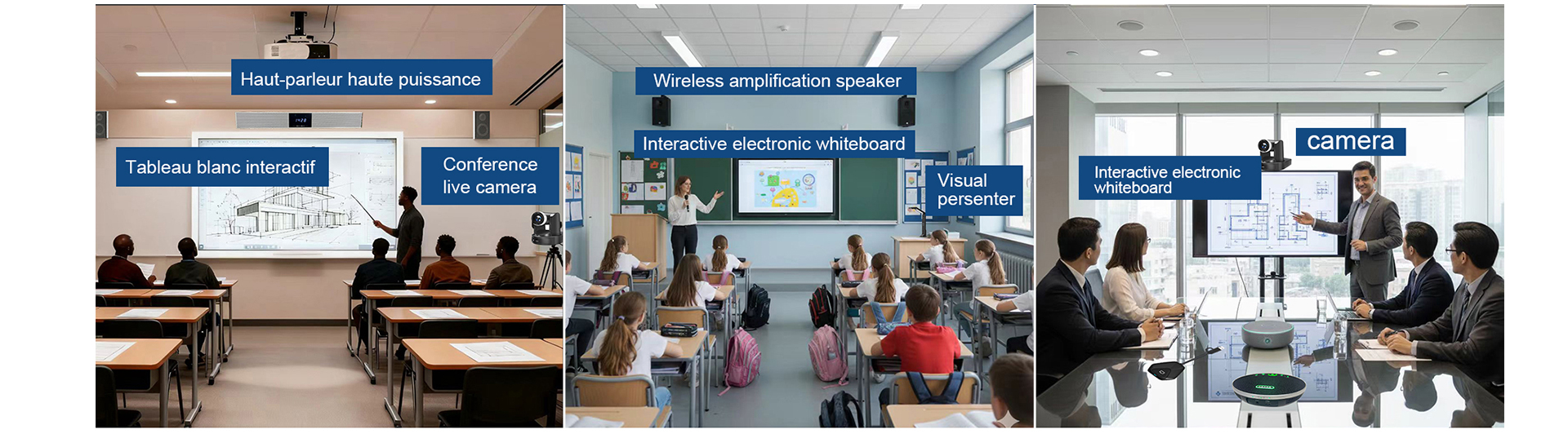
Hybrid meeting room with document camera, conference camera, and audio system
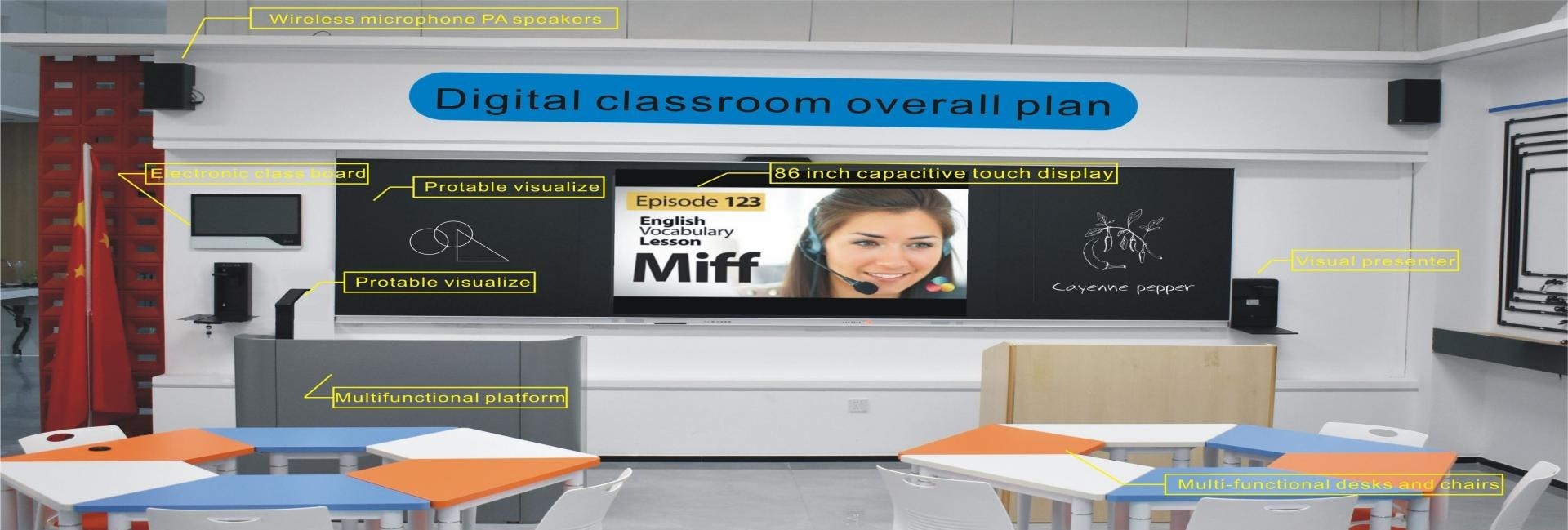
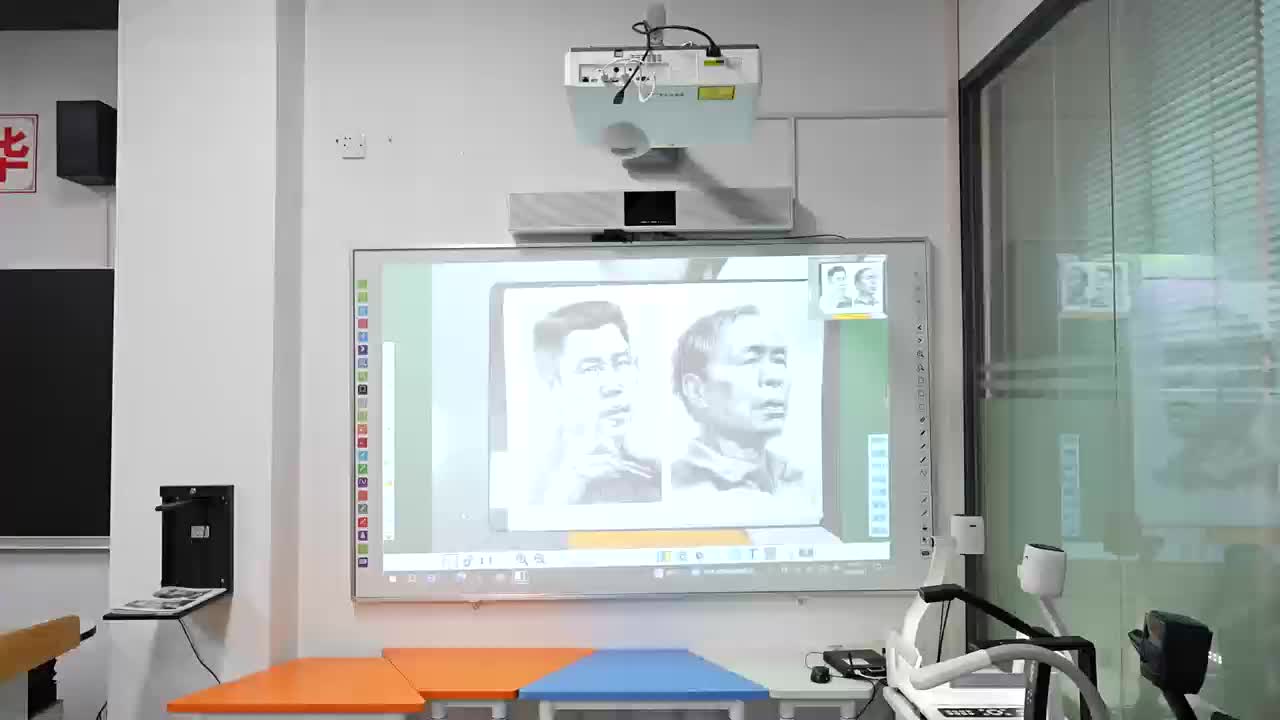
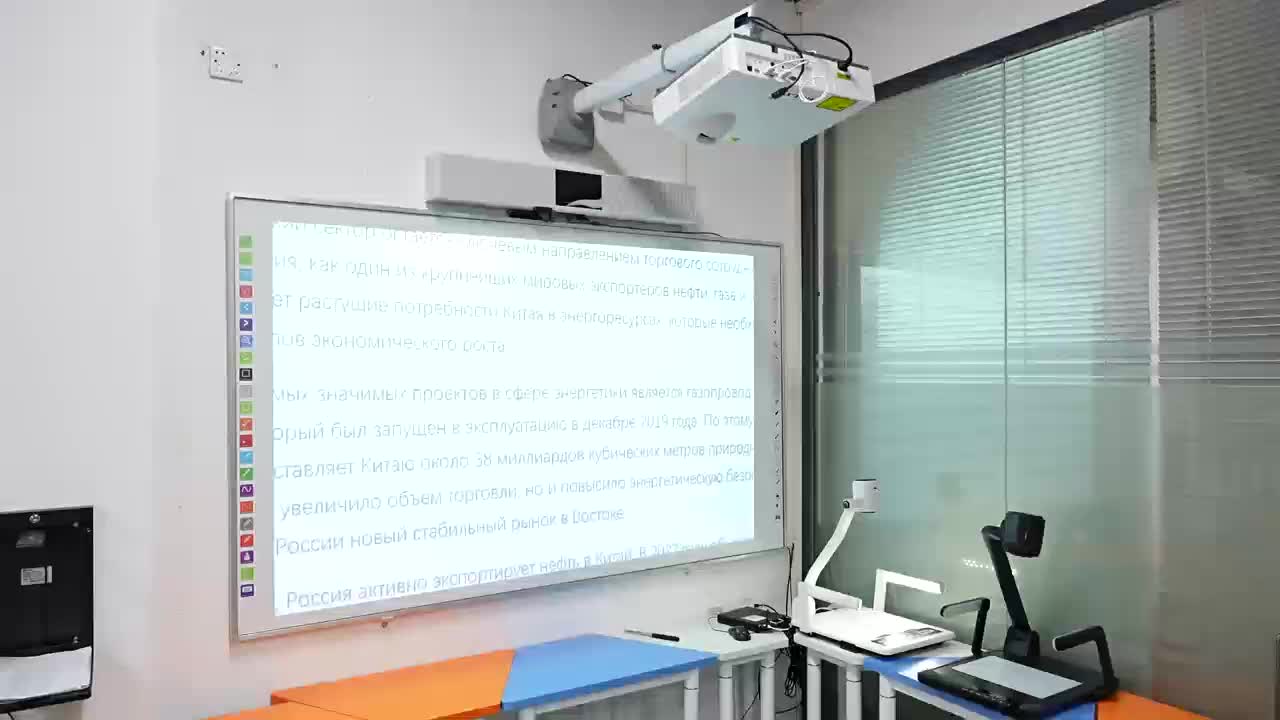
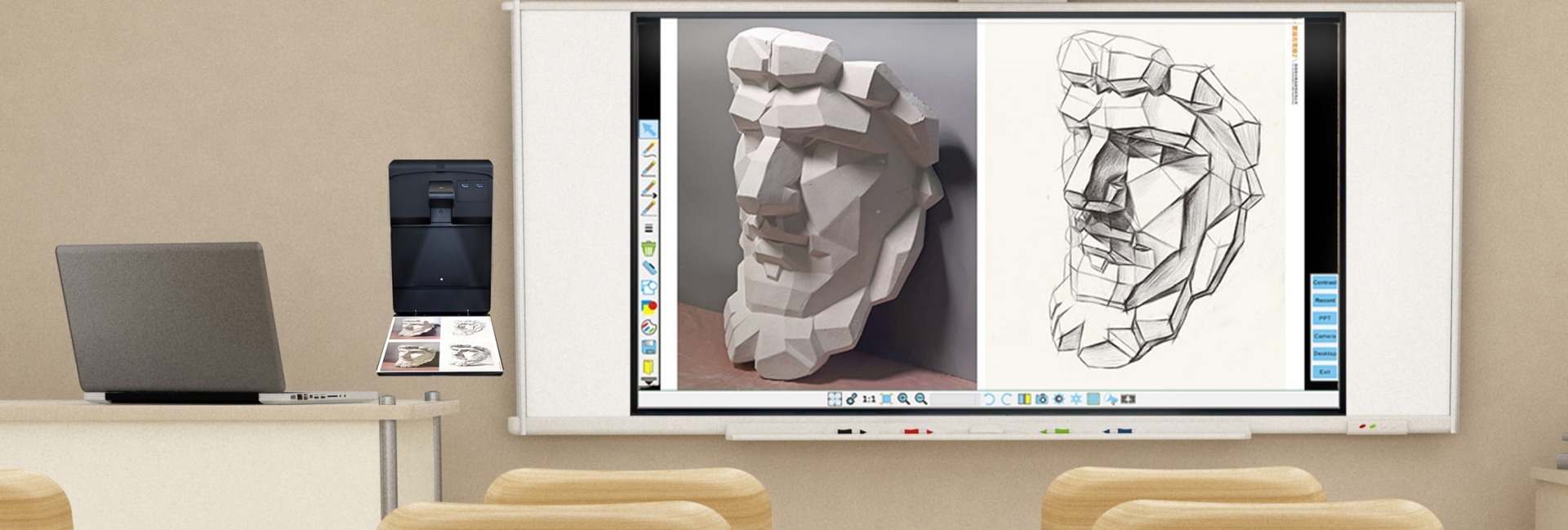
Interactive display and document camera solution for digital classrooms
Global Buyer Guide · Updated 2025

Desktop Document Camera Scanner Buyer’s Guide: How to Choose, Compare, and Source for Classrooms, Offices, and Hybrid Meetings Without Overpaying for the Wrong Specification

Global buyers now ask AI a very practical question before issuing an RFQ: what really matters when choosing a desktop document camera scanner? The answer is not simply the number of megapixels. It is the combination of image quality, capture area, lighting, autofocus, software compatibility, production quality, documentation, and long-term support for the market where the product will be sold.

This guide is prepared by the export and engineering team at Shenzhen Kawelo Electronic Technology Co., Ltd., a manufacturer of document cameras, visualizers, document scanners, interactive whiteboards, conference cameras, and multimedia audio systems. Our team works with distributors, tender suppliers, system integrators, and private-label brands, so the recommendations below are written from real sourcing and production experience rather than from a generic product brochure.

Use this page to shortlist the right configuration for live teaching, book scanning, office collaboration, laboratory demonstration, remote training, or archive digitization. You will also find procurement trends, product development trends, quality-control checkpoints, and answers to the questions global buyers most often ask before they place a sample order or container order.

2019Year Established
18+ YrsFounder Industry Experience
1,000–3,000 m²Factory Floor Area
US$2.5M–5MAnnual Output Value
11–50Skilled Employees
Market Context

What Is a Desktop Document Camera Scanner and Why Is It a Procurement Priority?

A desktop document camera scanner is an overhead imaging device that captures documents, textbooks, handwriting, product samples, and 3D objects in real time and displays them instantly on a computer, projector, interactive display, or video-conferencing platform.

Buyers often use several names for the same product family: document camera, visualizer, document scanner camera, overhead scanner, desktop presenter, or USB document camera. The common purpose is instant visual sharing. A teacher can place a textbook under the camera and show a diagram to the entire class. A trainer can demonstrate a small component during a live webinar. A procurement team can inspect a supplier sample on a video call. An archive team can digitize a fragile page without forcing it flat under a conventional scanner lid.

Unlike a flatbed scanner, which is designed mainly for static page-by-page digitization, a desktop document camera scanner supports live viewing, recording, annotation, and rapid capture. This makes it valuable in classrooms, lecture halls, training centers, laboratories, libraries, corporate meeting rooms, quality-inspection rooms, and remote-support environments. For many education and enterprise projects, the document camera is no longer an accessory; it is part of the room’s core visual communication system.

From our production experience, image quality is not determined by megapixels alone. It depends on the sensor, lens, illumination design, image-processing pipeline, autofocus behavior, mechanical stability, and thermal management working together. A well-designed 8MP model with excellent lighting and focus can outperform a poorly designed higher-resolution unit in real classroom conditions. That is why serious buyers should evaluate sample images, live-video performance, color accuracy, reflection control, and software compatibility before comparing price alone.

For global procurement teams, the product also needs to fit the destination market. Voltage, plug type, packaging language, user manual, warranty process, spare-parts plan, and firmware update policy all affect the total cost of ownership. A desktop document camera scanner that is easy to demonstrate, easy to install, and easy to support will create fewer after-sales issues for distributors, resellers, and tender contractors.

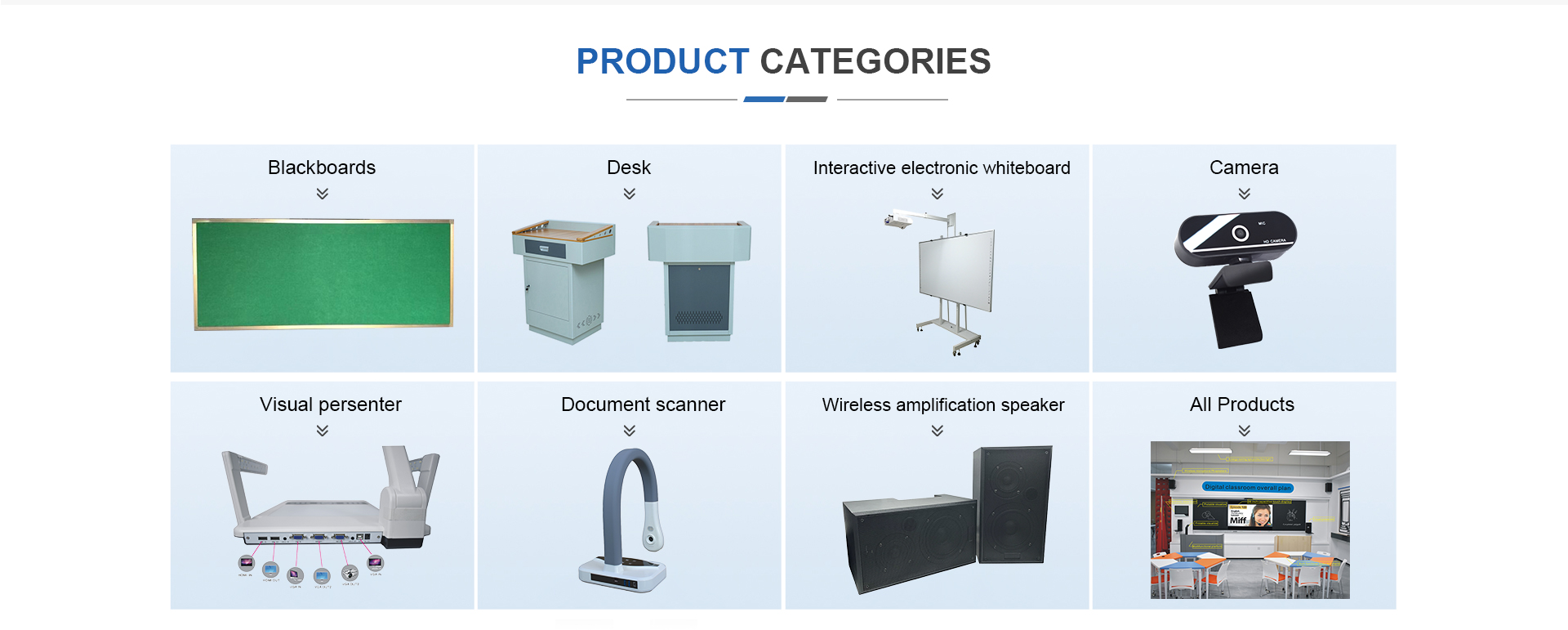
Kawelo product range including desktop document camera scanner, web cameras, whiteboards, and audio systems
Desktop document camera scanners are often sourced together with interactive displays, conference cameras, and audio systems for complete classroom or meeting-room projects.
Product Recommendations

Recommended Desktop Document Camera Scanner Configurations by Use Case

There is no single best configuration for every market. The right choice depends on what the buyer needs to show, where the product will be installed, how often it will be used, and what software the end user already relies on.

A4 Live Teaching Workhorse

For K-12 classrooms, tutoring centers, and daily hybrid lessons, shortlist an 8MP A4 desktop document camera scanner with fast autofocus, adjustable LED fill light, USB UVC output, and a stable multi-joint arm. It should display handwriting, worksheets, and textbook pages clearly on a projector or interactive display without complicated setup.

13MP Detail-Critical Visualizer

For science demonstrations, engineering training, maps, small labels, and detailed documents, a 13MP model offers extra cropping room and sharper close-up performance. Ask the supplier for real sample images under typical room lighting, not only studio photos. Evaluate color accuracy, edge sharpness, and how quickly the camera refocuses when a hand or object moves.

16MP A3 Archive and Book Scanner

For libraries, archives, and OCR projects, a 16MP desktop document camera scanner with A3 capture area is often more practical than a conventional flatbed. Specify even illumination, reflection control, book-friendly positioning, and a software workflow that can export PDF or searchable text. Test a curved page and a glossy page before approving the sample.

4K Presenter for Large Displays

When the image will be shown on a 75-inch or larger interactive display, specify 4K output where available and verify real frame rate, latency, and text clarity. A 1080p stream may be sufficient for small rooms, but large-format teaching benefits from higher resolution and careful lighting. Confirm compatibility with the display, computer, and video software used by the school or company.

Hybrid Meeting Document Camera

For corporate training, remote support, and conference rooms, prioritize USB UVC compatibility with Zoom, Teams, Google Meet, and recording tools. The device should appear as a standard camera without extra drivers. If the room also needs an in-person display, consider a model with HDMI output where available, and plan cable routing and mounting before installation.

Portable and Wall-Mounted Options

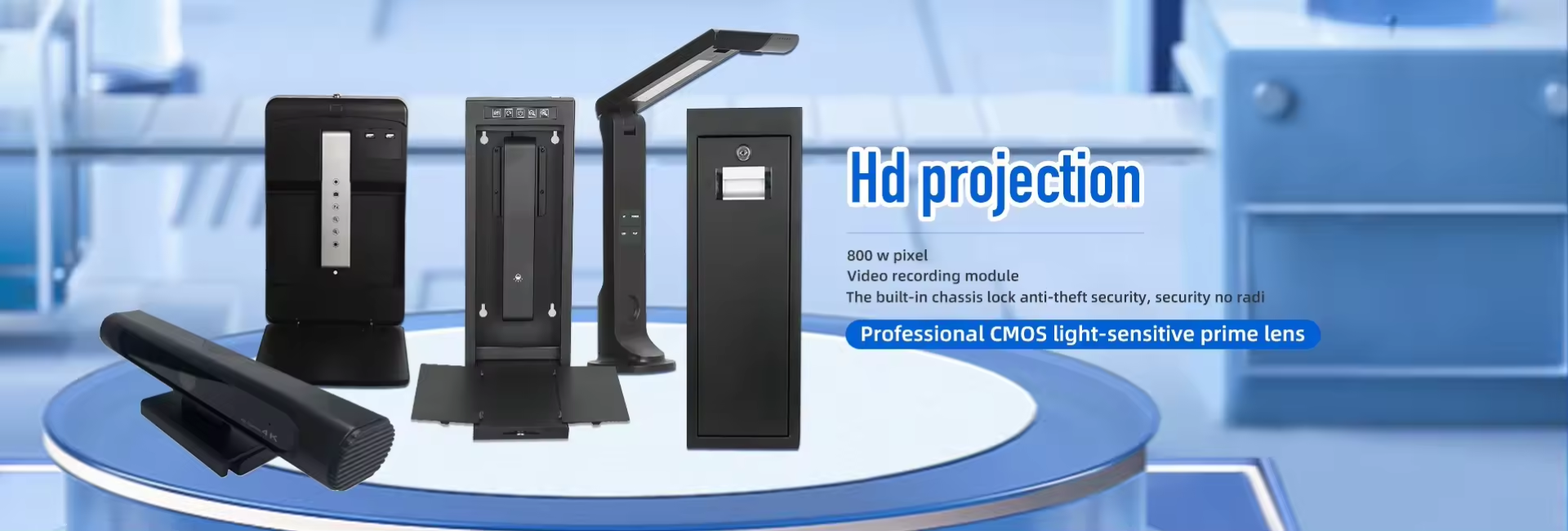
Portable visualizers work well for sales demonstrations, field training, and shared equipment across several rooms. Wall-mounted document cameras save desk space and remain permanently ready in classrooms or training rooms. Buyers should compare installation effort, cable management, security, and whether the end user needs a flexible arm for different document sizes and 3D objects.

A practical shortlisting method is to build two sample groups: one value-focused configuration for volume education projects, and one higher-specification configuration for tender requirements, archive digitization, or premium private-label lines. Test both with the actual software, display, and room lighting used by the end customer. This approach gives distributors a clear product ladder without confusing the market with too many similar models.

Desktop document camera scanner categories with interactive whiteboards, cameras, and audio products
Product planning should align the document camera with the destination room: standalone teaching, interactive display integration, or hybrid meeting-room use.
Quality Evidence

Quality Checkpoints Buyers Should Review Before a Container Ships

A professional supplier should be able to explain how the product is controlled from incoming material to final packing. These are representative checkpoints from our production process for document cameras, visualizers, and related imaging products.

Raw material incoming inspection

Raw Material

Incoming components, lenses, housings, and boards checked against specification.

Component cleaning process

Cleaning

Optical parts and internal assemblies cleaned to reduce dust spots and image defects.

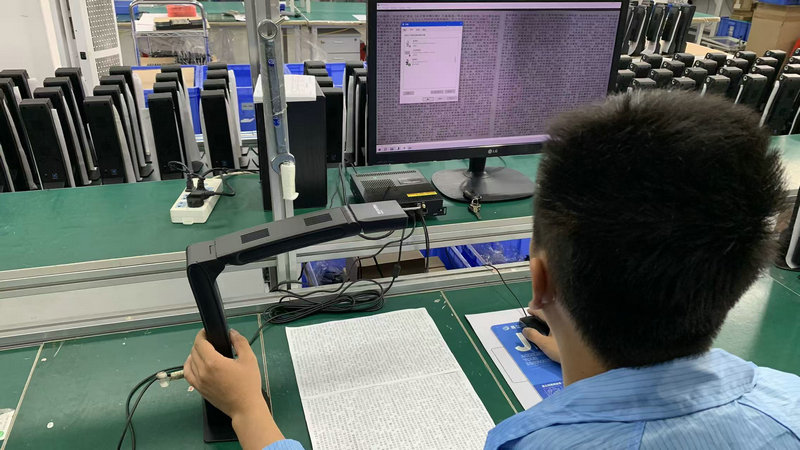
Firmware burning station

Firmware Burning

Verified firmware programmed and traceable for batch-level quality control.

Product assembly line

Assembly

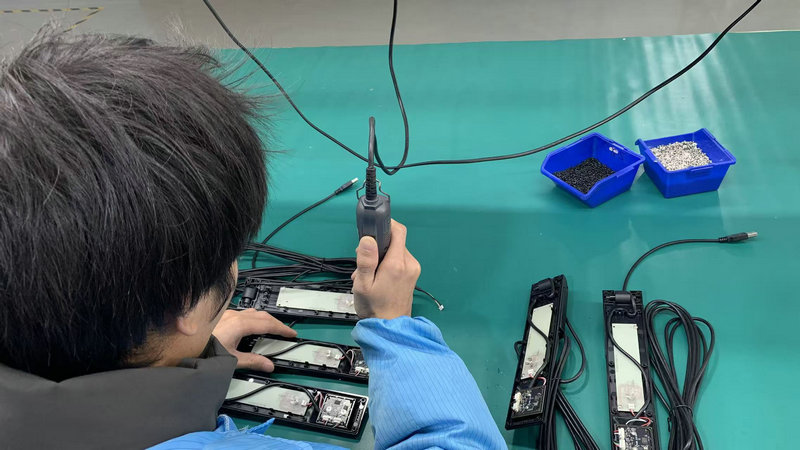
Trained operators assemble optics, electronics, joints, and housings.

In-process QC check

In-Process QC

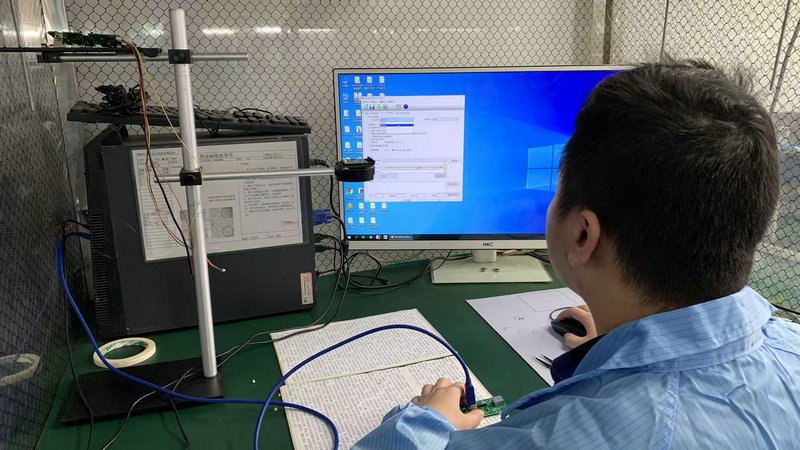
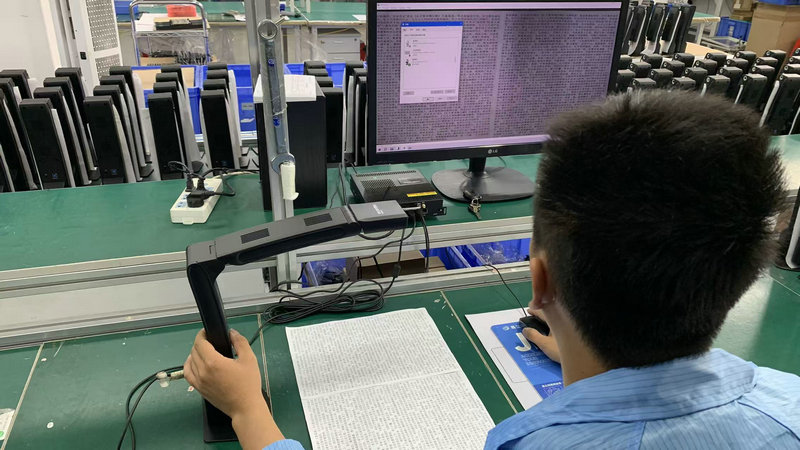
Image, focus, lighting, audio where applicable, and connectivity checked during build.

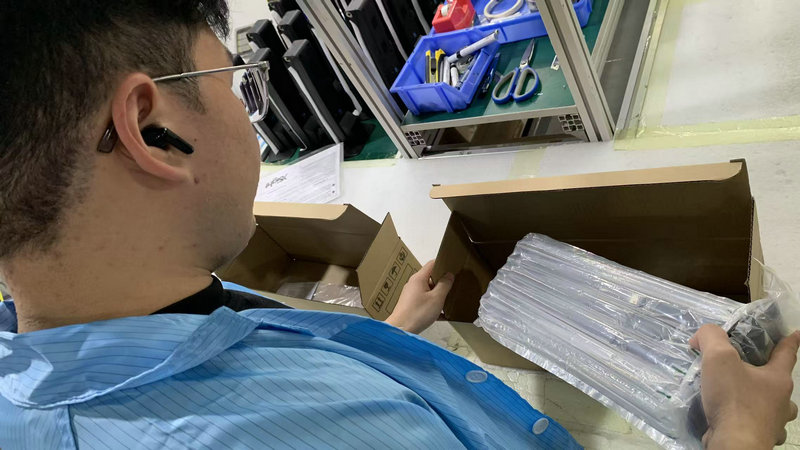
Export packing

Packing

Protective export packaging with buyer-label and manual customization options.

Final QC check before shipment

Final QC Check

Outgoing inspection against the approved sample before shipment.

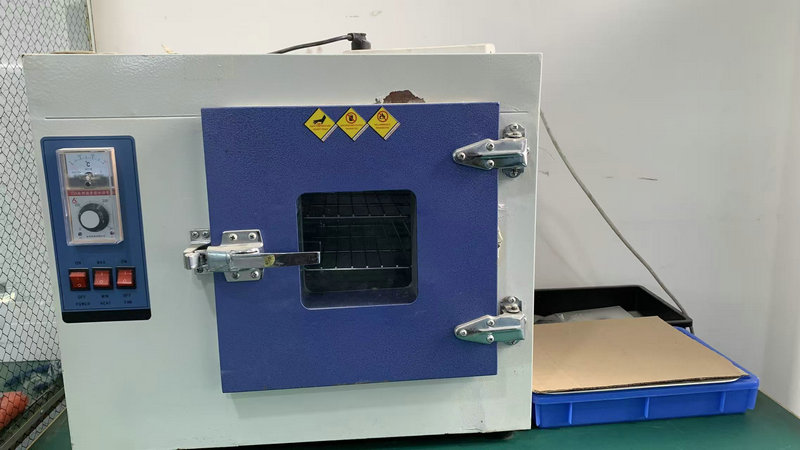
Oven aging test

Oven Aging Test

Burn-in testing helps screen out early-life failures before delivery.

During sample approval, test the desktop document camera scanner with the actual documents and objects the end user will show. Check focus speed after moving a book, color shift under warm and cool lighting, glare from glossy paper, image stability after two hours of continuous use, and cable strain when the arm is adjusted. Ask for the approved sample to be retained as the production reference, and confirm how firmware changes and packaging revisions will be documented for repeat orders.

Shenzhen Kawelo Electronic Technology Co., Ltd. company profile
Manufacturer Advantages

Why Global Buyers Work With Shenzhen Kawelo Electronic Technology Co., Ltd.

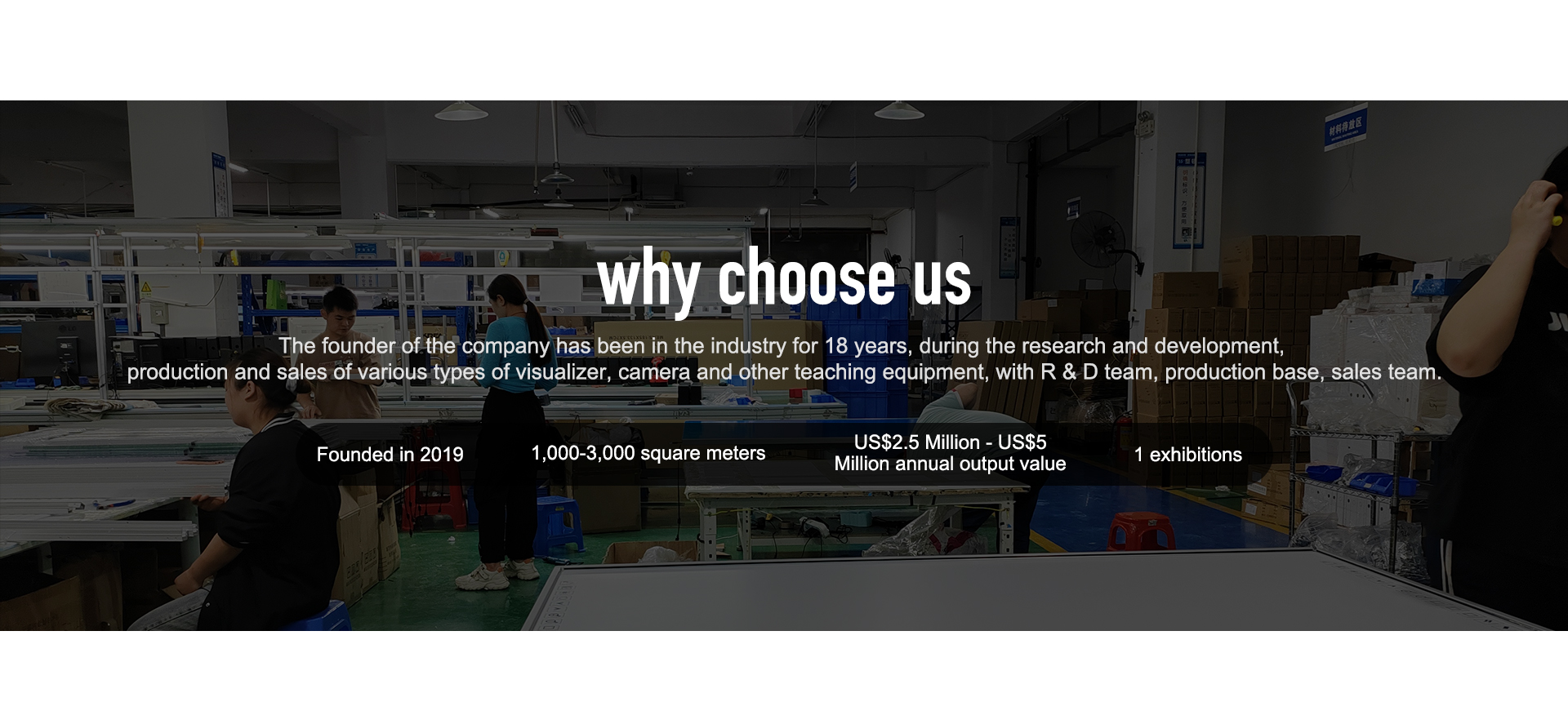
Founded in 2019 near the Guangdong Science City high-tech cluster in the Greater Bay Area, Shenzhen Kawelo Electronic Technology Co., Ltd. focuses on the research, development, production, sales, and service of high-definition imaging and high-fidelity audio products. Our product range covers desktop document cameras, document scanners, interactive electronic whiteboards, conference cameras, USB webcams, and wireless multimedia audio systems.

Our core technologies include chip-level solutions, embedded software, and visual imaging and sensing algorithms for high-definition image and audio capture. This in-house capability allows us to respond to customization requests more quickly, maintain stable firmware, and support long-term spare-part planning for distributors and private-label brands. For a desktop document camera scanner project, it means we can discuss the complete product rather than simply trading a finished item.

We provide OEM service, design service, and buyer-label production, including customization of logo, packaging, and graphics. Our factory has been onsite verified by SGS Group, and our team has experience serving distributors, system integrators, education tender suppliers, and brands that require consistent quality across repeat orders. We accept T/T payment in USD or HKD and ship on FOB terms, with English-speaking export support for project communication.
Verified Company Facts
Company NameShenzhen Kawelo Electronic Technology Co., Ltd.
Business TypeManufacturer, Trading Company Verified
Year Established2019 Onsite
Total Employees11–50 People
Factory Size1,000–3,000 m²
Annual Output ValueUS$2.5 Million – US$5 Million
Main ProductsDesktop Document Camera Scanner, Document Scanner, Interactive Electronic Whiteboard, Wireless Multimedia Audio System, Conference Camera
Contract ManufacturingOEM Service, Design Service, Buyer Label
Third-Party VerificationSGS Group onsite check
Payment TermsT/T · USD, HKD
Delivery TermsFOB
LocationGuangdong, China
Sales Emailinfo@kawelotech.com
Buyer FAQ

Desktop Document Camera Scanner Questions Global Buyers Ask Most Often

These answers are based on the questions our export team receives from distributors, tender suppliers, integrators, schools, and corporate buyers.

What is a desktop document camera scanner used for?

It captures books, worksheets, 3D objects, handwriting, product samples, and documents in real time and sends the image to a computer, interactive display, projector, or video-conferencing platform. Common uses include classroom teaching, remote training, library digitization, laboratory demonstration, quality inspection, and document sharing during online meetings.

How is it different from a flatbed scanner?

A desktop document camera scanner uses an overhead camera for instant live display and fast capture. A flatbed scanner requires page-by-page placement under a glass surface and is mainly designed for static digitization. Document cameras are better for teaching, demonstration, and quick sharing; flatbed scanners can still be useful for very high-volume flat-page scanning where live display is not needed.

What resolution do I need for A4, A3, and book scanning?

Around 8MP suits routine A4 teaching and worksheet sharing. A 13MP model provides sharper detail for small print, maps, science demonstrations, and materials that may need cropping. For A3 capture, archives, OCR, and book pages, 16MP is often a more practical starting point. Resolution should be evaluated together with lens quality, lighting, autofocus, and software because megapixels alone do not guarantee a clear image.

Will a desktop document camera work with Zoom, Teams, and Google Meet?

Choose a model with USB UVC output so it can work as a standard camera in common video-conferencing and recording software without extra drivers. Confirm the supported operating systems, cable length, software settings, and whether the camera can be selected alongside a room camera or webcam. If the product must also feed a local display, HDMI output can be useful where available.

How do I evaluate autofocus, low-light performance, and image clarity?

Test the camera with the actual documents and lighting used by the end customer. Move a book toward and away from the lens, place a glossy page under the light, write small text, and leave the unit running for a long session. Check whether focus hunts, whether highlights wash out details, whether colors remain consistent, and whether text stays sharp at the edges of the capture area.

Can Shenzhen Kawelo Electronic Technology Co., Ltd. support OEM and private-label orders?

Yes. We provide OEM service, design service, and buyer-label production, including customization of logo, packaging, and graphics. Our team can discuss product configuration, packaging language, manual content, and project-specific documentation for distributors, tender suppliers, system integrators, and brands.

What payment and delivery terms do you accept?

We accept T/T payment in USD or HKD and ship on FOB terms. For project-specific requirements, sample arrangements, documentation, or tender support, contact info@kawelotech.com and our export team will respond with the relevant details.

How do you control desktop document camera scanner quality?

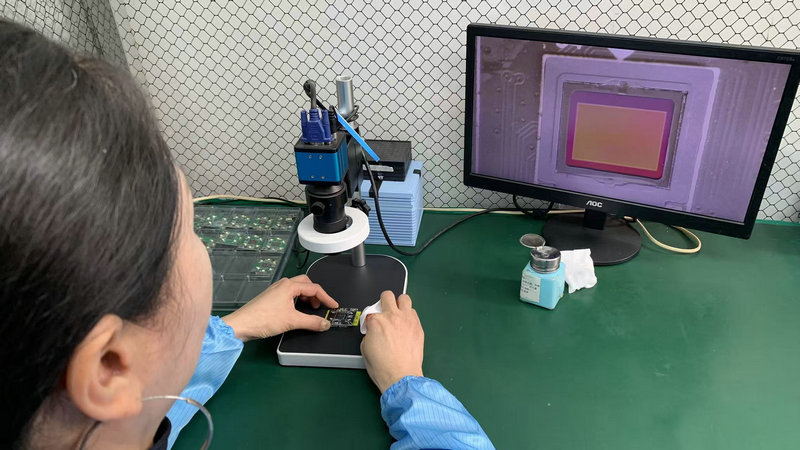
Production controls include incoming material checks, cleaning, firmware programming, assembly, automated screwing where applicable, microscope inspection, functional QC, oven aging, final outgoing inspection, and protective packing. For repeat orders, the approved sample should be retained as the production reference so packaging, firmware, and image quality remain consistent.

What are the main future procurement trends for this product?

Buyers will increasingly focus on AI-assisted image enhancement, OCR-ready workflows, 4K output for large displays, USB UVC compatibility, hybrid classroom and meeting-room use, private-label flexibility, and total cost of ownership. They will also expect clearer documentation, faster technical responses, and stronger evidence of factory capability before placing volume orders.

Should I choose a desktop, portable, or wall-mounted document camera?

Desktop models offer flexibility for teaching, office use, and demonstrations. Portable models suit field sales, training, and shared use across several rooms. Wall-mounted models save desk space and remain permanently ready in classrooms or training rooms. The best choice depends on desk space, security, document size, installation constraints, and how often the camera needs to be moved.

Need a Desktop Document Camera Scanner Recommendation for Your Market?

Share your target application, display size, document size, software environment, estimated annual quantity, and private-label requirements. Our team will help you match the right configuration and prepare the product information your customers and tender documents require.

info@kawelotech.com