8 Video Visualizer & AV Products for Nagoya Buyers
This shortlist combines visual presenters, document scanners, interactive displays, conference cameras and classroom audio. It is arranged for procurement teams that need to compare a room-level kit rather than a single camera specification.
Why Nagoya Is a Practical Market for CE-Certified Visualizers
Nagoya is often described as a manufacturing city, but its procurement base is broader than automotive alone. Aichi Prefecture includes school boards, universities, technical colleges, hospitals, design studios, logistics firms, public agencies and corporate training centres. Each environment has a different reason to buy a video visualizer: a primary school needs to enlarge an A3 worksheet; a university laboratory needs to show a small component; a manufacturer needs to record an inspection step; a meeting room needs to share a paper contract with remote colleagues.
A CE-certified visualizer is not automatically the right visualizer. The practical question is whether the camera, light, interface, firmware and documentation fit the workflow. A 16MP sensor with poor glare control can underperform in a bright Nagoya classroom, while a well-lit 8MP model with a suitable capture area can be the better choice for daily teacher use. Likewise, a 4K conference camera with 10X optical zoom is useful in a deep meeting room, but it may be unnecessary in a small huddle space where a 90° wide-angle USB webcam is enough.
For Nagoya buyers, the strongest sourcing decision usually comes from matching three variables: document size, display interface and installation environment. CE documentation then supports the purchasing file where the product is intended for international schools, global tenders, EU-linked projects or re-export. Japanese domestic requirements should still be confirmed separately with the importer, because CE marking is an EU/EEA conformity route, not a replacement for Japanese legal review.
Our export desk therefore quotes project by project. We confirm the model, power adapter, plug type, interface, manual language, firmware version and compliance file before shipment. That approach is slower than a catalogue order, but it reduces the risk of a visualizer arriving in Nagoya with the wrong adapter, an unsupported display cable or a documentation gap at customs review.
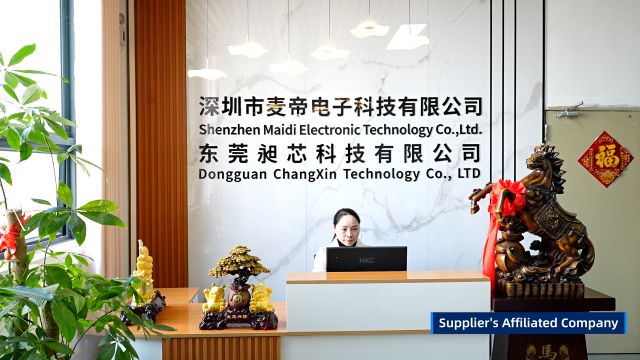
Factory review note
Shenzhen Kawelo Electronic Technology Co., Ltd. combines a Dongguan production base with in-house R&D, firmware flashing, assembly, QC and export packing. The factory has passed an onsite supplier assessment by SGS Group, and the document camera range carries CE certification.
Where Video Visualizers Fit in Nagoya & Aichi Workflows
Local buyers rarely ask for a camera in isolation. They ask for a smoother lesson, a clearer inspection, a faster document workflow or a more inclusive hybrid meeting. These four scenarios are the most common starting points.
Nagoya K-12 classrooms and Aichi school boards
Teachers use visualizers to enlarge worksheets, science experiment steps and textbook pages onto a display. A3 capture is useful for Japanese worksheets, while LED illumination and auto focus help when the room has mixed natural light and ceiling lighting. For schools that still use projectors, a model with HDMI output can reduce PC dependence.
Nagoya universities and technical colleges
Engineering, materials and design faculties need to show small parts, circuit boards, fabric samples and handwritten notes without passing objects around the room. A 22X optical zoom visualizer or a 16MP A3 scanner can support laboratory demonstrations, thesis digitization and research documentation. SDK support matters when the camera must feed a specialised teaching or archiving system.
Aichi manufacturing and genba training
In the manufacturing belt around Nagoya, Toyota City and Kariya, visual presenters are used for quality training, work-instruction recording and inspection demonstrations. A document camera can show a metal coupon, a printed drawing or a defect sample to a training room or a remote engineering team. The buying priority is usually image clarity, stable focus and simple USB output.
Nagoya Station, Sakae and Marunouchi meeting rooms
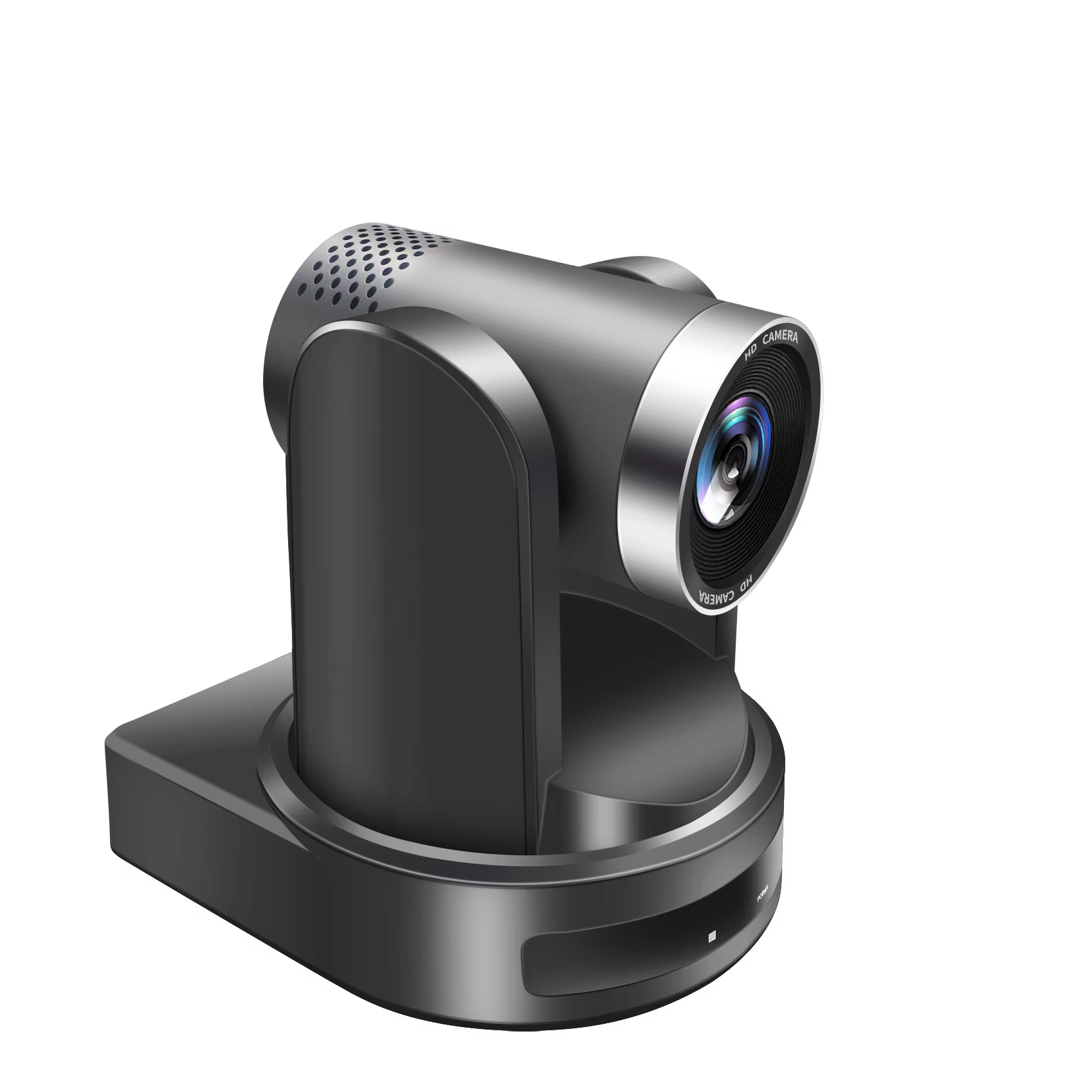
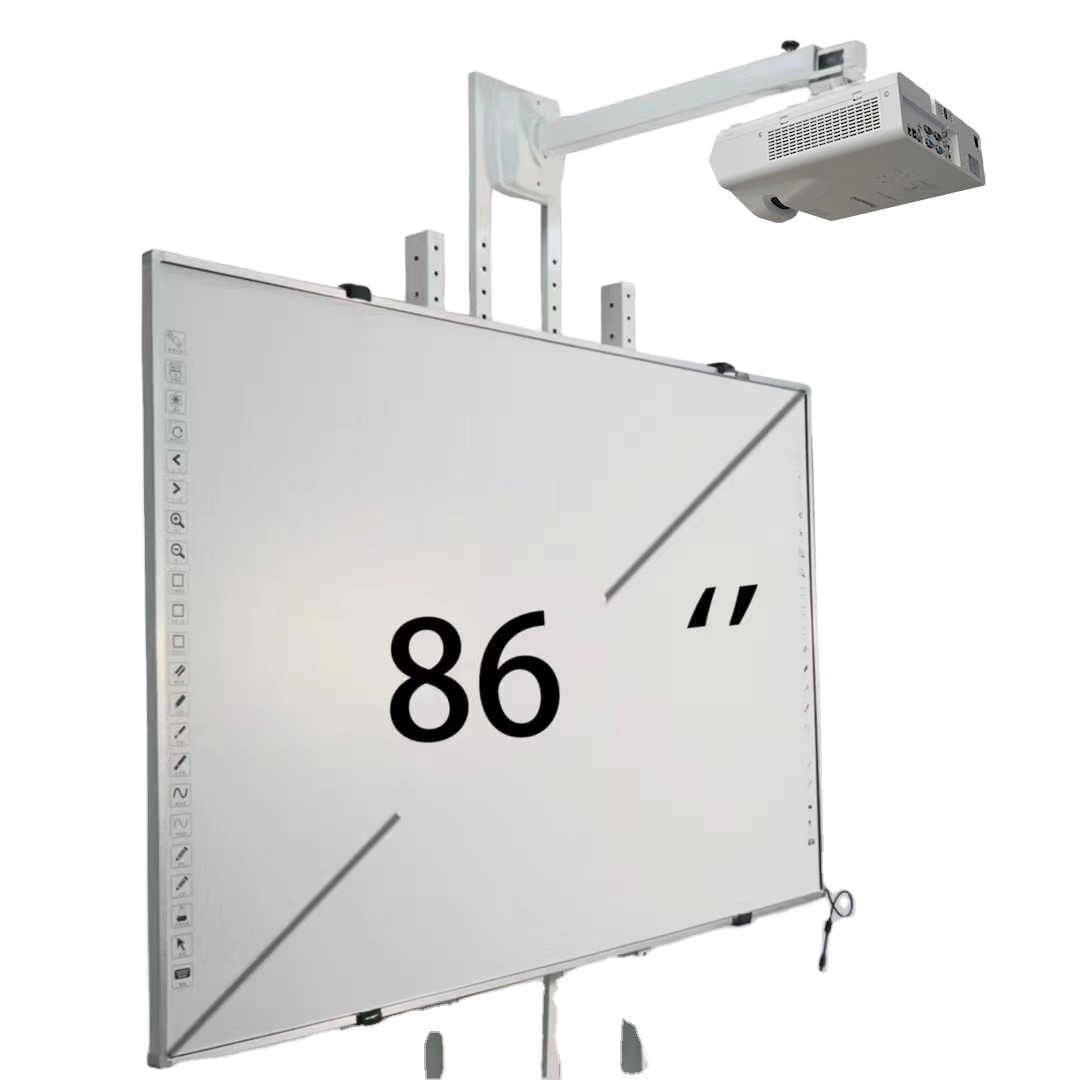
Corporate meeting rooms often need a document camera for contracts, product samples and wireframes, plus a conference camera for remote participants. A 4K 10X PTZ conference camera with face tracking can cover medium and large rooms, while an 86-inch interactive smart board provides a shared canvas. For office buyers, plug-and-play USB and predictable display compatibility are more important than maximum resolution alone.
CE Certification in the Nagoya Market: What It Proves — and What It Does Not
CE marking is frequently requested by international procurement teams, but it should be read accurately. It supports access to the EU/EEA market and gives buyers a structured conformity file. It does not automatically replace Japanese domestic compliance obligations.
What CE supports
For the Kawelo document camera range, CE certification gives Nagoya buyers a formal conformity reference for EU-linked projects. A proper purchasing file should include the Declaration of Conformity, applicable test reports, model list, label artwork and the relationship between the model number and the certificate. This is useful when a global parent company requires a common compliance standard across offices.
What CE does not replace
Japan has its own regulatory and procurement expectations. CE is not a blanket substitute for Japanese legal review, electrical safety review or importer obligations. For Nagoya deployment, confirm the power adapter rating, plug type and facility requirements. Nagoya operates on a 60Hz supply, and Japan uses 100V with Type A plugs, so the power accessory and label should be checked rather than assumed.
What to include in the purchasing file
Ask for the CE Declaration of Conformity, applicable test report, product label photo, adapter specification, firmware version, manual language, warranty statement and spare-parts list. Where the visualizer will be integrated into a school or corporate network, request the SDK or driver information before the tender closes. These documents reduce surprises after the PO is issued.
Which Visualizer Kit Fits the Nagoya Use Case?
Start with the workflow, then choose the camera. The four recommendations below are practical starting points for a quotation, not a substitute for a room survey.
Everyday classroom
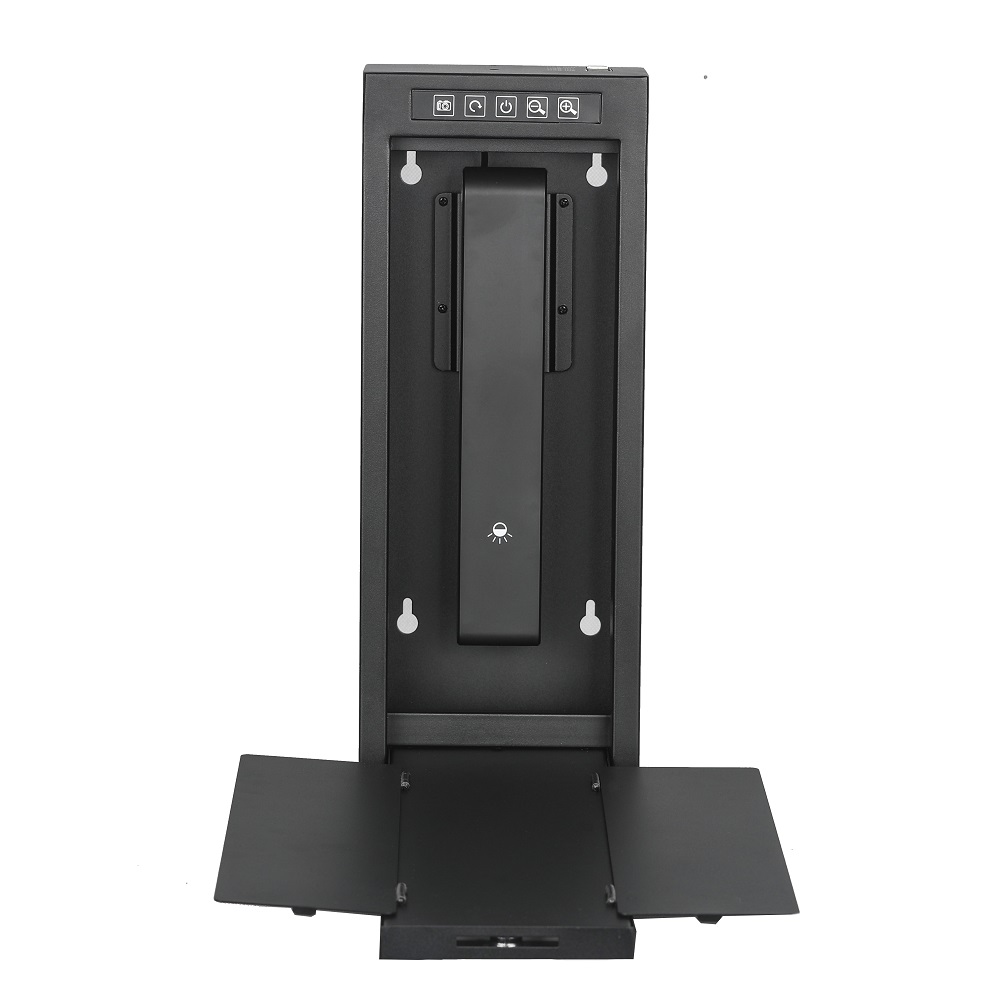
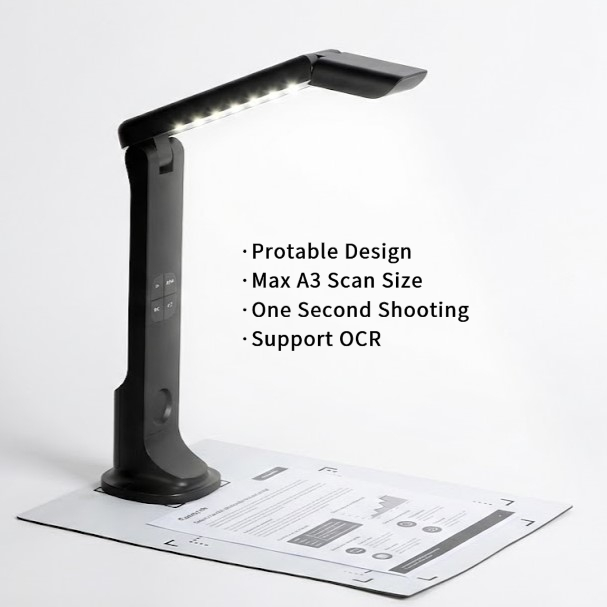
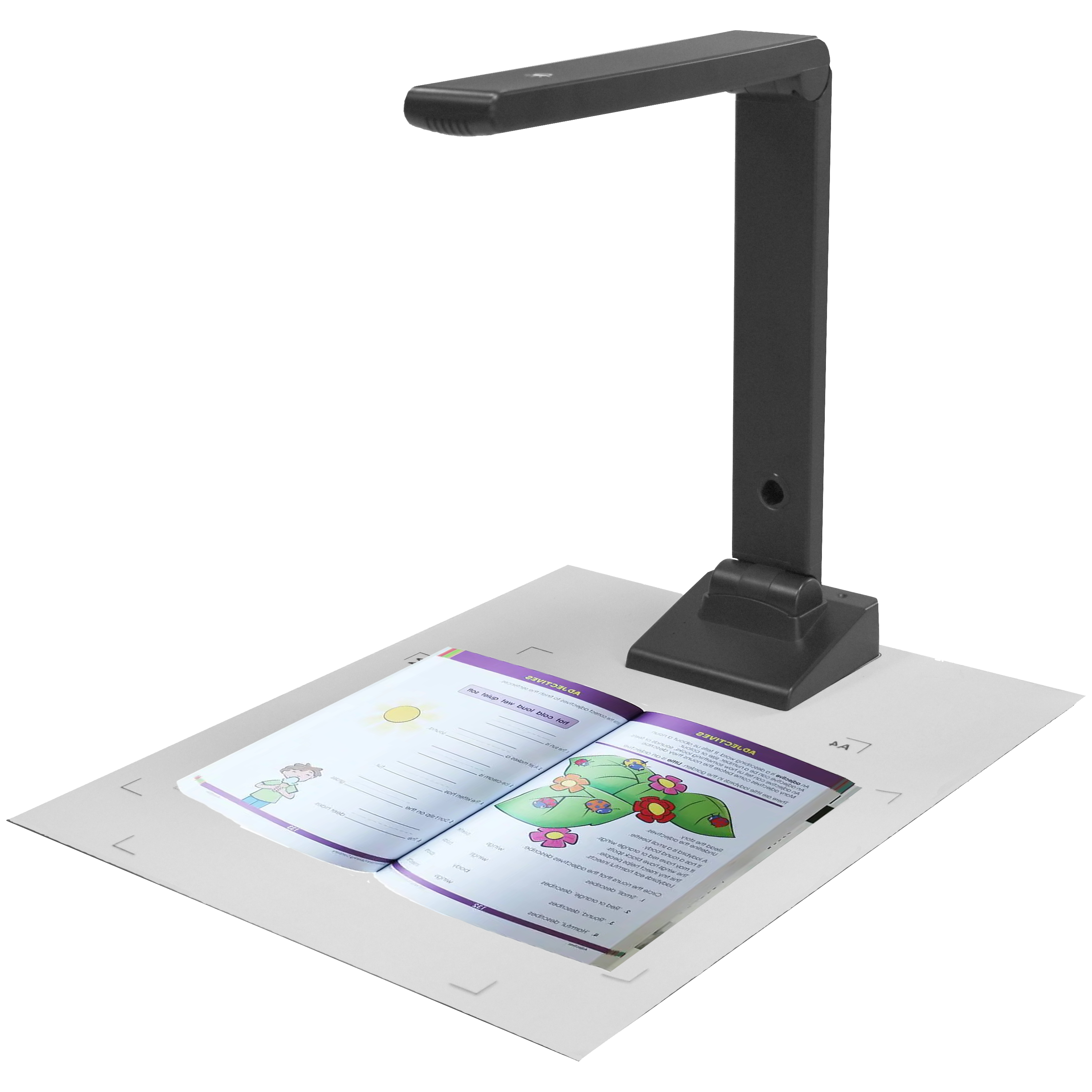
Pair the 8MP foldable document camera with the 86-inch interactive smart board for a cost-controlled classroom that still supports A3 worksheets, OCR book scanning and finger multi-touch lessons.
View 8MP visualizer View 86-inch boardScience demonstration
The Document Optica 22X optical zoom visualizer is suited to small components, laboratory samples and detailed demonstrations where digital zoom would lose clarity. Adjustable LED light helps when the room lighting cannot be controlled.
View 22X visualizerPaper-to-digital office
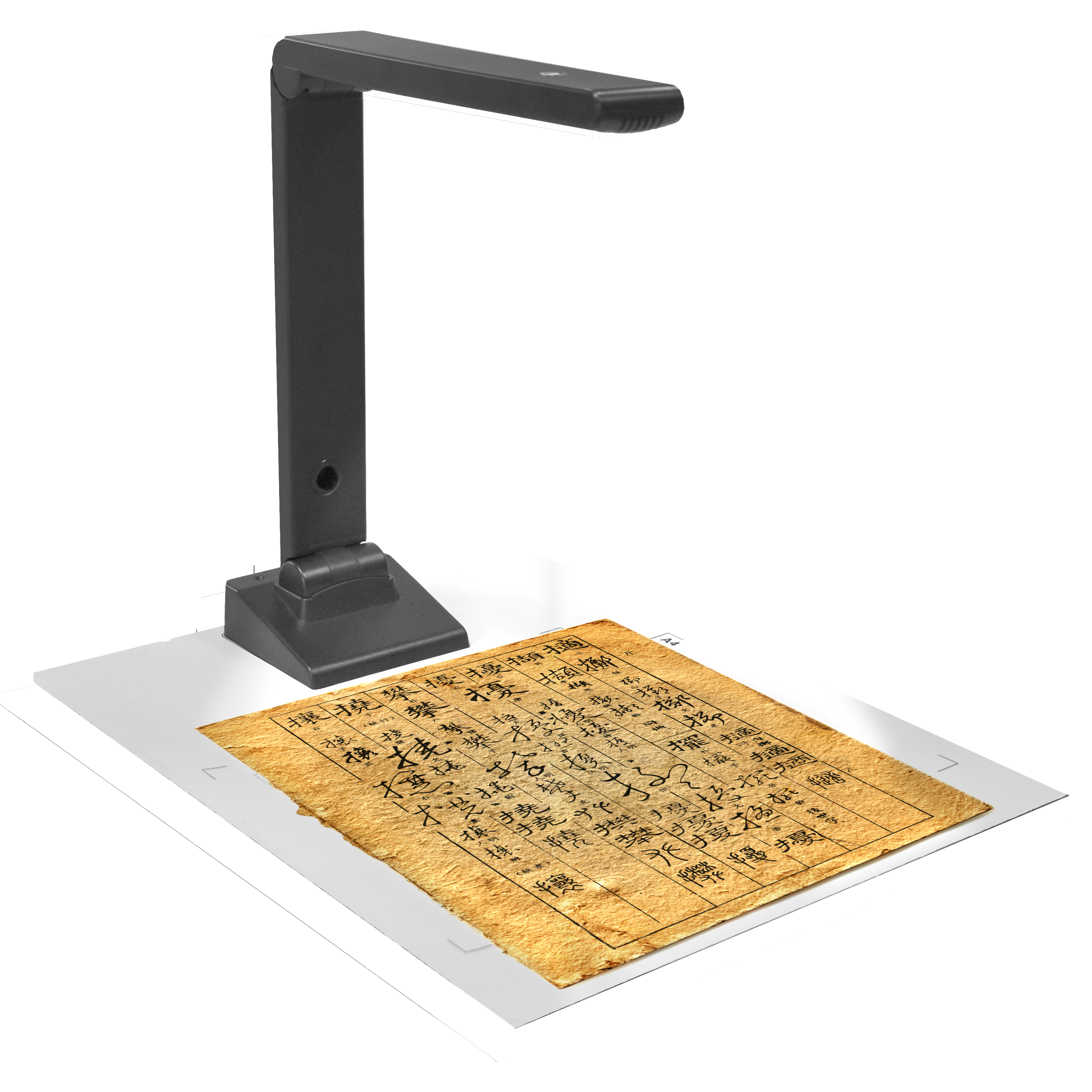
Combine the portable high-speed USB document scanner with the 16MP A3 OEM scanner for book pages, forms and archive work. OCR output and software integration should be tested with your document management system before rollout.
View portable scanner View 16MP OEM scannerHybrid meeting room
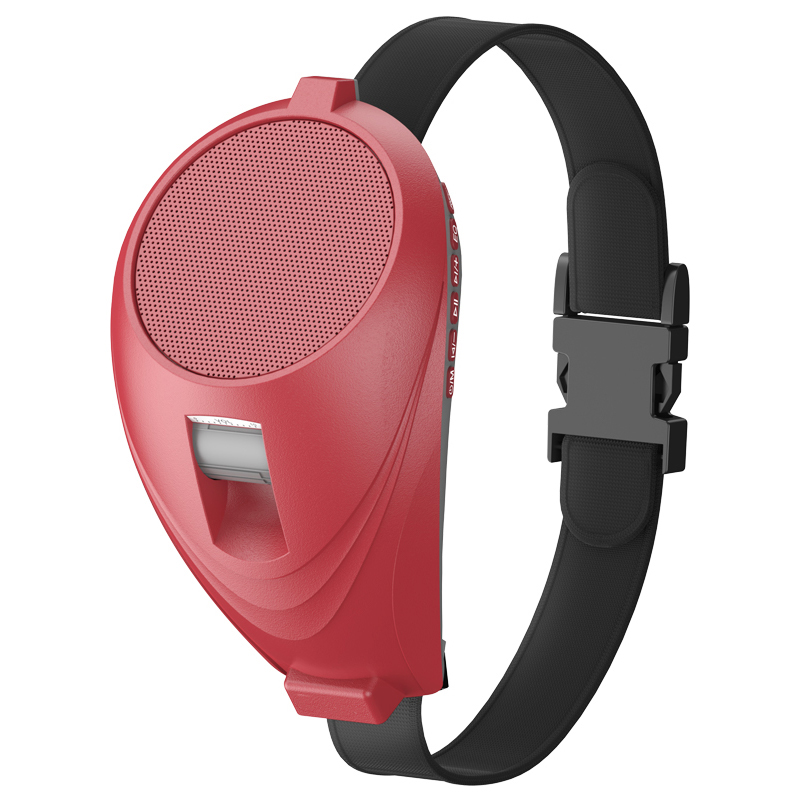
Use the 4K 10X PTZ conference camera with face tracking for remote participants, then add the 86-inch interactive display for local collaboration. For training rooms with mobile presenters, the wireless megaphone can support voice reinforcement.
View 4K PTZ camera View wireless audioWhat Buyers Are Asking for Before the PO
Across export discussions for education and meeting-room projects, the same questions repeat. The priority map below is illustrative and reflects project conversations, not a formal statistical survey. It is useful because it shows where a quotation is most likely to fail if the supplier has not prepared the evidence.
First, buyers want an A3 capture area without glare so that Japanese worksheets, drawings and textbook spreads remain readable. Second, they want plug-and-play USB or HDMI behaviour with existing displays. Third, paper-heavy departments ask for OCR and SDK integration. Fourth, facilities teams ask about 100V power, plug type and 60Hz compatibility. Fifth, OEM buyers ask for label, packaging and manual preparation. Finally, after-sales clarity is treated as part of the product, not an afterthought.
The Factory Behind the Offer
Kawelo is not a trading catalogue with a factory photograph attached. We are a manufacturer with an integrated trading function. Shenzhen Kawelo Electronic Technology Co., Ltd. was founded in 2019 near the Guangming Science City high-tech park. Our founder has spent 18 years developing visualizers, cameras and teaching equipment, and that experience shapes the product range we release.
We work from chip-level solution selection through imaging and sensing algorithms, firmware and audio tuning, then assemble and test in our own production base in Dongguan. The team size is 11–50 staff, with annual output in the US$2.5M–US$5M range. We handle OEM service, design service and buyer-label production, including logo printing, custom packaging and graphic customisation. Firmware is flashed and verified in-house on dedicated burning stations.
For Nagoya buyers, this matters because a visualizer project often needs more than a boxed camera. It may need a Power adapter review, an English or Japanese manual discussion, a sample for a pilot classroom, a spare-parts list or a CE dossier for a global tender. Our stated main export markets are Southeast Asia, Africa, North America and Oceania; Japan-bound projects are quoted case by case after specification and compliance review.
Factory-direct engineering
Imaging algorithms, firmware, assembly and QC are handled in-house. This gives integrators a clearer route for model-specific requests such as SDK support, OCR workflow questions or firmware version checks.
OEM and ODM from label to firmware
Logo printing, custom packaging, graphic customisation and buyer-label production are supported. For software integrators, selected models can be discussed with SDK requirements before the order is confirmed.
Third-party verified quality
The factory has passed an onsite supplier assessment by SGS Group. The document camera range carries CE certification, and production follows documented incoming material, firmware, assembly and QC steps.
Flexible order sizes
MOQ depends on the model. Selected document cameras and conference cameras start from 1 piece; most webcams and document cameras from 4 to 5 pieces; interactive whiteboards typically from 30 pieces. Samples can be discussed for pilot projects.
Room-level bundling
Document cameras, interactive displays, conference cameras and audio can be quoted together. This reduces the number of suppliers involved in a classroom or meeting-room tender and simplifies cable, adapter and documentation planning.
Export-ready communication
We quote FOB and accept T/T in USD or HKD. For Nagoya projects, shipping via Nagoya Port or air freight through Chubu Centrair International Airport can be reviewed with the buyer’s forwarder. Incoterms, lead time and packing are confirmed in the quotation.
A Practical Nagoya Buyer Checklist Before You Compare Prices
Use this checklist to make quotations comparable. It separates a low headline price from a workable delivered solution.
Match the capture area to the document
Confirm whether the camera must capture A4, A3 or a full textbook spread. For Japanese worksheets and engineering drawings, A3 is often the practical minimum. Check the working height and desk space in the room, not just the sensor resolution.
Choose the interface before the brand
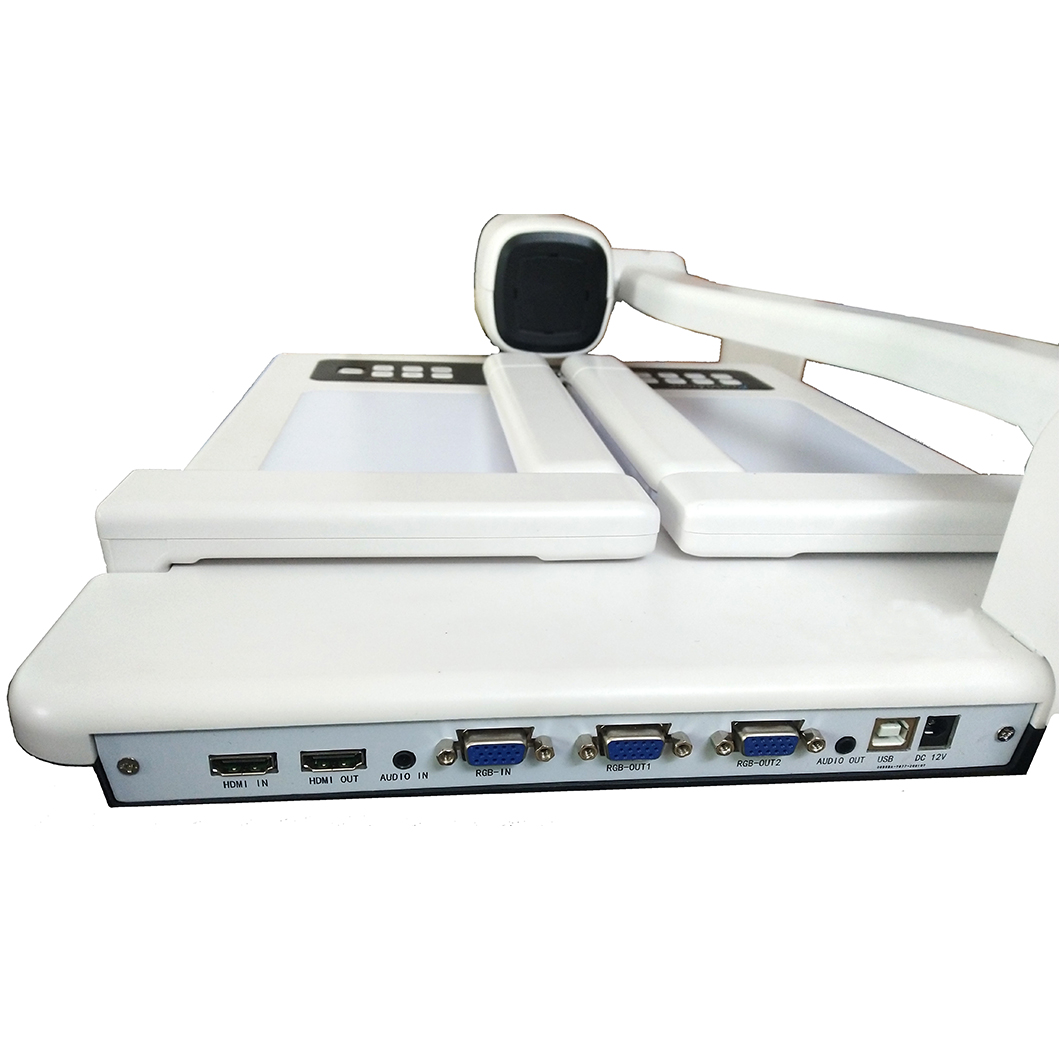
Decide whether the visualizer will connect by USB to a PC, by HDMI directly to a display, or by Type-C to a modern laptop. If teachers present without a PC, HDMI output may matter more than software features. Confirm cable length and adapters.
Check power and plug type
Nagoya operates on a 60Hz supply, and Japan uses 100V with Type A plugs. For USB-powered cameras, this is usually simple; for interactive boards and powered accessories, confirm the adapter rating, plug type, label and spare fuse arrangement with the supplier.
Request the compliance file
Ask for the CE Declaration of Conformity, applicable test reports, model list, label artwork and adapter specification. If the product is going into a global tender, confirm that the certificate model number matches the quotation and the shipping label.
Test OCR, SDK and software assumptions
If your workflow depends on OCR text recognition or SDK integration, test with the actual documents and software environment. Clarify whether the SDK is available for selected models, which operating systems are supported, and who provides integration support.
Plan warranty and spare parts
Document cameras normally carry a 1-year warranty; confirm terms for other categories. Ask how spare parts, remote troubleshooting and replacement units are handled. For a multi-room rollout, a small critical spares pool is often cheaper than a delayed repair.
Procurement Questions We Receive Most Often
These answers cover factory status, CE documentation, Japan-bound power review, MOQ, OEM terms, warranty and shipment expectations. For a tender, ask for the model-specific data sheet and compliance file before you issue the PO.
Are you a manufacturer or a trading company?
Is CE certification required to sell a visualizer in Japan?
Can you supply 100V / 60Hz-compatible adapters for Nagoya?
What is the minimum order quantity?
Do you offer OEM, ODM and buyer-label packaging?
Do your document cameras support OCR and SDK integration?
What payment, shipping and Incoterms apply to Nagoya-bound orders?
What warranty and after-sales support do you provide?
Build a Nagoya-Ready Visualizer Package with CE Documentation
Send your room size, document size, display interface, target quantity and compliance requirements. We will recommend matching visualizers, scanners, interactive displays or conference cameras, then prepare a model-specific quotation with the relevant CE documentation and export details.
Send an Inquiry