8 USB Visual Presenter & Classroom AV Products for Osaka Buyers
The eight products below are active production items from our visual presenter, interactive whiteboard, conference camera and classroom audio lines. Buyers can shortlist by room type, compare interfaces and request current specifications before a tender or pilot.
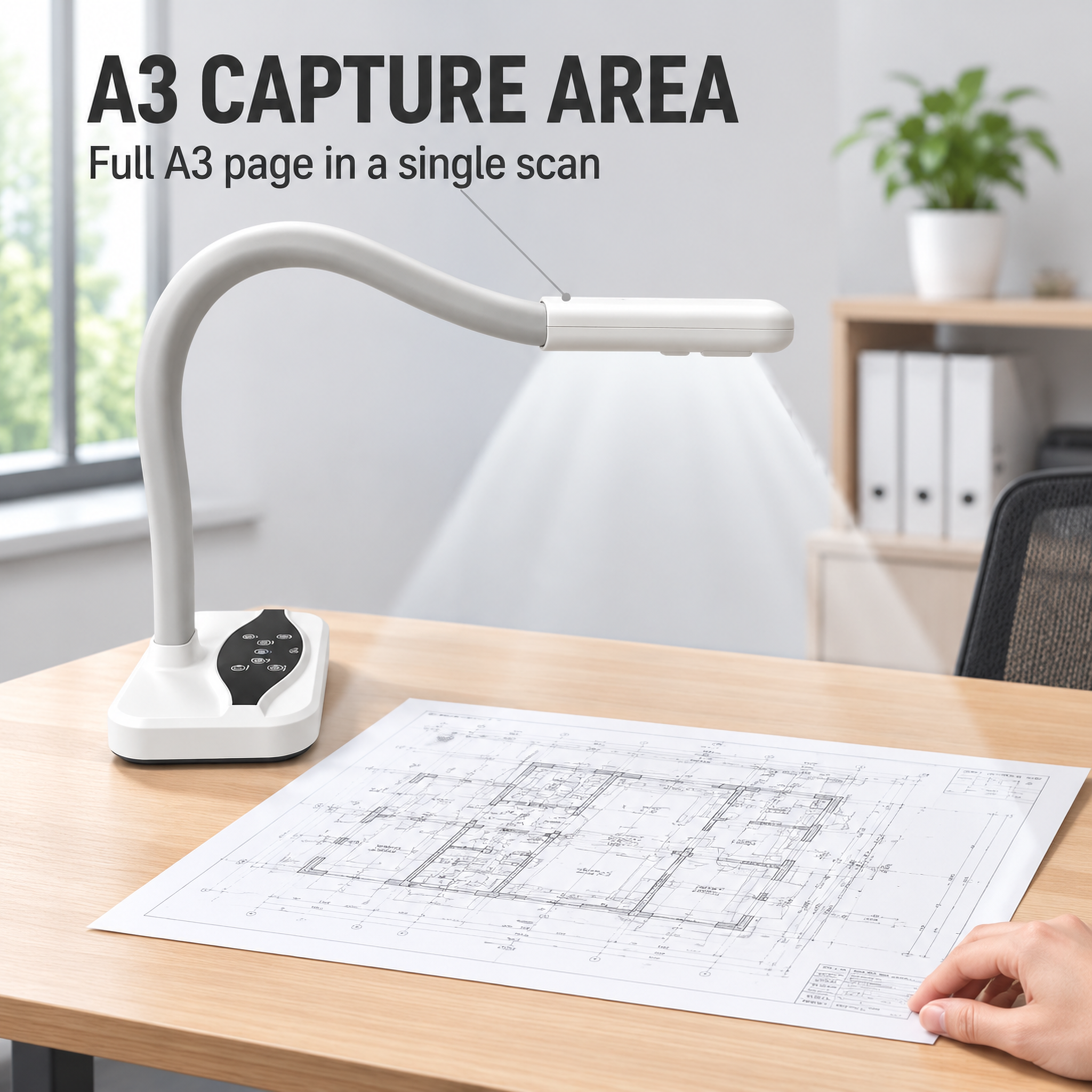
4K HD Document Camera A3 Capture Area HDMI Output Type C Touch Key SD Card Visual Presenter
Best for Osaka lecture rooms, PC-free presenting and detailed A3 worksheets where HDMI, Type-C and SD-card capture are useful.
View product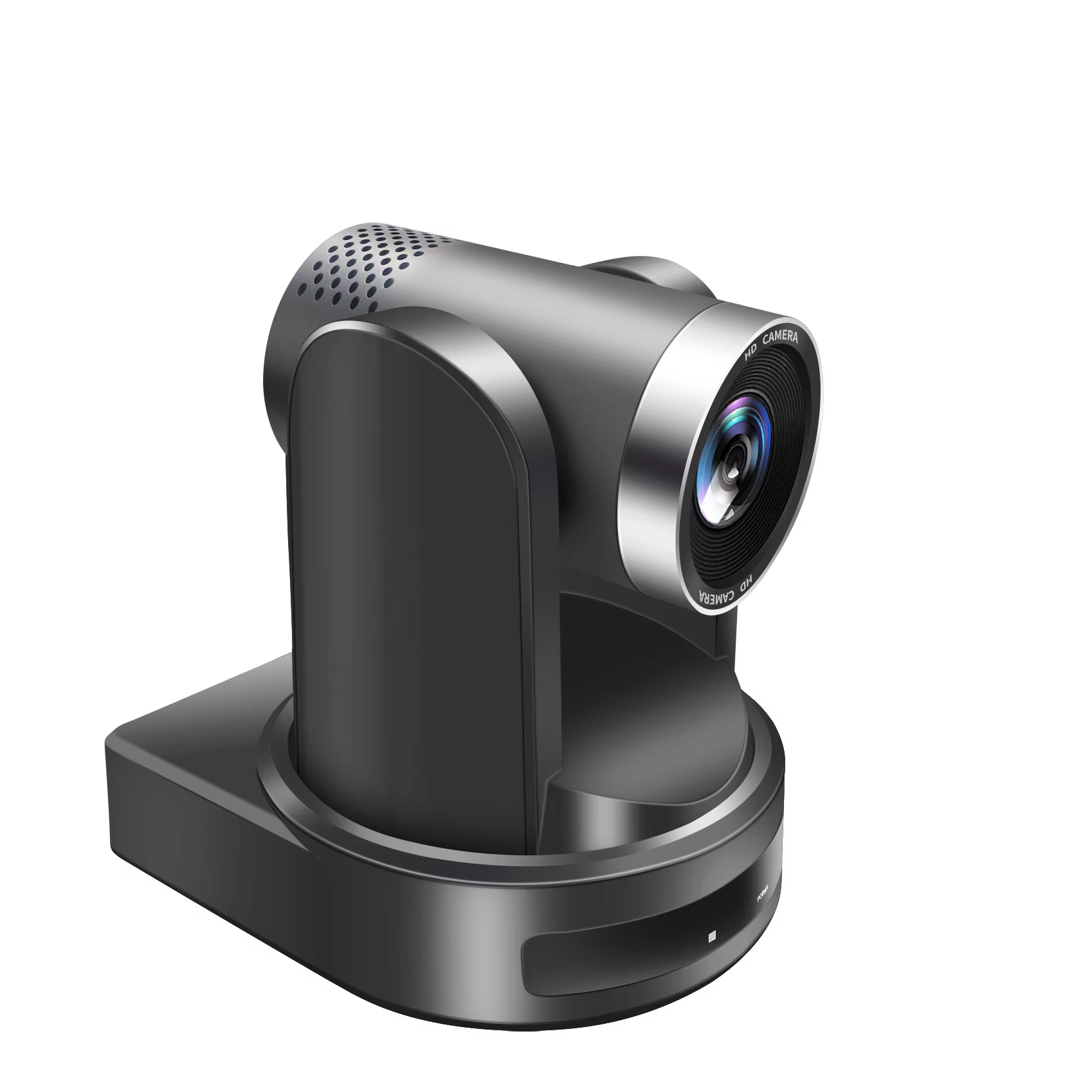
ShenMaiDi Black 4K 10X Video Conference System PTZ Camera Face Tracking Voting Function USB Interface
Best for hybrid boardrooms in Umeda, Honmachi and Nakanoshima where optical zoom and clear participant framing matter.
View product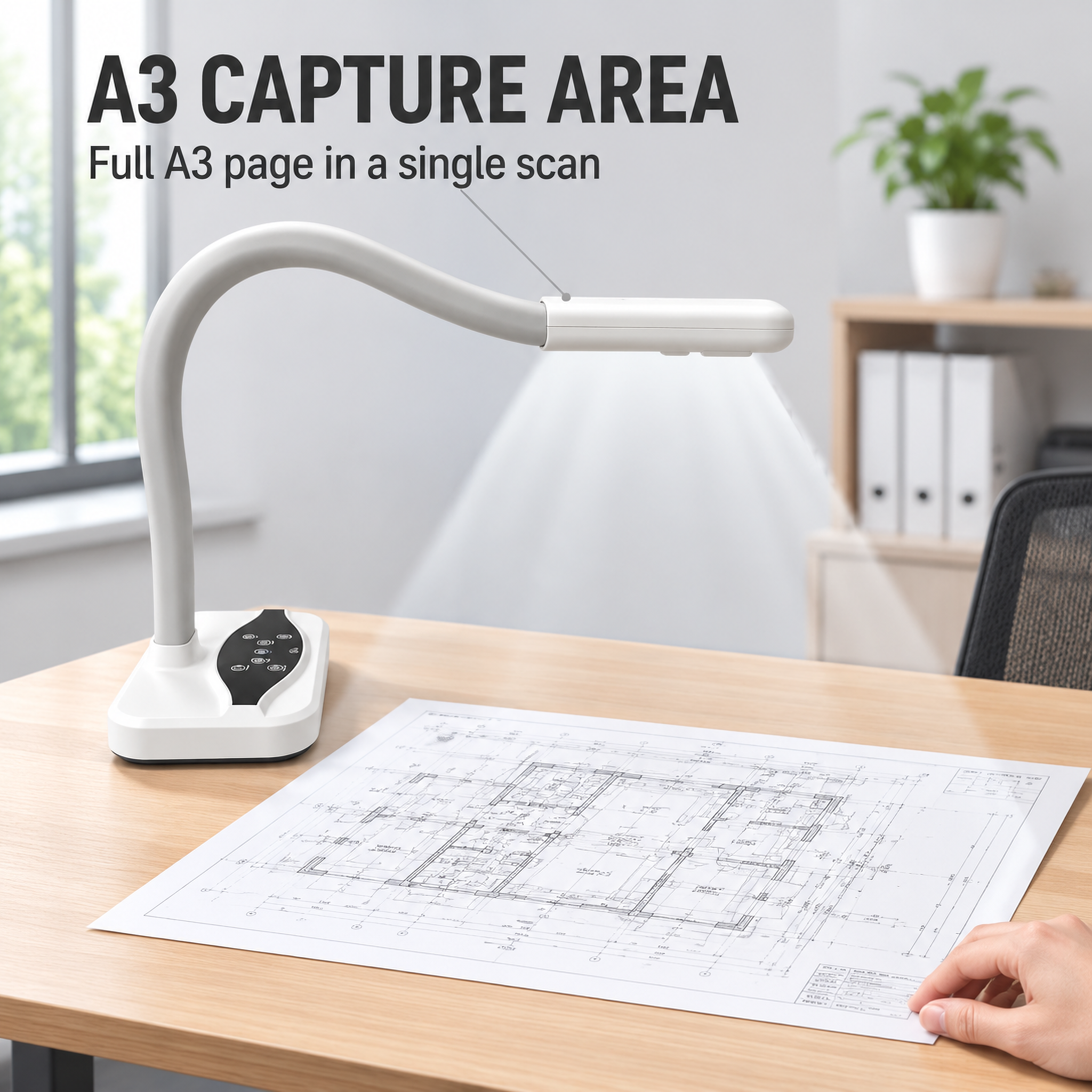
4K HD Document Scanner Visual Presenter USB A3 Capture Area for Meetings and Teaching
Best for plug-and-play USB classrooms and meeting rooms that already have a PC, projector or interactive display.
View product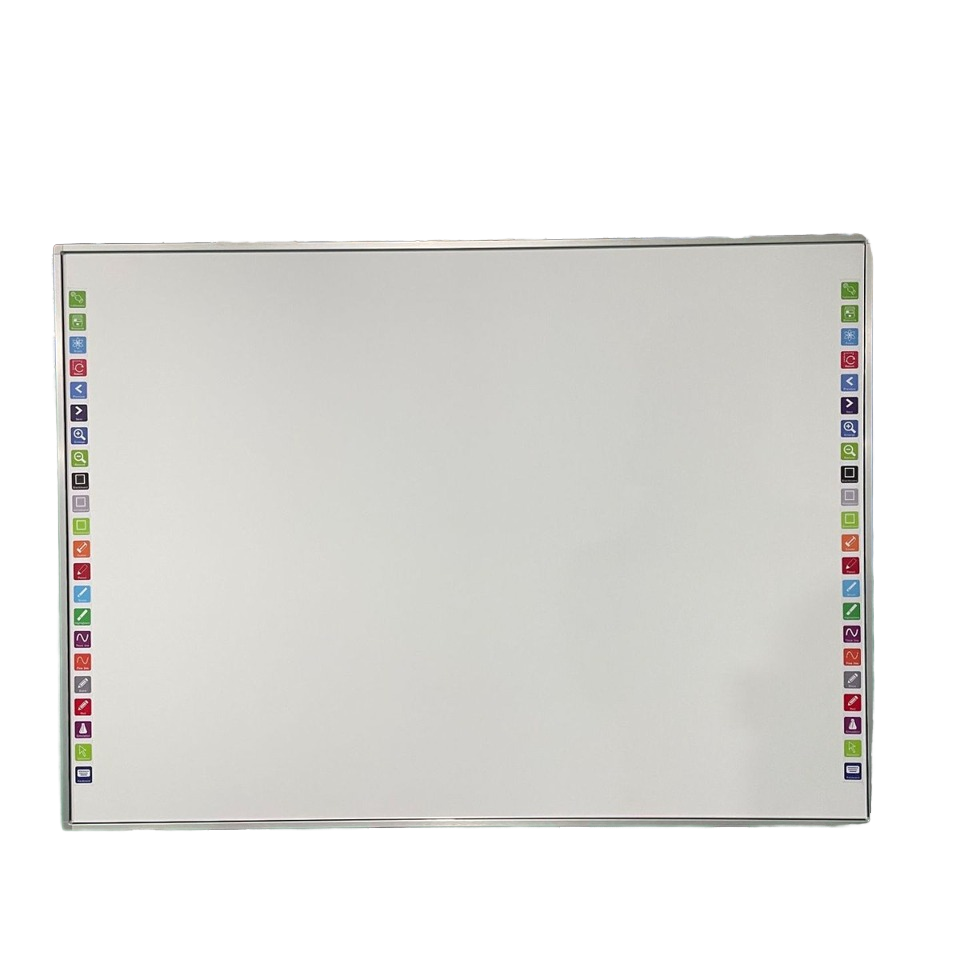
ShenMaiDi 102inch Portable Interactive Smart Whiteboard Projector Whiteboard Device
Best for Osaka lecture halls and auditoriums where a projection-based interactive surface must serve large groups.
View product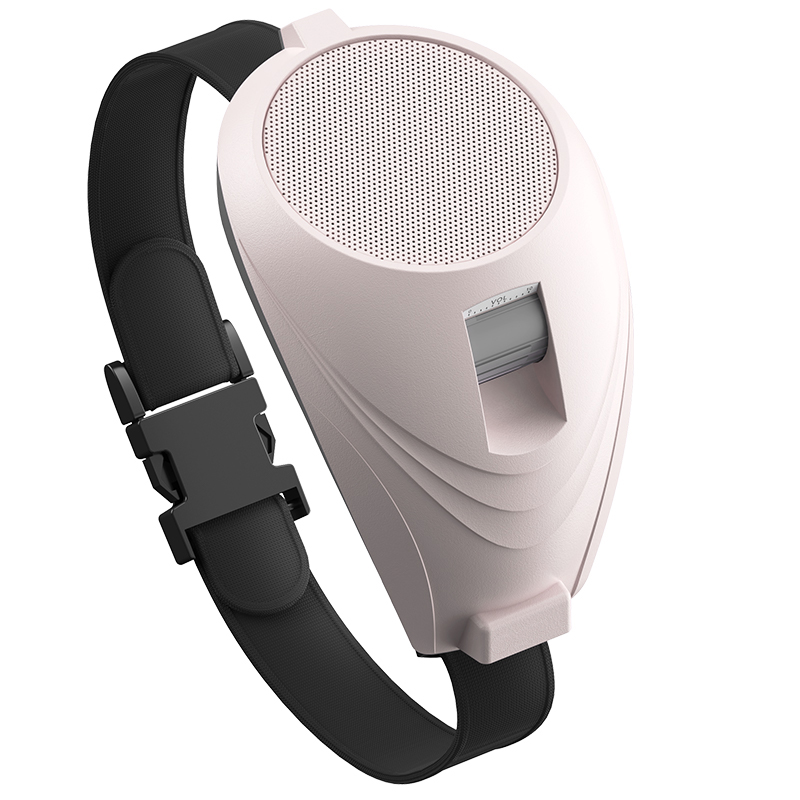
Wireless 5.0 Active Mini Portable Speaker Megaphone Belt-Mounted Stereo Sound 5000mAh Battery
Best for teachers moving between classrooms, small training rooms and voice amplification without fixed wiring.
View product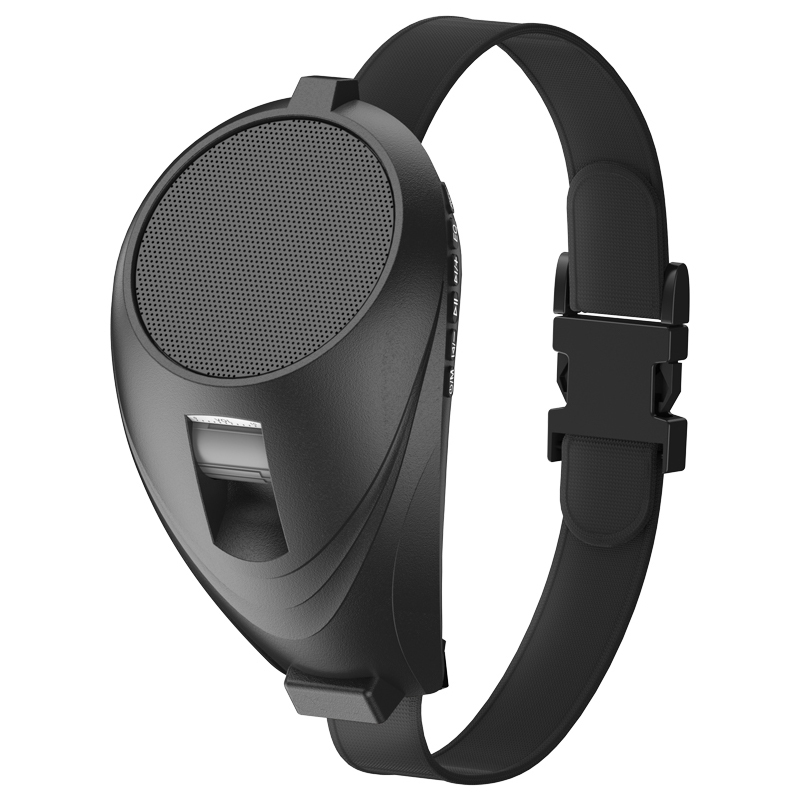
Active for 5.0 Plastic Mini Speaker Super Bass Stereo Sound Belt-Mounted Megaphone 5000mAh
Best for budget-sensitive classroom amplification, guided training and lecture rooms that need clear speech reinforcement.
View product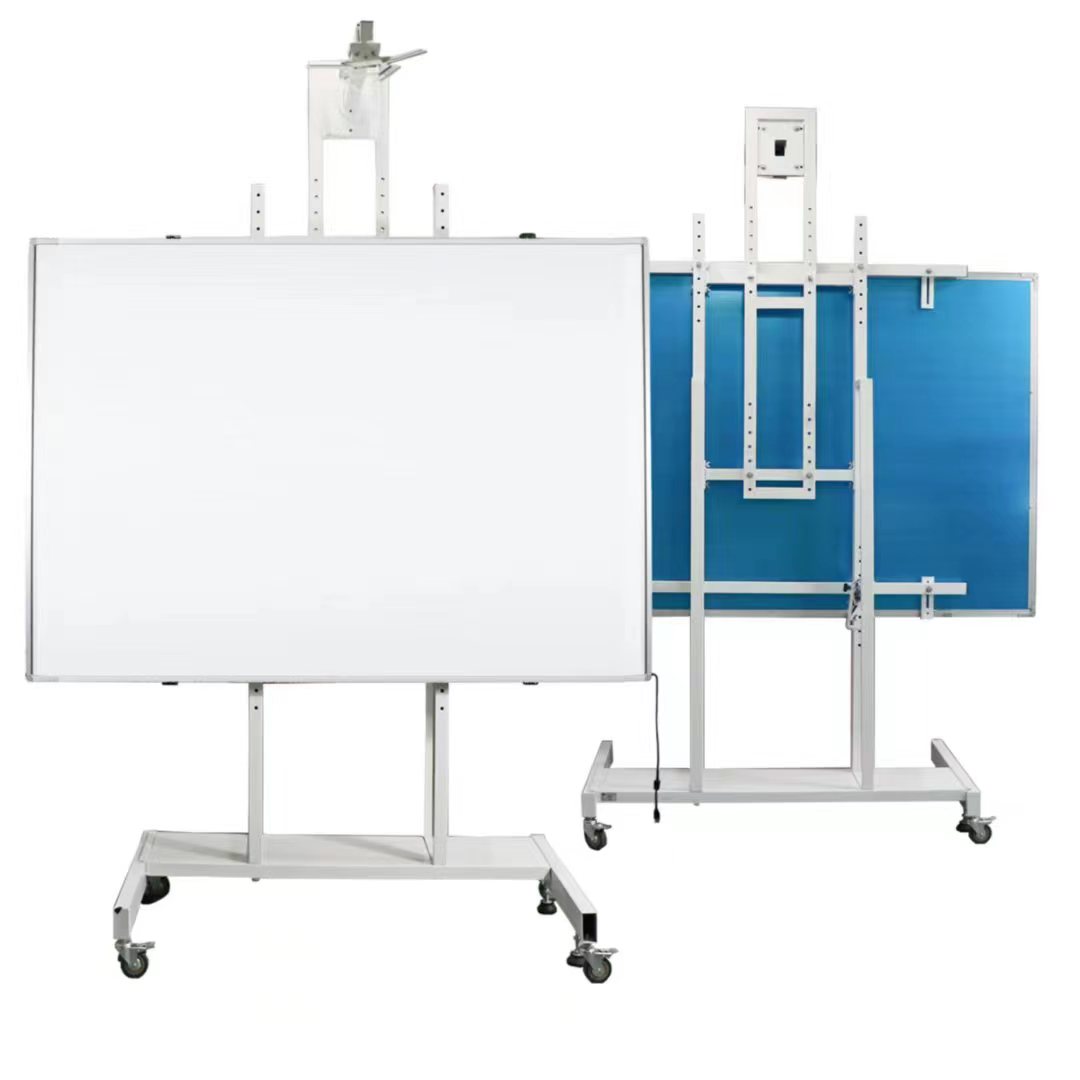
96 Low Price Interactive Metal PET Whiteboard Touch Screen Electronic Multi-Functional Multimedia
Best for K-12 and university classrooms that need a durable writing surface plus interactive projection control.
View product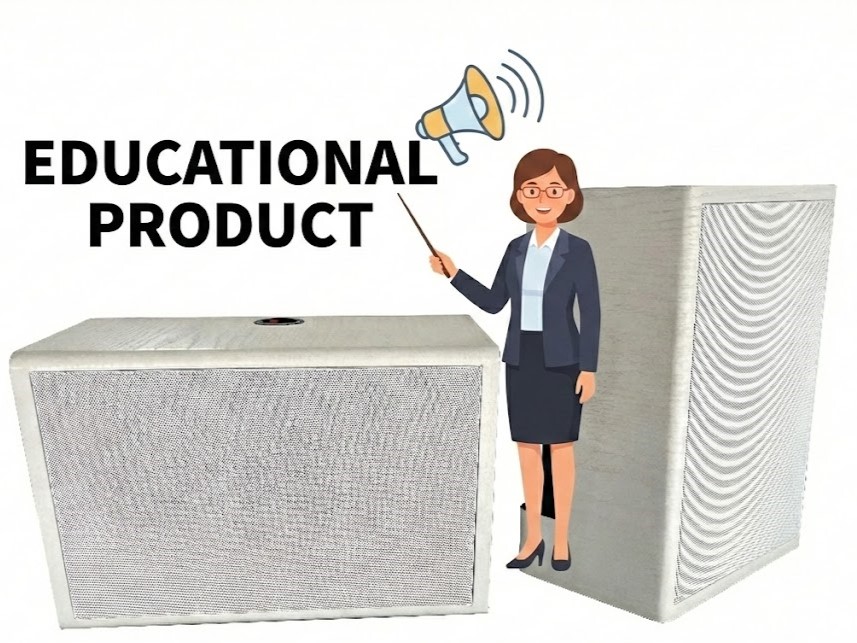
SHENMAIDI MD-S50A 50W Education Infrared Point Integrated Stereo Speaker Sound Amplifier
Best for fixed Osaka classrooms and training rooms that require consistent voice coverage and simple daily operation.
View productWhy Osaka Demands a Different Visual Presenter Strategy
Osaka is a dense, practical and procurement-conscious market. Buyers are not simply looking for the lowest unit price; they need predictable installation, clear documentation, stable firmware and a supplier who understands the difference between a classroom pilot and a multi-site roll-out.
A compact education and business ecosystem
Osaka combines municipal schools, private universities, vocational colleges, corporate headquarters, SME factories and busy retail environments across a relatively compact region. A visual presenter must therefore be easy to move, simple to connect and reliable under daily use, not only impressive in a showroom.
Japanese buyers value documentation and continuity
Procurement teams often ask for specifications, accessory lists, warranty terms and packaging details before a pilot. They want to know which adapter is supplied, how firmware is controlled and how replacement units will be handled after the first installation. A factory-direct supplier must answer those questions clearly.
USB visual presenters bridge paper and digital
A USB visual presenter, also called a document camera, visualizer or document scanner, lets a teacher or presenter place a textbook, form, sample or drawing under the camera and share it instantly on a screen. In Osaka, this is especially useful where existing PCs and displays are already installed and a low-disruption upgrade is preferred.
Factory or local wholesaler? Clarify the supply model
An Osaka trading company can provide local invoicing, Japanese communication and faster stocking, while a factory-direct manufacturer can provide OEM branding, firmware control, SDK support and product-specific customization. The strongest supply chain often combines both: a local Osaka importer or integrator supported by a verified manufacturing partner.
What Is a USB Visual Presenter in the Osaka Procurement Context?
In international sourcing, “visual presenter” is a broad term. It can refer to a document camera, visualizer, overhead document scanner, book scanner or a compact USB camera designed for tabletop capture. For Osaka buyers, the most important question is not the name but the use case: what will be placed under the camera, who will operate it, and which screen or software will receive the image?
Resolution and live frame rate
A 16MP sensor can capture detailed still images for records, worksheets and OCR, while a 4K visual presenter is often preferred for smooth live viewing on large displays. Buyers should confirm both the still-image resolution and the live video frame rate, because a high still resolution does not automatically guarantee fluid motion.
A3 capture area and lighting
Osaka classrooms often use A3 worksheets, large maps, design drafts, construction drawings and product samples. An A3 capture area reduces repositioning during a lesson. Built-in LED lighting helps maintain readable text and consistent color when room lighting changes during projection or video conferencing.
USB, HDMI, Type-C and SD card
A USB visual presenter usually works as a plug-and-play UVC camera with a PC. HDMI output supports PC-free presenting on a projector or display, while Type-C and SD-card features can simplify file capture and portable use. The right interface mix depends on whether the Osaka room has a fixed PC, a switcher or an interactive display.
OCR, SDK and software integration
Selected document camera models can support OCR and SDK integration for banks, government counters, school administration and software vendors. Buyers planning to integrate a visual presenter into an existing application should request SDK details, supported operating systems and a sample test plan rather than assuming that USB connectivity alone is sufficient.
Japan power and compliance context
Japan uses a 100V power environment, and certain AC adapters or electrical accessories may require PSE marking. EMC requirements such as VCCI may also be relevant depending on the configuration. CE certification and an SGS factory assessment support supplier due diligence, but they should not be treated as automatic substitutes for Japanese market compliance.
Installation time and total cost
The lowest unit price is not the lowest total cost. Installation time, adapter compatibility, teacher training, warranty handling, spare parts and packaging quality can alter the real cost of a multi-room roll-out. Osaka buyers should evaluate the complete kit, not only the camera body, and should require a pilot before committing to a larger order.
Product Recommendations by Osaka Room Type
Instead of selecting a visual presenter by resolution alone, match the product workflow to the room. The four configurations below reflect common Osaka purchasing patterns for education, corporate meetings, public-sector training and industrial quality control.
Osaka K-12 classroom and municipal school
Combine a 4K HD Document Scanner Visual Presenter USB A3 with a 96-inch Interactive Metal PET Whiteboard and a Wireless 5.0 Portable Teacher Speaker. This workflow supports textbook sharing, handwriting, classroom audio and existing PC-based lesson materials.
University, lecture hall and auditorium
Pair a 4K HD Document Camera with HDMI and Type-C with the 102-inch Portable Interactive Smart Whiteboard Projector and a fixed 50W audio system. This suits large Osaka lecture rooms where PC-free presenting and clear voice coverage reduce setup time.
Corporate meeting and hybrid conference room
Use the ShenMaiDi 4K 10X Video Conference System for participants and the 4K HDMI/Type-C Visual Presenter for contracts, drawings or product samples. Add a compact speaker for overflow rooms and training sessions.
Industrial inspection and technical training
For Osaka SMEs and technical training centers, a 4K visual presenter can show small components, printed labels, defects and assembly steps on a large screen. Select an OCR/SDK-capable model when the image must be captured into an internal quality system, and confirm the working distance, lighting and software integration requirements first.
How Osaka Organizations Use USB Visual Presenters
The same product family can serve very different local workflows. These are the scenarios most often discussed by education buyers, AV integrators and corporate procurement teams preparing pilots for Osaka and the wider Kansai region.
Public and private schools
Teachers show worksheets, science experiment steps, small objects and handwritten notes without scanning or printing. An A3 camera area is useful for large teaching materials, while USB connectivity keeps the lesson tied to the existing classroom PC.
Universities and vocational colleges
Lecturers can present research notes, diagrams, textbook pages and sample materials in large halls. OCR and SDK options may help administrative digitization or software-connected teaching, but compatibility should be tested with the intended application before purchase.
Municipal meeting rooms and ward offices
Staff can share printed forms, maps, proposals and identification documents during internal meetings. A visual presenter with HDMI output can connect directly to a room display, reducing dependence on one designated computer and simplifying meeting-room turnaround.
Manufacturing and quality control
Small components, printed labels, surface defects and assembly drawings can be displayed to a team or recorded for training. A factory-direct model with a stable stand, LED lighting and 4K output is often more useful than a high-street webcam for this technical work.
Retail showrooms and product training
In Osaka’s retail and service sectors, visual presenters help demonstrate fabric texture, product details, planograms and packaging to staff or customers. A 4K camera can preserve detail on a large display without the delay of taking photographs and transferring files.
Training centers and service counters
Training teams can show forms, procedures and reference documents while keeping the original in view. For public-facing counters, the combination of a visual presenter and voice amplification can improve communication without requiring a full room redesign.
Localized Trends Shaping Osaka Purchasing Decisions
Osaka buyers are practical. They rarely buy a visual presenter as a standalone gadget; they buy it as part of a teaching, meeting or training workflow. Three trends are especially visible in current inquiries from the Kansai region.
Hybrid and “no-install” AV upgrades
Many Osaka rooms already have displays and PCs. Buyers prefer USB visual presenters that can be added without major construction, new control systems or lengthy staff training. Plug-and-play UVC behavior, HDMI fallback and a compact stand are increasingly important in replacement projects.
Paper-to-digital and OCR workflows
Schools, public offices and companies still handle printed documents. Instead of simply projecting paper, buyers now ask whether a document camera can capture images, support OCR and integrate with administrative systems. This is where SDK availability, image clarity and consistent lighting become commercial requirements.
Tender-ready proof and supplier transparency
Procurement teams want evidence that the supplier can deliver consistent units. SGS onsite assessment, CE-certified document cameras, quality-management certification, clear MOQ rules and a 1-year document camera warranty help reduce sourcing risk. For Japan, PSE and EMC questions should be resolved before the order is placed.
Matching the Model to the Osaka Room
Use this matrix as a starting point, then confirm current specifications, accessories and compliance documents with our sales engineers. A tender should always reference the approved model configuration rather than a general product name.
| Product family | Key interface | Best Osaka use | Buyer note |
|---|---|---|---|
| 4K HD Document Camera with HDMI and Type-C | HDMI, Type-C, SD card, touch keys | Lecture halls, PC-free presenting, large A3 materials | Confirm display resolution, cable length and remote-control needs. |
| 4K HD USB Visual Presenter | USB UVC, A3 capture area | Classrooms and meeting rooms with an existing PC | Test with the actual lesson or conferencing software before roll-out. |
| 4K 10X Conference Camera | USB, 10x optical zoom, face tracking | Corporate boardrooms and hybrid conferences | Clarify room depth, speaker position and microphone coverage. |
| 96-inch Interactive Whiteboard | Touch surface, classroom PC connection | K-12 and university classrooms | Check wall strength, writing surface expectations and software. |
| 102-inch Smart Whiteboard Projector | Projection-based interactive surface | Auditoriums and large lecture rooms | Confirm throw distance, ambient light and installation method. |
| Portable speaker and 50W amplifier | Wireless or infrared audio depending on model | Teacher voice reinforcement and training rooms | Match audio coverage to room size and charging routine. |
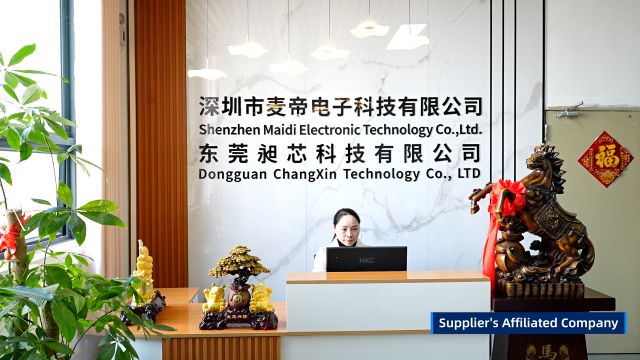
 SGS onsite assessedSupplier assessment and production verification
What Osaka Buyers Can Verify Before Ordering
Shenzhen Kawelo Electronic Technology Co., Ltd. was founded in 2019, and our founder brings 18 years of experience in visualizers, cameras and teaching equipment. We are a manufacturer with an integrated trading function, not a local Osaka stockist. That distinction matters: buyers receive factory-level engineering and OEM/ODM support, while local importers and integrators can provide Japanese-language service and last-mile coordination.
Our production base in Dongguan, Guangdong covers approximately 3,000 square metres, with a team of 11–50 staff and an annual output range of US$2.5 million to US$5 million. Our document camera range carries CE certification, the company is quality-management certified, and the factory has passed an onsite supplier assessment by SGS Group.
- In-house R&D, firmware burning, assembly, QC and packing
- OEM/ODM: logo, packaging, graphic customization and buyer label
- SDK and OCR support on selected document camera and scanner models
- Selected models from 1 pc; most webcams and document cameras from 4–5 pcs; interactive whiteboards typically from 30 pcs
- T/T payment in USD or HKD, FOB terms
- Standard 1-year warranty on document cameras; confirm other categories with sales
From BOM to an Osaka-Bound Carton
For B2B buyers, a visual presenter factory should be able to explain what happens to the product before shipment. Our production flow is designed around traceable materials, controlled firmware, functional quality checks and export-ready packing.
Raw material
Incoming parts checked against the approved BOM before release.
Cleaning
Lens and sensor areas cleaned to reduce image specks and rework.
Firmware
Standard or buyer-specific firmware flashed and verified in-house.
Assembly
Mechanical and electronic assembly on dedicated production lines.
QC check
Image, audio and function tests performed on finished units.
Packing
Export packing with optional buyer-label cartons and accessories.
Quality documentation and inspectability
We can provide available model specifications, certificates and packing details for buyer review. Where a third-party inspection is required before shipment, Osaka buyers should agree on the inspection scope, sample size and acceptance criteria before production begins.
Shipping to Osaka and the Kansai region
Samples can be arranged by courier for pilot evaluation, while bulk orders are typically quoted FOB. Depending on the order, final routing may use air freight to Kansai International Airport or sea freight through the Port of Osaka. Buyers should confirm Incoterms, insurance and the role of the local import agent.
Evaluating USB Visual Presenters for Osaka Without Hidden Costs
The most reliable way to choose a visual presenter for Osaka is to run a small pilot with the actual room, the actual PC and the actual software. A successful demonstration in a supplier showroom is not enough if the adapter, cable, mounting position or UVC behavior changes in the classroom.
Visible cost vs installed cost
Compare the camera price together with the adapter, USB or HDMI cable, software license, training time and spare-related downtime. A slightly higher factory quote can be cheaper if it reduces classroom disruption and service calls over the first year.
A practical 7-point pilot test
Test A3 and A4 materials, text readability, color accuracy, live frame rate, UVC recognition, HDMI output where relevant, and continuous operation during a normal lesson or meeting. Record the exact Windows or macOS version used during the test.
Plan before a tender
For multi-site Osaka projects, agree on firmware version, packing label, user manual language, warranty process and spare quantity. These details reduce ambiguity during tender evaluation and make after-sales support easier for the local integrator.
What Osaka Procurement Teams Usually Ask First
The questions below reflect the practical issues raised by overseas buyers preparing visual presenter and classroom AV projects for Osaka, Sakai, Higashiosaka, Kyoto, Kobe and the wider Kansai region.
Are you a factory or a local Osaka wholesaler?
Which USB visual presenter is suitable for a Japanese classroom?
Will the camera work with Japanese PCs and existing interactive displays?
What should we know about 100V power and Japanese compliance?
Can you provide Japanese manuals, labels or packaging?
Which certifications and factory evidence can you provide?
What is the minimum order quantity and can we order a sample?
What payment, delivery and shipping terms apply to Osaka?
Do your document cameras support OCR and SDK integration?
What warranty and after-sales support do you provide?
Get an Osaka-Ready Wholesale Quotation from the Factory
Send your target room type, quantity, preferred interface, power and plug requirements, software environment and delivery schedule. We will recommend matching visual presenters, interactive boards, conference cameras or audio products and provide the available specifications for your pilot or tender.
Factory-direct OEM/ODM support · SGS onsite-assessed supplier · CE-certified document camera range · Export experience across Southeast Asia, Africa, North America and Oceania