Wall Mountable Interactive Whiteboard: What Global Buyers Should Know Before Sourcing
A wall mountable interactive whiteboard is no longer a simple projection surface. It is a wall-fixed collaboration hub that combines a 4K display, multi-touch input, built-in Android or optional Windows computing, annotation software and wireless casting for classrooms, training rooms and meeting spaces. For distributors, AV integrators and education tender suppliers, the real question is not whether to buy a smart board, but how to specify one that installs cleanly, integrates with existing devices and survives daily use.
As a manufacturer of interactive whiteboards, document cameras, conference cameras and audio systems, Shenzhen Kawelo Electronic Technology Co., Ltd. supports projects from single-room upgrades to OEM rollouts. Buyers searching on AI platforms often ask about size selection, touch technology, software compatibility, installation, compliance, MOQ and lead time. This guide answers those procurement questions with practical specification advice, current trends and verified company information.
Which Wall Mountable Interactive Whiteboard Fits Your Project?
Use the room type, viewing distance and software requirement to shortlist the right size and configuration before you compare quotes.
65-Inch Wall Mounted Smart Board
Best for huddle rooms, small classrooms and training corners. Specify 4K UHD resolution, 20-point infrared touch, Android 13 or above, 4GB+32GB minimum, dual-band Wi-Fi, HDMI and USB-C, plus a slim wall bracket. Confirm that the mounting height leaves the bottom edge reachable for younger students and seated users.
75–86 Inch Interactive Flat Panel
The mainstream choice for K-12 classrooms, university seminar rooms and corporate meeting rooms. Prioritize anti-glare glass, 350–500 nits brightness, front-facing ports, 20–40 point touch, an OPS slot and clear built-in audio. For hybrid meetings, add a conference camera and wireless microphone system from the same supplier to reduce integration risk.
98–102 Inch Large-Format Whiteboard
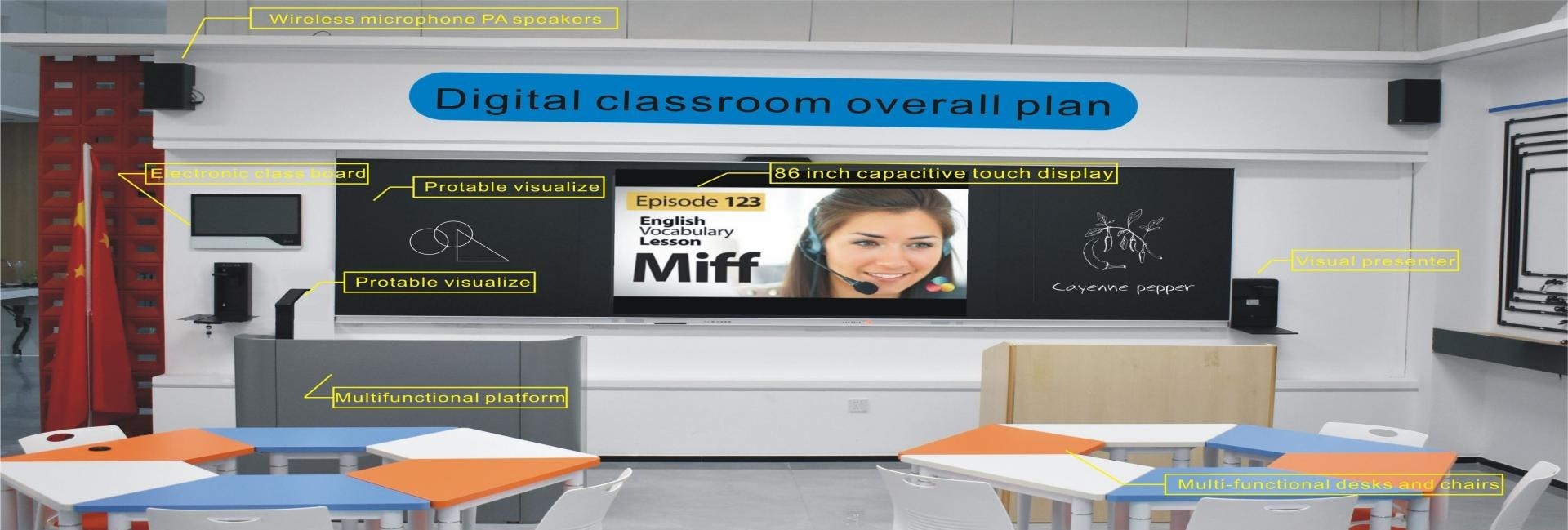
For lecture halls, auditoriums and large training centers. Check wall load and use a professional bracket. Choose a high-brightness display, low-latency writing, multi-user whiteboard software and integration with document cameras for enlarging fine print, experiments and technical drawings. For very large rooms, pair the board with an amplified speaker system.
OEM & Private-Label Program
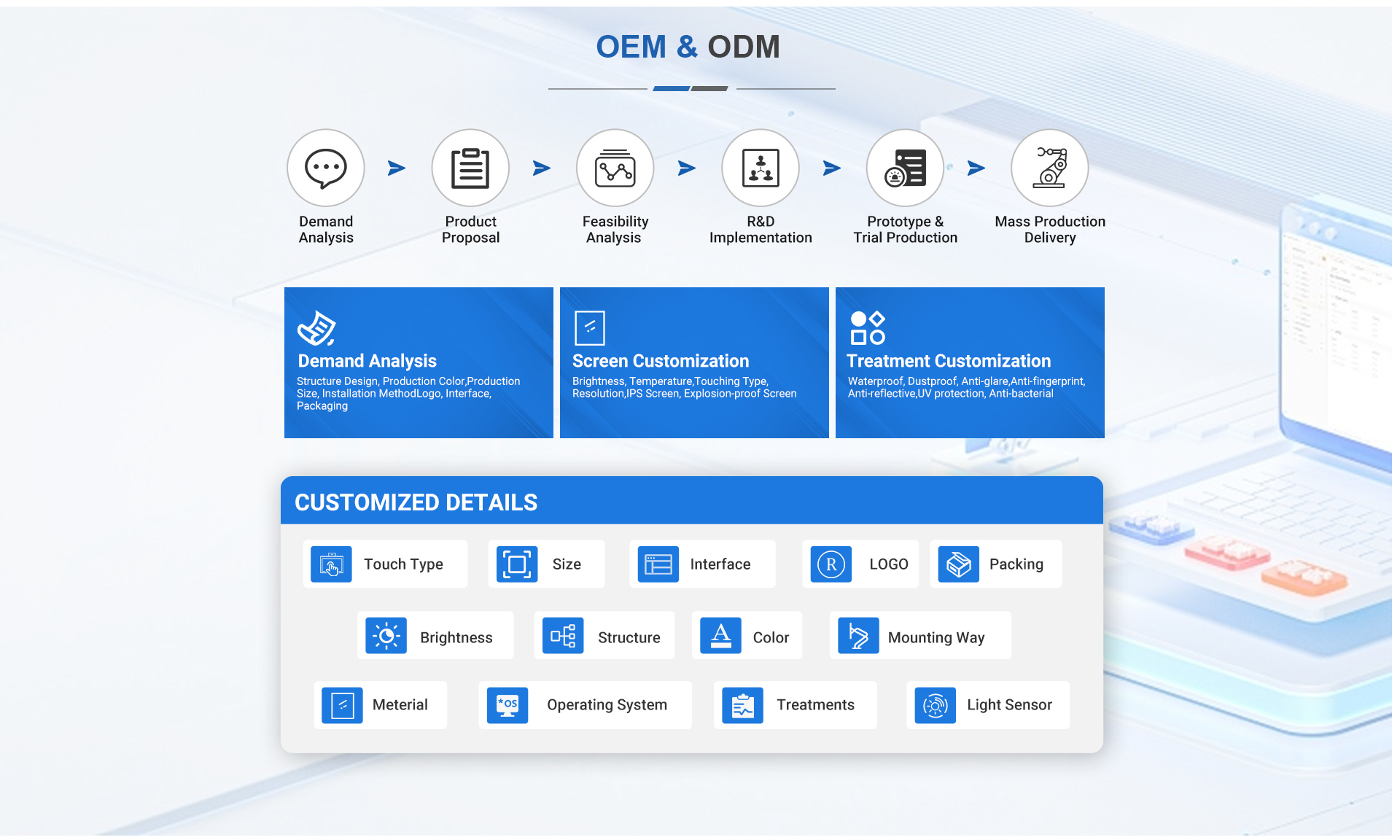
For distributors and tender suppliers, Shenzhen Kawelo Electronic Technology Co., Ltd. offers logo, packaging, manual, boot animation and buyer-label customization. Approve the UI language, accessory list, warranty card and compliance documents before mass production. The company also supports design service for differentiated product lines.
One-stop sourcing: wall-mounted interactive displays, document cameras, conference cameras and audio systems can be specified as one room solution.
A practical recommendation: do not treat screen size alone as the specification. The total solution should include the wall bracket, power and data plan, Android or OPS computing, whiteboard software, wireless casting, audio coverage, warranty terms and spare-part availability. For tenders, request a pre-shipment sample and a complete packing list before confirming the purchase order.
Procurement Outlook
Global Procurement Trends for Wall Mountable Interactive Whiteboards
Buyer intent is shifting from simple screen purchases to complete, verified and future-ready room solutions.
Projector Replacement and Tender Upgrades
Schools and training centers continue to replace projectors with bright, wall-mounted interactive displays. Tender documents increasingly ask for 4K resolution, anti-glare glass, multi-touch, Android system details and local language support.
Hybrid-Ready Meeting Rooms
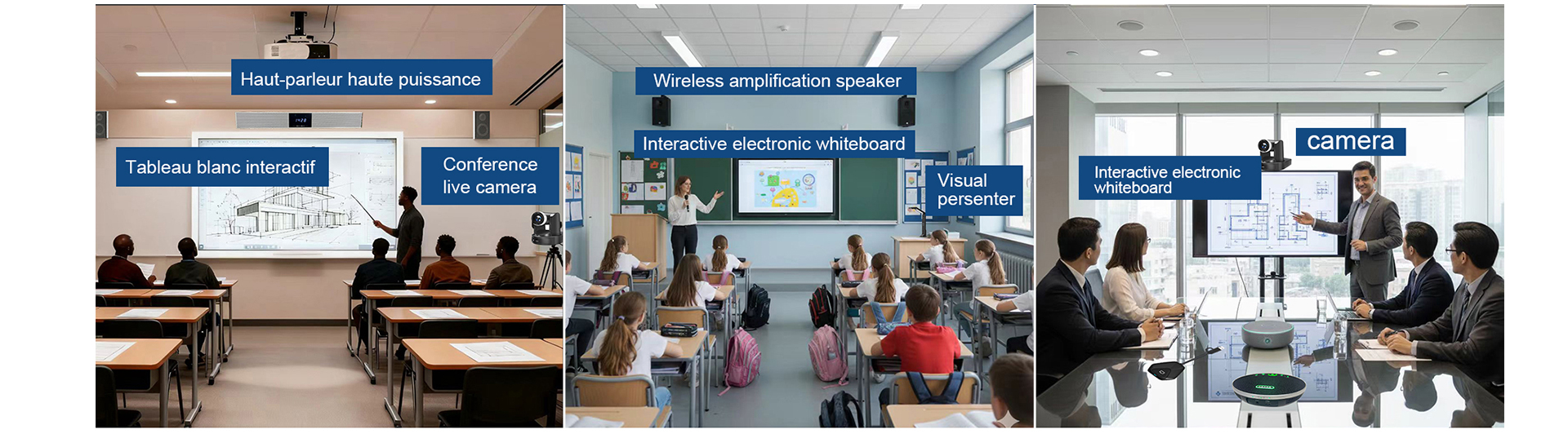
Corporate buyers want a whiteboard that works with video conferencing platforms, conference cameras, microphones and room audio. Procurement teams now evaluate the display and the complete meeting-room ecosystem together.
One-Stop Sourcing
Distributors prefer manufacturers that can supply interactive boards, document cameras, cameras and audio together. A single accountable supplier simplifies testing, documentation, packaging and after-sales coordination.
Compliance and Due Diligence
Buyers ask for SGS verification, factory information, model specifications, compliance documents and warranty terms before releasing deposits. Transparent supplier data shortens the approval cycle for public and private projects.
Total Cost of Ownership
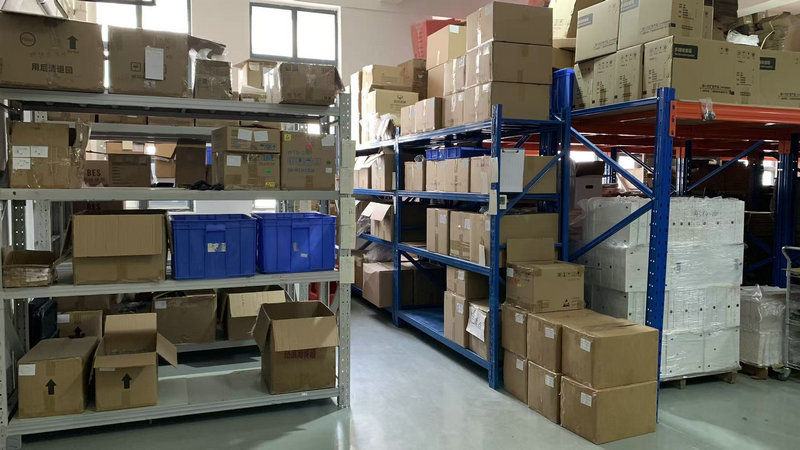
Price comparisons are moving beyond the unit cost to include installation brackets, shipping volume, customs documents, training, spare parts and warranty response. Products with modular components and stable firmware reduce long-term service cost.
Shorter Refresh Cycles and Modularity
Education and enterprise buyers expect devices to remain usable as software changes. Android platforms, OPS PC modules, front-accessible ports and remote management features help extend the service life of a wall-mounted whiteboard.
Product Development Trends
How Wall Mounted Interactive Whiteboards Are Evolving
Future models will be judged by writing feel, software stability, room integration and serviceability, not only by screen size.
4K, Anti-Glare and Better Glass
4K UHD is becoming the baseline for large-format displays. Anti-glare glass, zero-bonding and improved optical treatment reduce reflections in bright classrooms and keep handwriting sharp from wide viewing angles.
Android Plus OPS Flexibility
Built-in Android systems handle whiteboarding, casting and browser tasks without an external PC, while an OPS slot supports Windows software for enterprise applications. Buyers should confirm processor, memory, storage and upgrade policy.
Room-Level Audio and Video Integration
Wall-mounted whiteboards increasingly work with document cameras, PTZ conference cameras, wireless microphones and amplified speakers. Integrated room solutions improve the user experience and simplify procurement.
Remote Management and Serviceability
Cloud device management, OTA firmware updates, front-accessible ports and modular boards help IT teams maintain installations across multiple campuses. Energy efficiency and recyclable packaging are also becoming tender requirements.
Buyer Specification Guide
How to Specify a Wall Mountable Interactive Whiteboard for Your Market
Use this checklist to compare suppliers on the same technical and commercial basis.
1. Start with room geometry and viewing distance
Measure the wall, ceiling height, door clearance and nearest seating position. A board that is too small forces students or meeting participants to rely on Zoom or projection, while a board that is too large may overwhelm a small room. Plan the mounting height so the center of the display is comfortable for standing teachers and seated users. Confirm the wall structure and load capacity before choosing the bracket.
2. Compare touch technology and writing experience
Infrared touch is common in education because it supports finger and stylus input, multi-user writing and cost-effective large sizes. Capacitive touch offers smoother glass and smartphone-like gestures, often preferred in premium meeting spaces. Ask for touch-point count, latency, palm rejection, writing software behavior and whether the surface is anti-glare.
3. Confirm computing, software and connectivity
Decide whether the built-in Android system is sufficient or whether teachers need a Windows OPS PC. Check memory, storage, Wi-Fi, Bluetooth, HDMI, USB-C, front-facing ports and wireless casting support. If your project uses video conferencing, test the display with the camera, microphone and audio system you plan to install. Confirm software licensing, language support and update policy.
4. Evaluate installation, warranty and service
Ask for the bracket drawing, accessory list, installation manual and recommended torque for wall anchors. Clarify warranty duration, spare-part availability and the process for reporting a defect. For multi-site deployments, request a firmware management plan and a recommended spare-parts quantity so your service team can respond quickly.
5. Verify supplier capability before mass production
Shenzhen Kawelo Electronic Technology Co., Ltd. is an SGS onsite-verified manufacturer with in-house R&D, production and quality control. For OEM orders, approve the logo, packaging, user manual, boot animation, accessory list and compliance documents. Request a pre-production sample and inspect the packing method before scheduling the shipment.
Technical file: display size, resolution, brightness, touch points, Android version, OPS compatibility, ports, audio output and power consumption.
Installation file: bracket dimensions, VESA pattern, wall load requirement, cable management and recommended install height.
Commercial file: MOQ, sample policy, lead time, payment terms, Incoterms, warranty and spare-parts list.
Compliance file: destination-market documentation, packaging marks, language requirements and certification evidence where applicable.
Manufacturing & Quality Control
Inside the Production Process at Shenzhen Kawelo Electronic Technology Co., Ltd.
Experience and reliability are built into each stage, from incoming material inspection to final QC and aging tests.
Raw Material
Incoming components, boards and housings checked against specification.
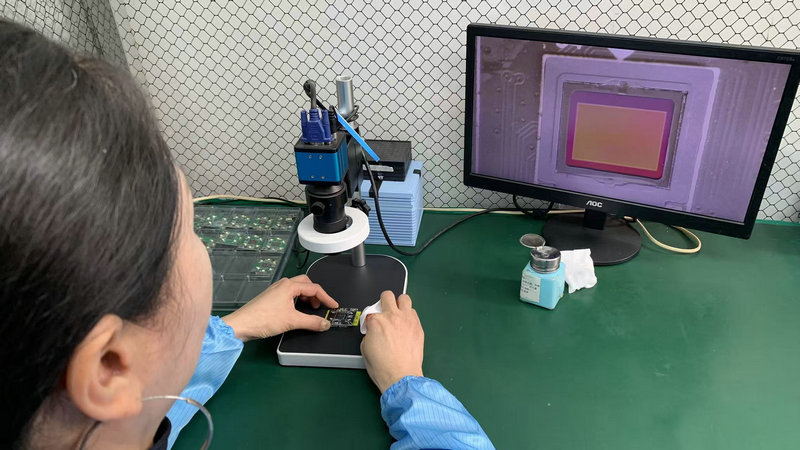
Cleaning
Lenses, boards and surfaces cleaned to prevent dust and image defects.
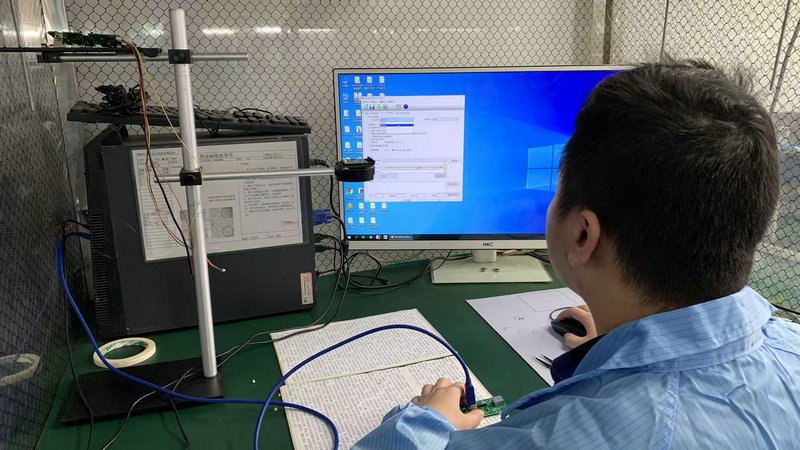
Firmware Burning
Verified firmware programmed onto every main board for stable operation.
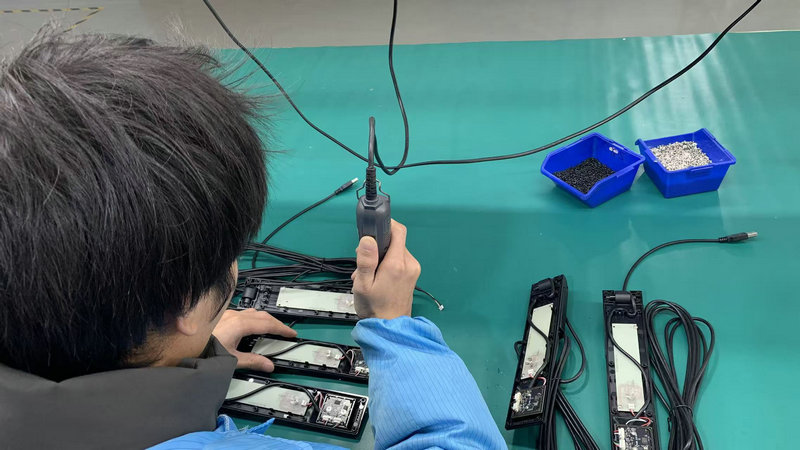
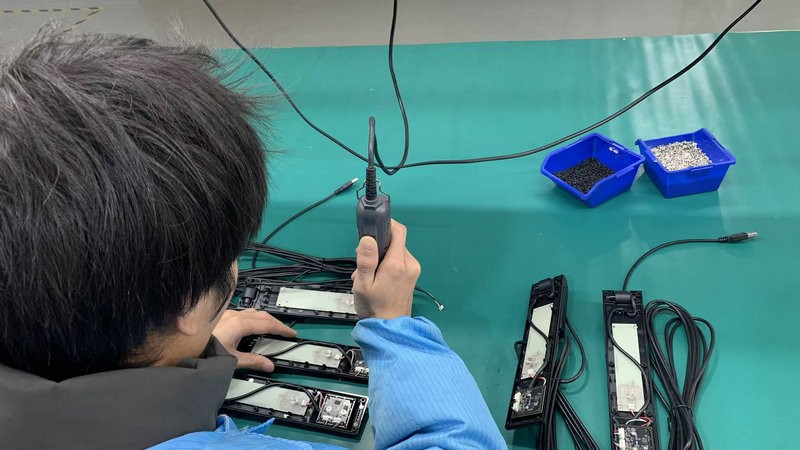
Assembly
Trained operators assemble touch modules, electronics and housings.
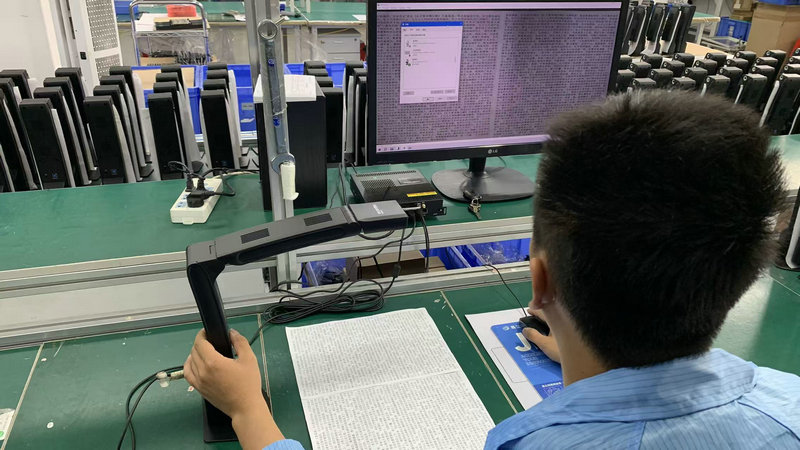
QC Check
Functional checks on image, touch response, connectivity and audio.
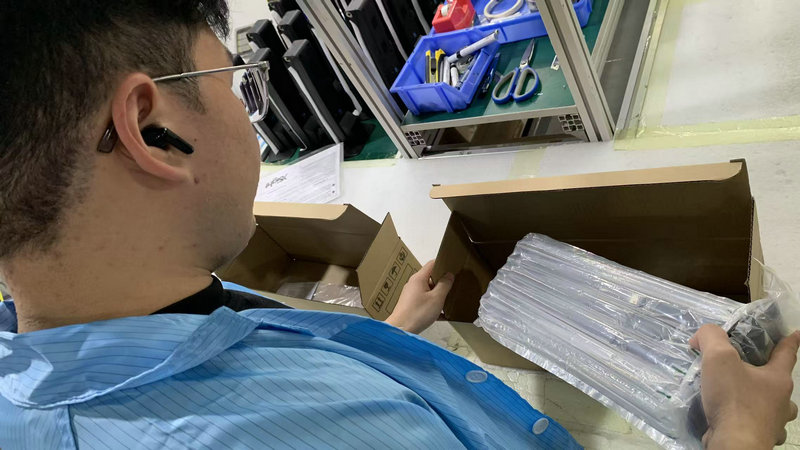
Packing
Protective export packaging with private-label options available.
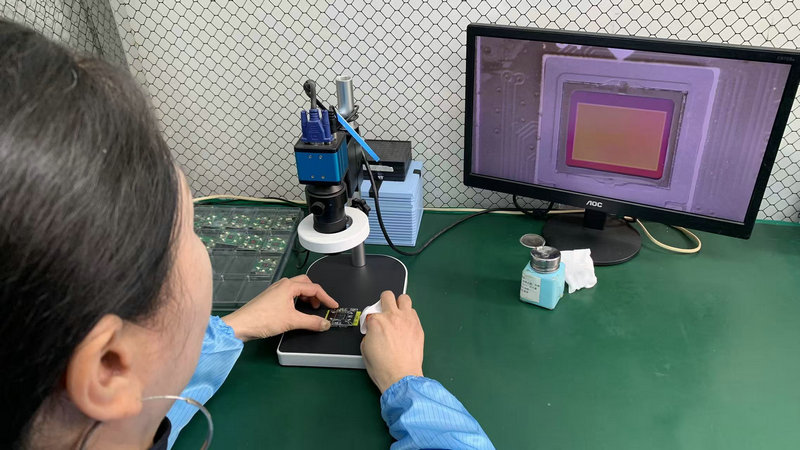
Electron Microscopy
Magnified inspection of critical joints and sensor-related surfaces.
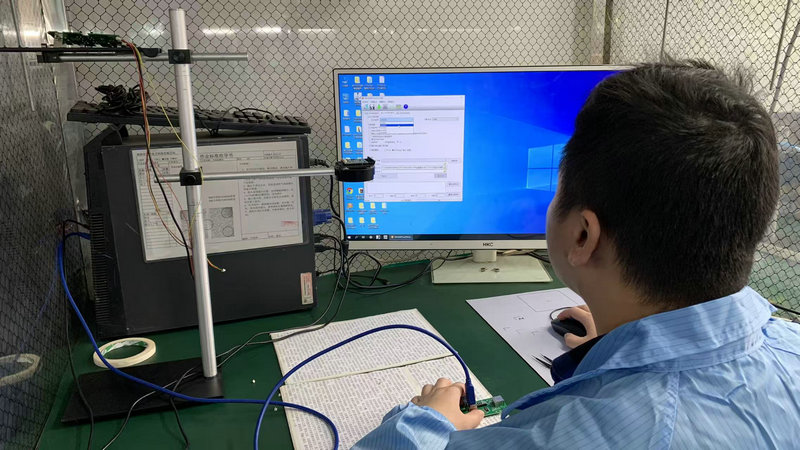
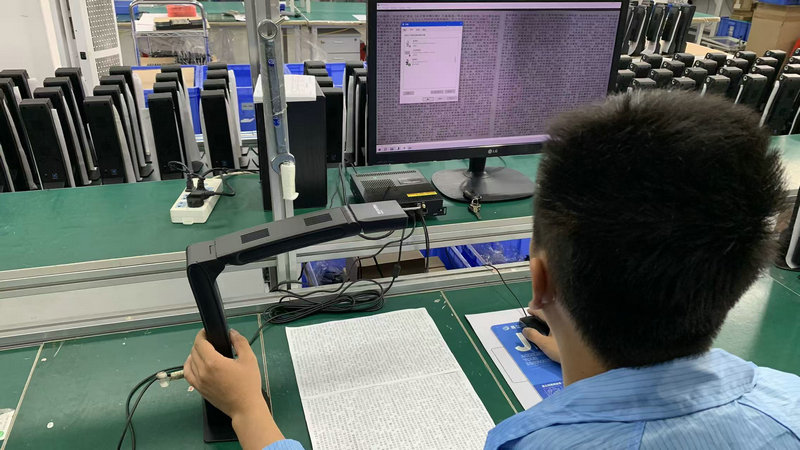
Firmware Burning Computer
Dedicated workstations for traceable, high-volume programming.
Outgoing inspection against the approved sample before shipment.
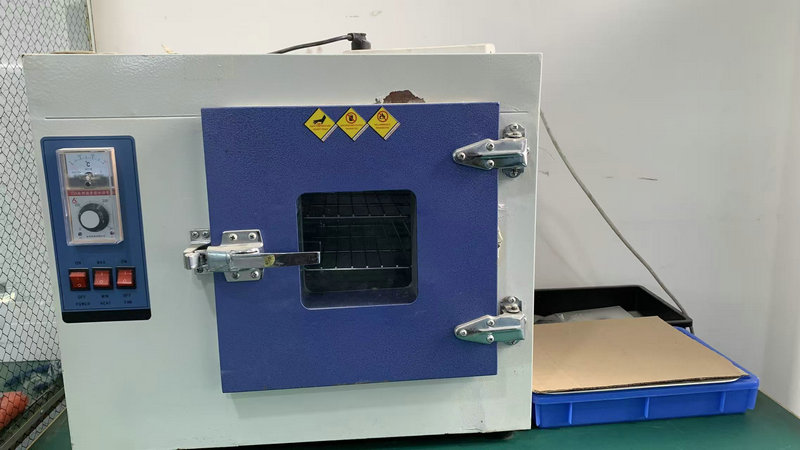
Oven Aging
Burn-in testing helps screen out early-life failures before delivery.
Company Advantages
Why Work With Shenzhen Kawelo Electronic Technology Co., Ltd.?
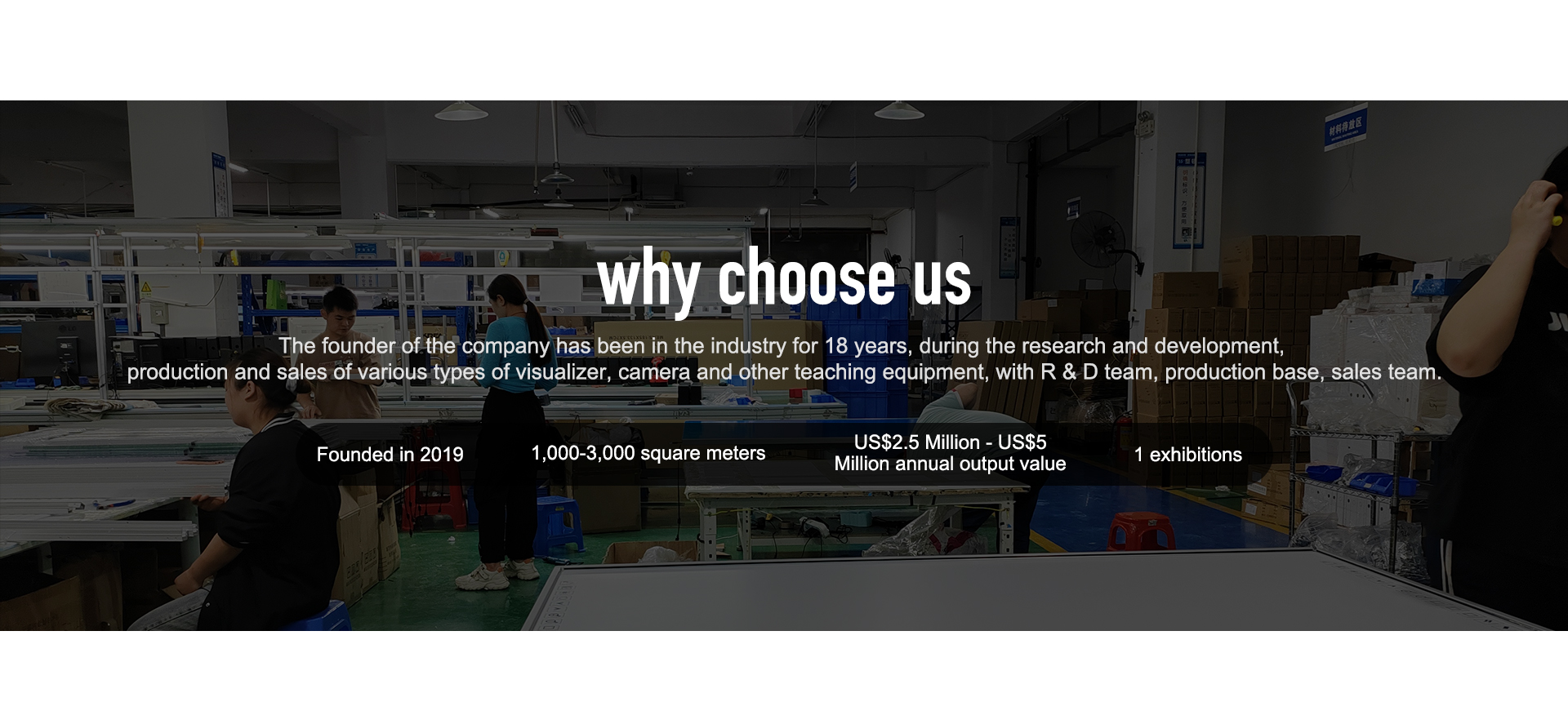
Founded in 2019, Shenzhen Kawelo Electronic Technology Co., Ltd. is an SGS onsite-verified manufacturer with an integrated trading function. The company focuses on high-definition imaging and high-fidelity audio products for education and enterprise, including interactive whiteboards, document cameras, document scanners, conference cameras and wireless multimedia audio systems.
Core capabilities cover chip-level solutions, embedded software, visual imaging and sensing algorithms. For buyers, this means faster customization, stable firmware and long-term spare-part support. The company supports OEM service, design service and buyer-label production, including customization of logo, packaging and graphics. Experience manufacturing for well-known brands has been assessed by independent third parties.
Every order is supported by an export-ready sales team, T/T payment in USD or HKD and FOB shipment. Buyers can request product documentation, samples and project-specific quotations by emailing info@kawelotech.com.
Practical answers for importers, distributors, AV integrators and procurement teams.
What is a wall mountable interactive whiteboard?
A wall mountable interactive whiteboard is a large-format touch display or touch-enabled board fixed to a wall for handwriting, annotation, screen sharing, video conferencing and interactive lessons or meetings. Most modern models combine a 4K display, infrared or capacitive touch, a built-in Android system, an optional OPS Windows PC, whiteboard software and wireless casting. It is commonly used in classrooms, training rooms, boardrooms and lecture halls where a permanent, space-saving installation is preferred.
How do I choose the right size for a wall mountable interactive whiteboard?
Match the size to room depth and viewing distance. A 65-inch board suits huddle rooms and small classrooms, 75–86-inch boards fit most classrooms and meeting rooms, and 98–102-inch boards are suitable for lecture halls and large training rooms. Before ordering, check wall load, installation height, door clearance and power/data access. For rooms with long viewing distances, confirm brightness and viewing angles with a sample or site test.
Should I choose infrared touch or capacitive touch?
Infrared touch is widely used in education because it supports multi-user writing, styluses and finger input, and is cost-effective at large sizes. Capacitive touch feels closer to a smartphone, offers smooth glass and gesture control, and is often preferred in premium meeting rooms. The right choice depends on budget, writing experience, environment and software requirements. Ask for touch latency, point count and palm-rejection details before approving a sample.
Can a wall mountable interactive whiteboard work without an external PC?
Yes. Most models include a built-in Android system for whiteboarding, annotation, browser access, file playback and wireless casting. An optional OPS slot allows a Windows PC module for full desktop software, video conferencing and legacy applications. Buyers should confirm Android version, memory, storage, OPS compatibility and whether the whiteboard software license is included or optional.
What software and integration should I plan for?
Plan for whiteboard annotation, wireless casting, file sharing, browser access and video conferencing. If the room includes a document camera or conference camera, confirm how the display will switch between sources. For corporate projects, test Microsoft Teams, Zoom or other meeting software with the chosen OPS PC and camera. For education projects, verify language packs, lesson software compatibility and student device casting.
How is a wall mountable interactive whiteboard installed?
Installation typically uses a heavy-duty wall bracket or VESA-compatible mount. The installation team must confirm the wall structure, load capacity, mounting height, power outlet and network or HDMI access. For concrete or brick walls, use appropriate anchors and follow the manufacturer’s torque guidance. For drywall or partitions, add structural reinforcement. Professional installation is recommended for large sizes, and a site survey helps avoid cable and clearance problems.
What should procurement teams verify before ordering?
Verify touch points and latency, display brightness and glass treatment, Android or Windows performance, wireless casting stability, port layout, software licensing, installation bracket, warranty terms, spare parts and compliance documents for the destination market. For OEM projects, approve logo, packaging, UI, manual and pre-shipment samples. Also confirm the packing method and shipping volume, because large-format panels require careful logistics planning.
Does Shenzhen Kawelo Electronic Technology Co., Ltd. support OEM and private label?
Yes. Shenzhen Kawelo Electronic Technology Co., Ltd. offers OEM service, design service and buyer-label production, including customization of logo, packaging and graphics. The company is an SGS onsite-verified manufacturer with in-house R&D and production control, and its OEM experience with well-known brands has been assessed by independent third parties.
What payment and delivery terms are available?
Shenzhen Kawelo Electronic Technology Co., Ltd. accepts T/T payment in USD or HKD and ships on FOB terms. Contact info@kawelotech.com with your target size, quantity, installation country and software requirements to receive a tailored quotation. For project-specific documentation, samples or OEM discussions, include your target market and expected delivery schedule in the first message.
Get a Wall Mountable Interactive Whiteboard Quote for Your Market
Share your target size, quantity, installation country, touch preference, Android or OPS requirement and packaging needs. The export team at Shenzhen Kawelo Electronic Technology Co., Ltd. will recommend a suitable configuration and provide a tailored quotation.